

Understanding electric wheelchair joystick controls is the first step toward confident, independent mobility. For new users, the prospect of navigating tight spaces and steep inclines can feel intimidating, but modern controllers are engineered to be incredibly intuitive, requiring minimal physical effort to operate. Whether you are recovering from an injury, managing a progressive condition, or simply upgrading from a manual chair, mastering your controller is the key to reclaiming your independence.
This guide explains how these systems function, how to customize them to your specific physical needs, and how to troubleshoot common issues.
How Electric Wheelchair Joystick Controls Work
At their core, these controllers act as the brain of your mobility device. They translate slight movements of your hand into precise commands that dictate the speed and direction of the chair's dual motors.
When you push the joystick forward, the controller sends equal power to both the left and right rear wheels, propelling the chair straight ahead. When you pull it backward, the motors reverse direction. The magic of proportional control lies in turning: pushing the joystick diagonally forward-right causes the left motor to spin faster than the right motor, executing a smooth right turn.
Crucially, the system incorporates an electromagnetic braking mechanism. The moment you release the joystick, it automatically springs back to the neutral center position. This instantly cuts power to the motors and engages the brakes, bringing the chair to a safe, immediate stop, even on an incline.
Types of Electric Wheelchair Joystick Controls
While the fundamental operation remains consistent, the physical interface varies to accommodate different user needs.
Standard 360-Degree Controllers
The vast majority of consumer power chairs, including the entire KERDOM lineup, utilize a standard 360-degree proportional joystick. "Proportional" means the speed corresponds directly to how far you push the stick — a hallmark of quality electric wheelchair joystick controls. A slight nudge moves the chair at a crawl, while pushing it fully to the edge engages the maximum speed setting.
These controllers typically feature a prominent power button, a horn button, a battery life indicator (usually LED lights), and speed adjustment buttons (+/-) that let you set the maximum allowable speed.
Attendant/Caregiver Controls
In situations where the user cannot safely operate the chair, some models offer attendant-operated controllers. The KERDOM DX08 Carbon Fiber Wheelchair is exceptionally lightweight (weighing only 25.8 lbs) and features a Bluetooth remote control for convenient operation by caregivers. Furthermore, by disengaging the motors (switching to free-wheel mode), caregivers can also effortlessly push the wheelchair manually.
Customizing Your Joystick Setup
To ensure maximum comfort and safety, your controller setup must be configured to match your physical capabilities.
Left vs Right Side Mounting
As discussed in our guide to the best electric wheelchair for stroke patients, the ability to swap the joystick from the right armrest to the left armrest is vital for users with unilateral weakness.
The KERDOM DX08 Carbon Fiber Wheelchair and DX07 Wheelchair features modular electric wheelchair joystick controls. The controller bracket can be unscrewed, moved to the opposite armrest, and reconnected via a simple quick-release cable, ensuring you can always drive with your dominant or stronger hand.
Sensitivity and Speed Settings
New users should always begin with their speed set to the lowest maximum. This provides a wider margin of error while learning how the chair responds to proportional inputs. As your confidence grows, you can increase the maximum speed using the +/- buttons on the control panel.
Troubleshooting Common Joystick Issues
Even the most reliable controllers occasionally experience hiccups. Here is how to address the most common problems.
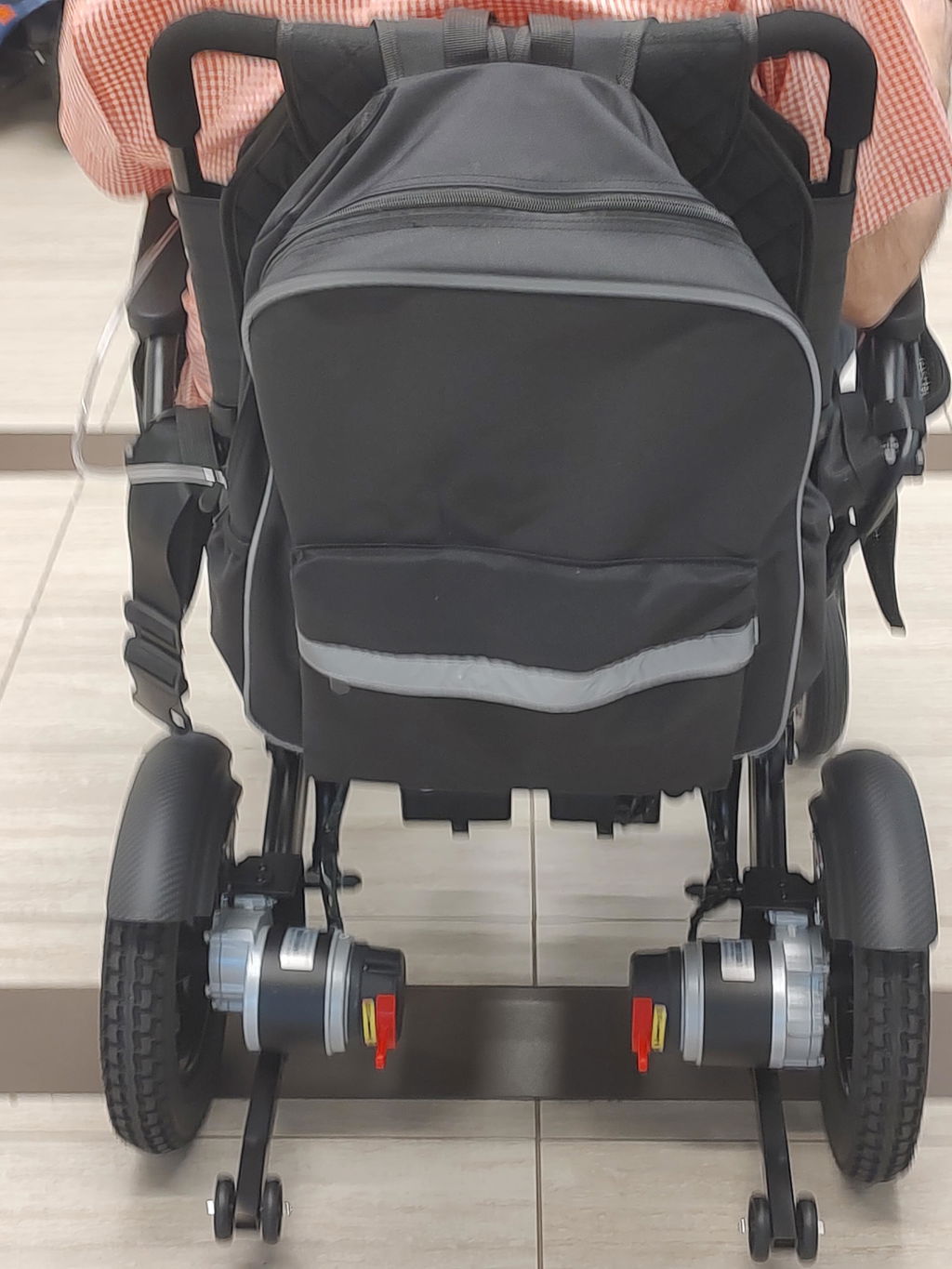
Chair won't move, but the joystick is on. Or Joystick lights are flashing rapidly. Flashing LEDs on your controller usually indicate a diagnostic error code. First, check if the chair is in "freewheel" or manual mode. The levers on the rear motors must be engaged (locked) for the drive system to power the wheels. If the levers are unlocked, the motors cannot turn the wheels.
Chair pulls to one side. If the chair doesn't drive straight when pushing the joystick directly forward, ensure both tires are properly inflated (if pneumatic) and check that the caster wheels are free of debris like hair or string.
FAQ: Electric Wheelchair Joystick Controls
Are the joystick controllers waterproof?
Most controllers are water-resistant, meaning they can withstand light rain or splashes, but they are not fully waterproof. You should never submerge your controller or leave them exposed in a heavy downpour. Use a joystick cover or plastic bag if caught in severe weather.
Can I replace the joystick knob?
Yes. The standard knob on most controllers can be pulled off and replaced with aftermarket options like T-handles, goalposts, or larger foam balls designed for users with limited grip strength or arthritis.
How do I charge the battery through the joystick?
The majority of modern power chairs feature a 3-pin XLR charging port located directly beneath the controller. Simply plug the charger into this port and connect it to a wall outlet. For more on battery care, read our battery life guide.
What happens if I let go of the joystick on a hill?
The electromagnetic brakes engage instantly when you release the joystick. The chair will stop and hold its position on the incline without rolling backward, ensuring your safety.
Can I use a joystick if I have tremors?
Yes, though it may require practice. Setting the controller to the lowest speed setting minimizes the impact of involuntary movements.
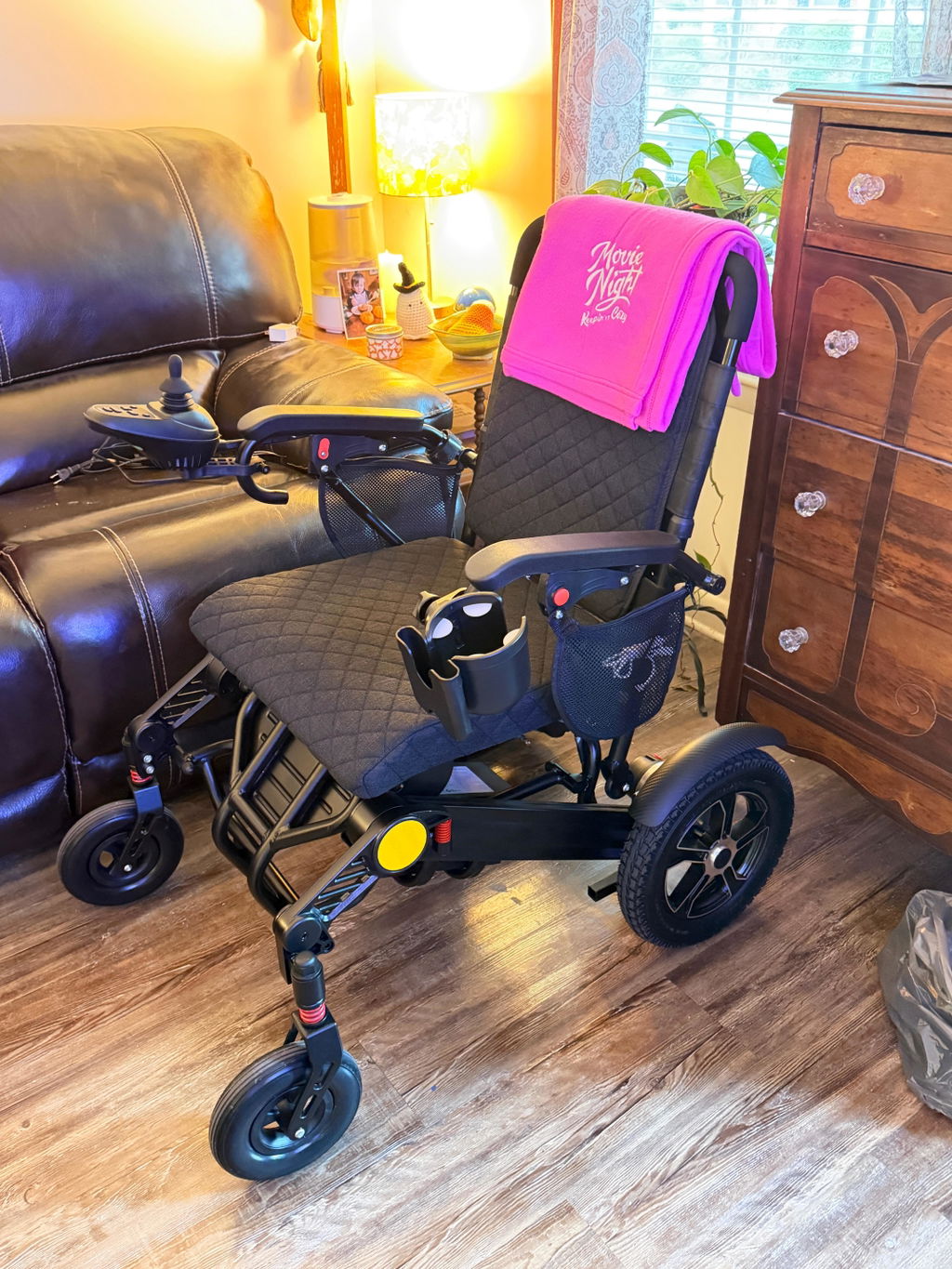
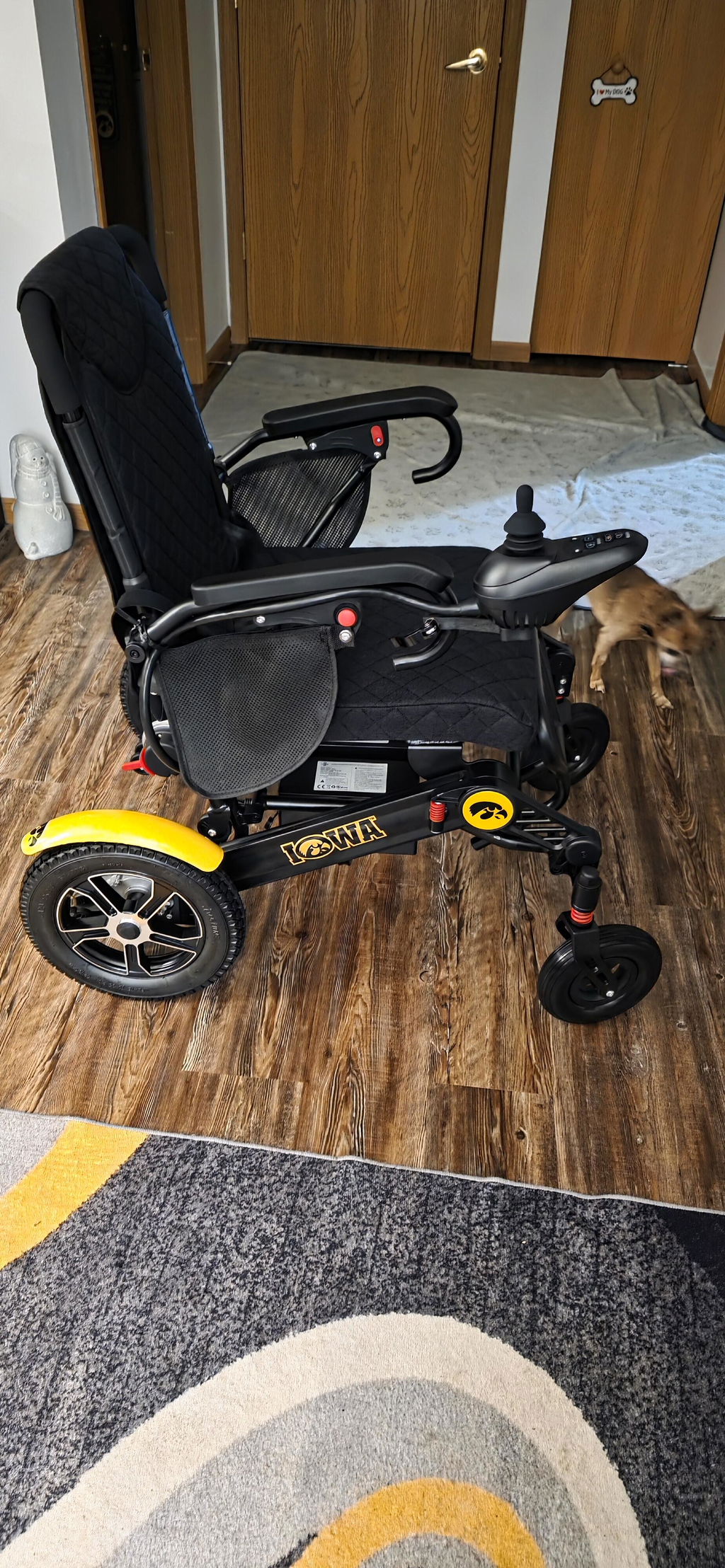
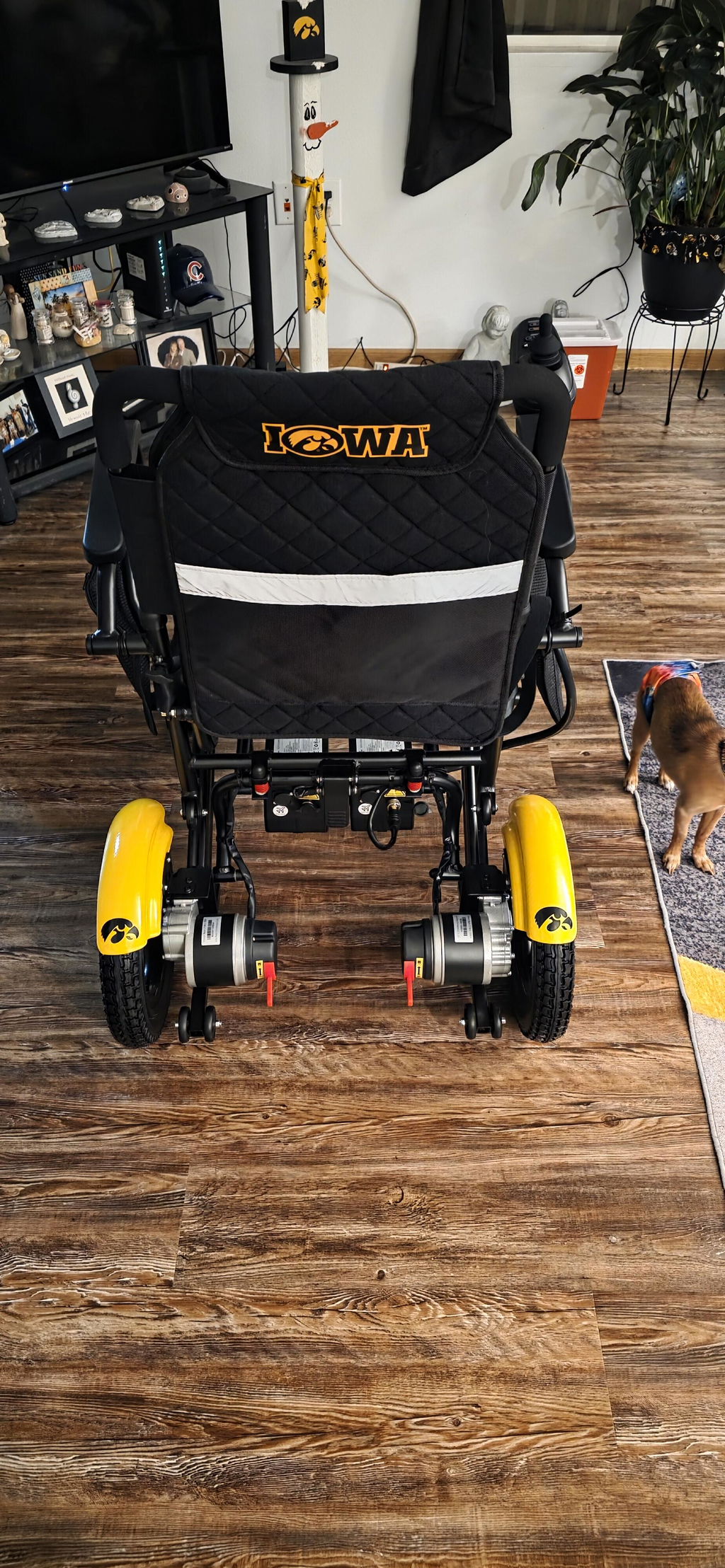
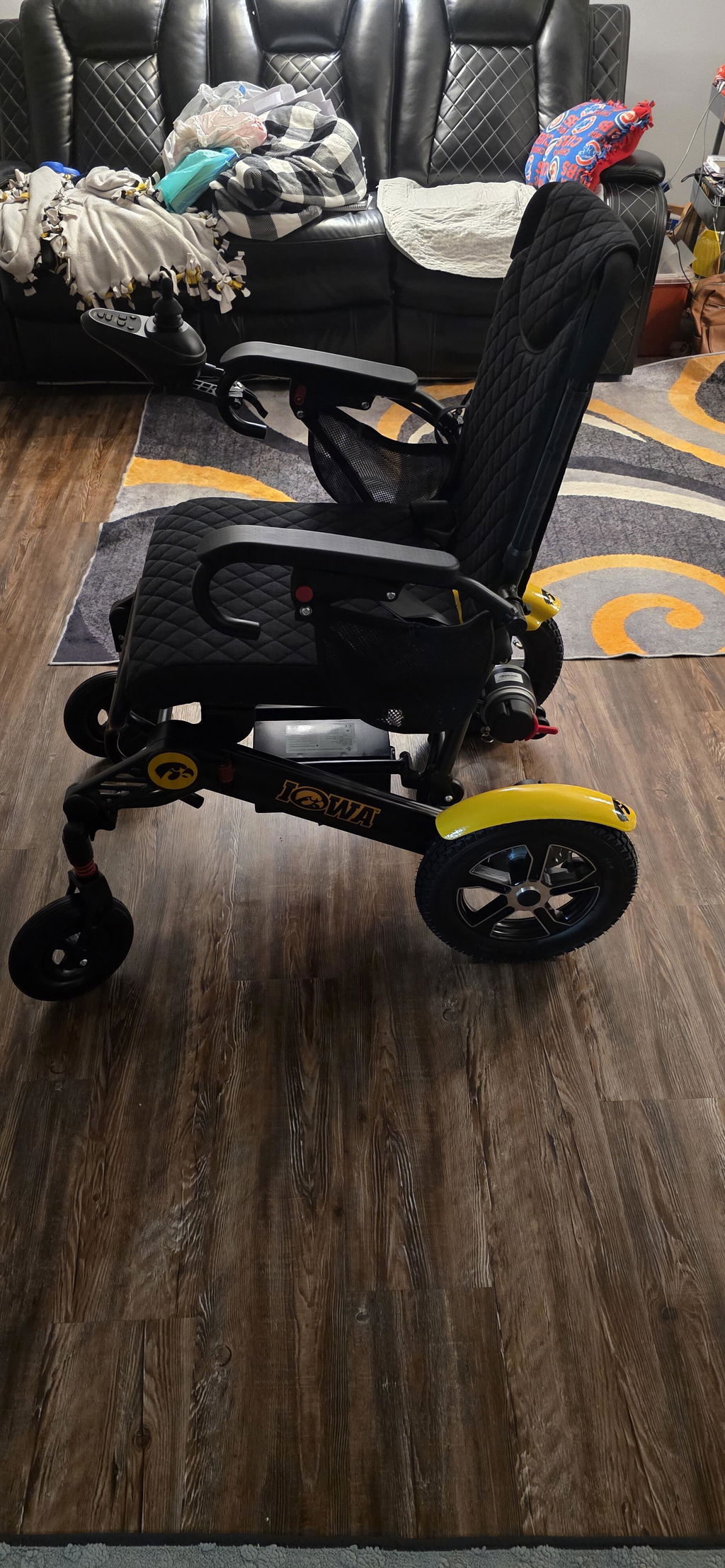
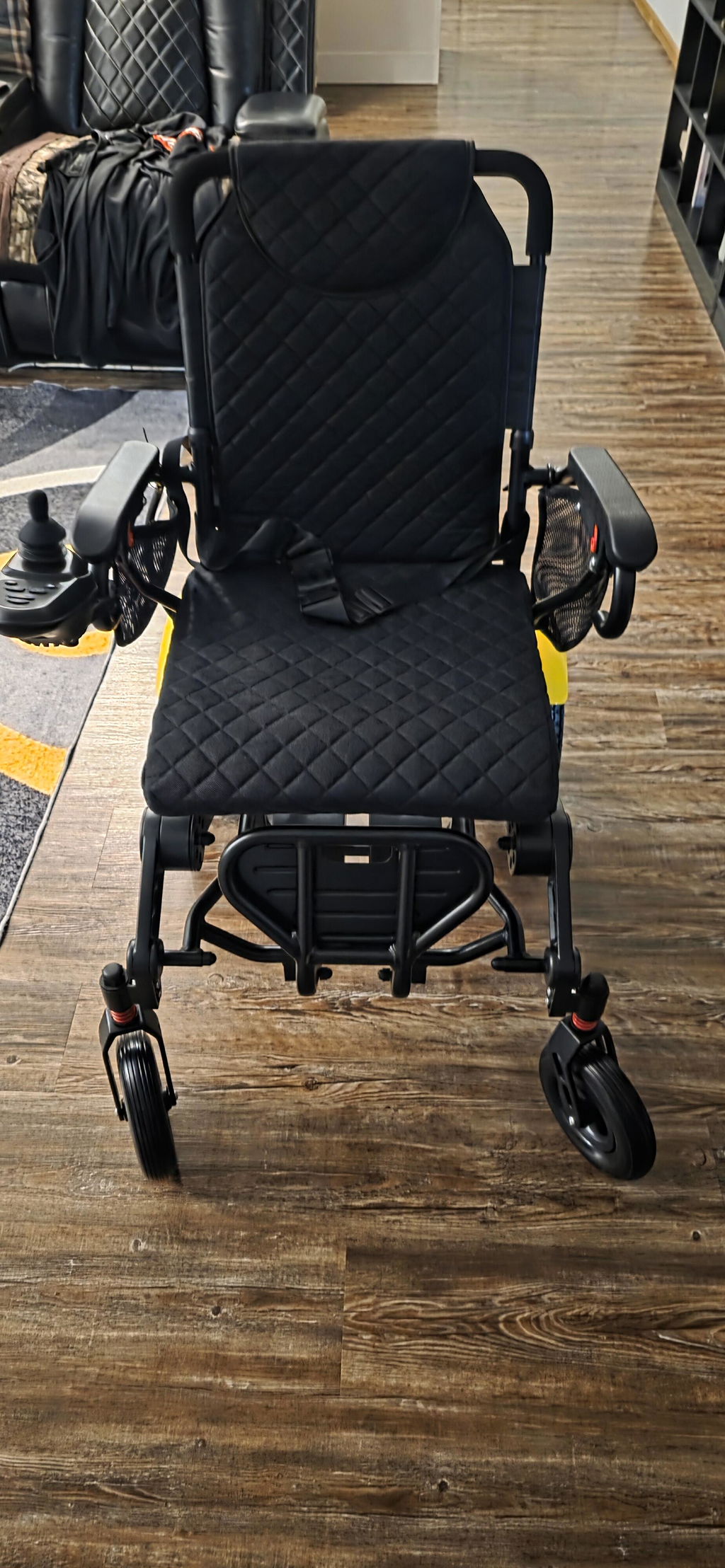
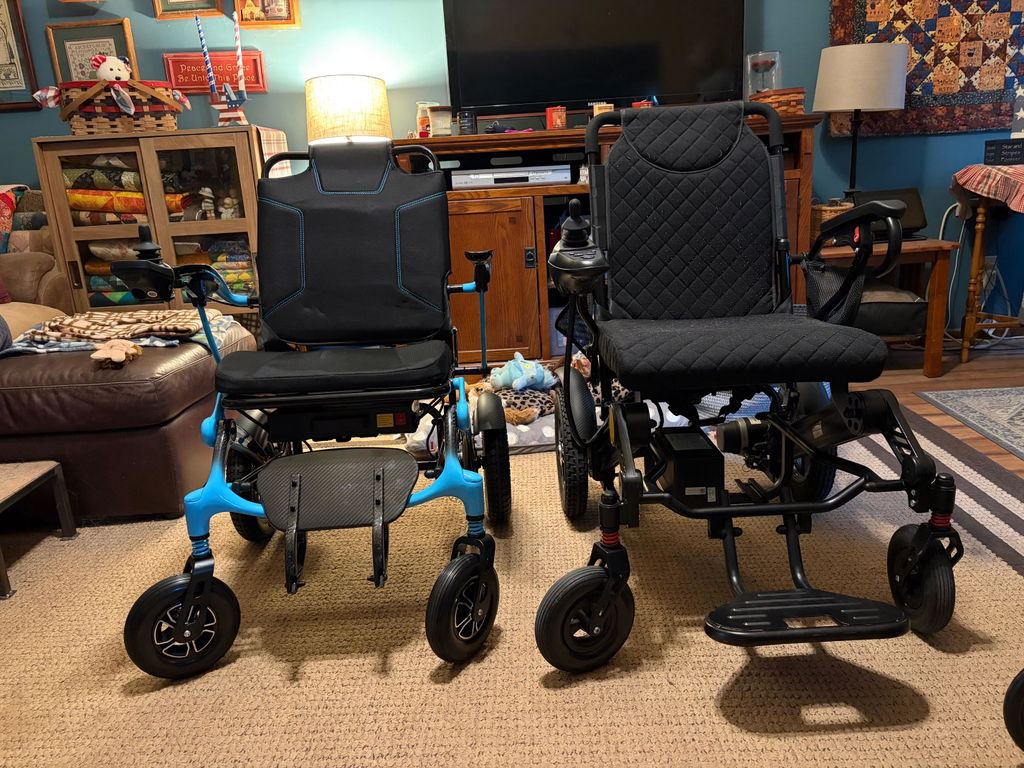



Does the DX8 have a horn to use for forward movement? The joystick button that looks like a horn controls the light.