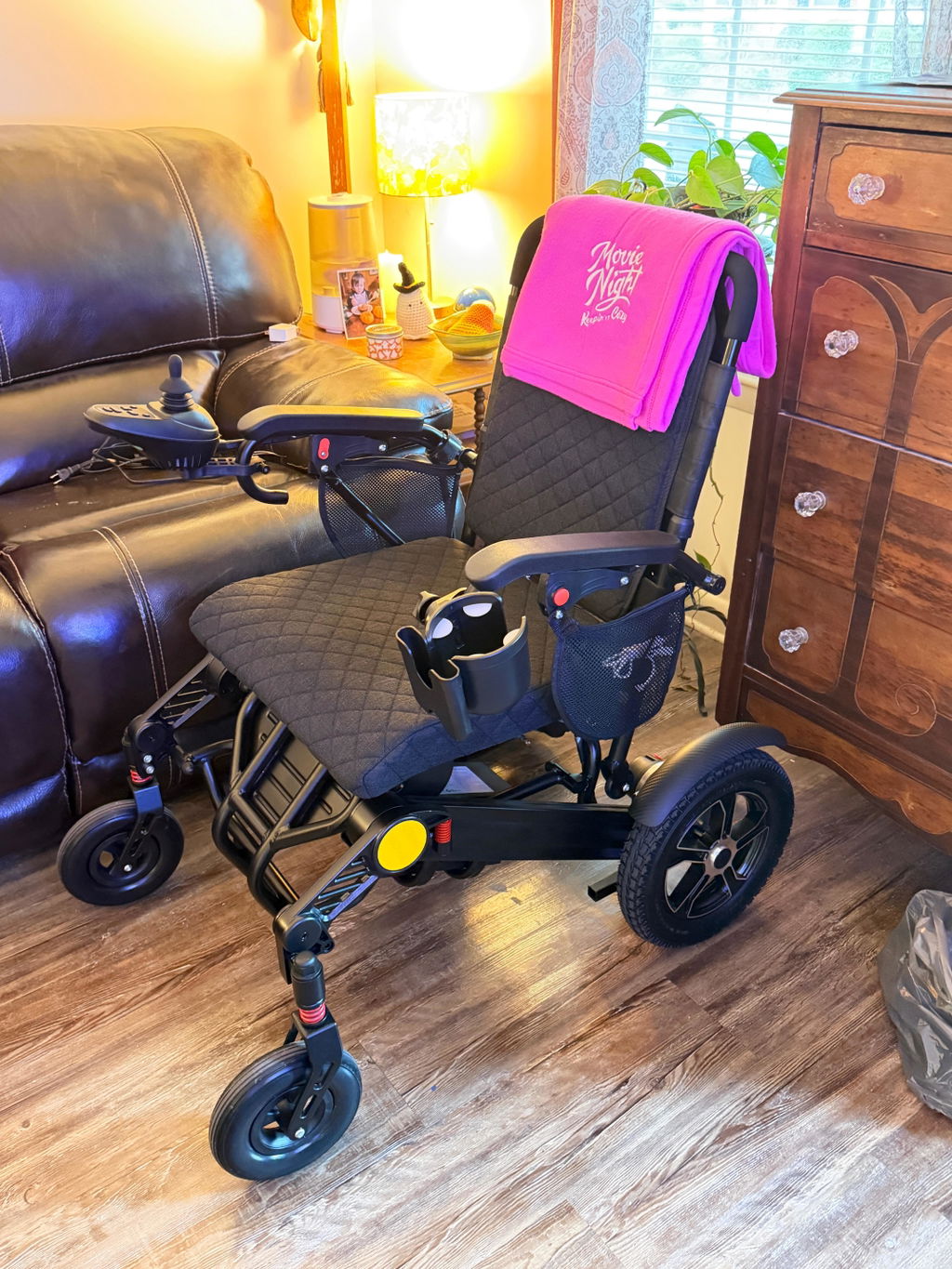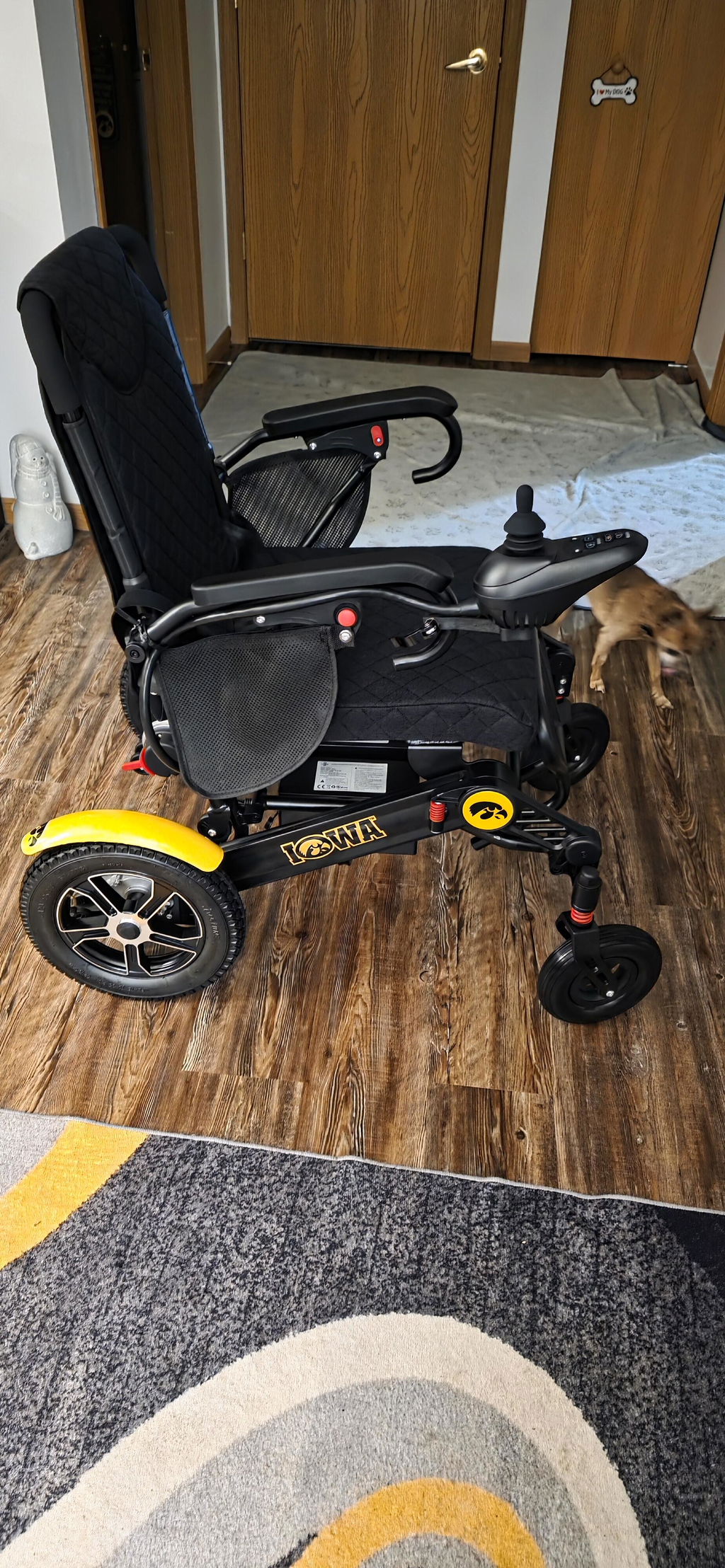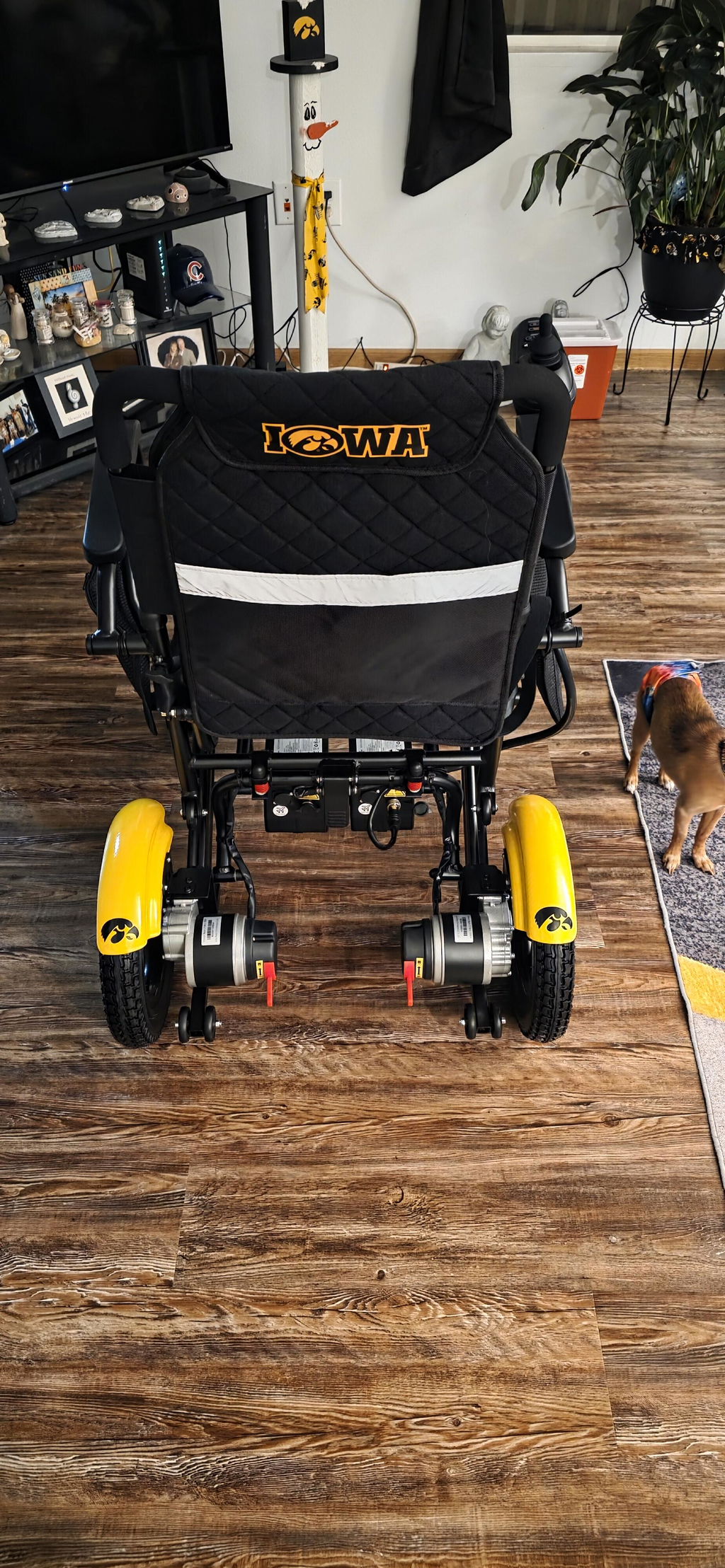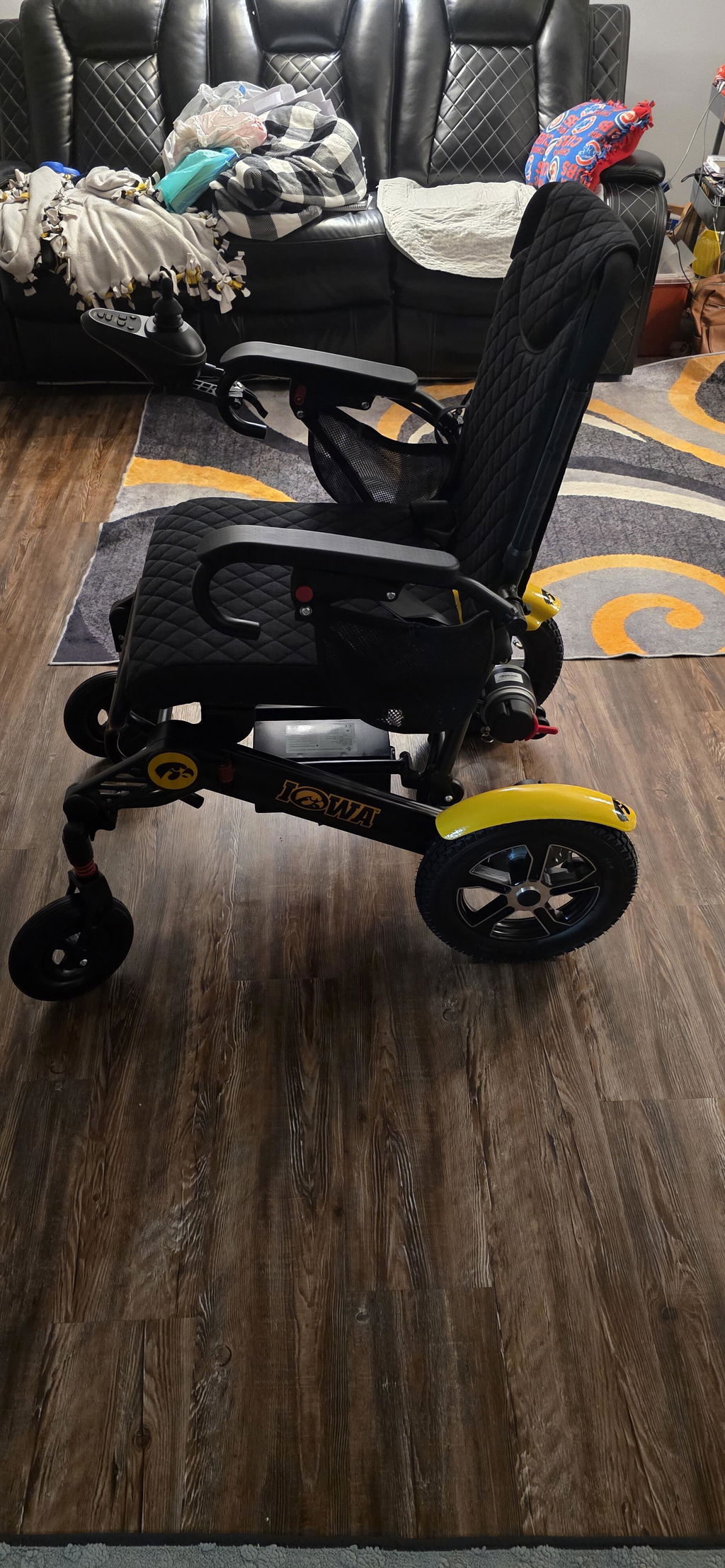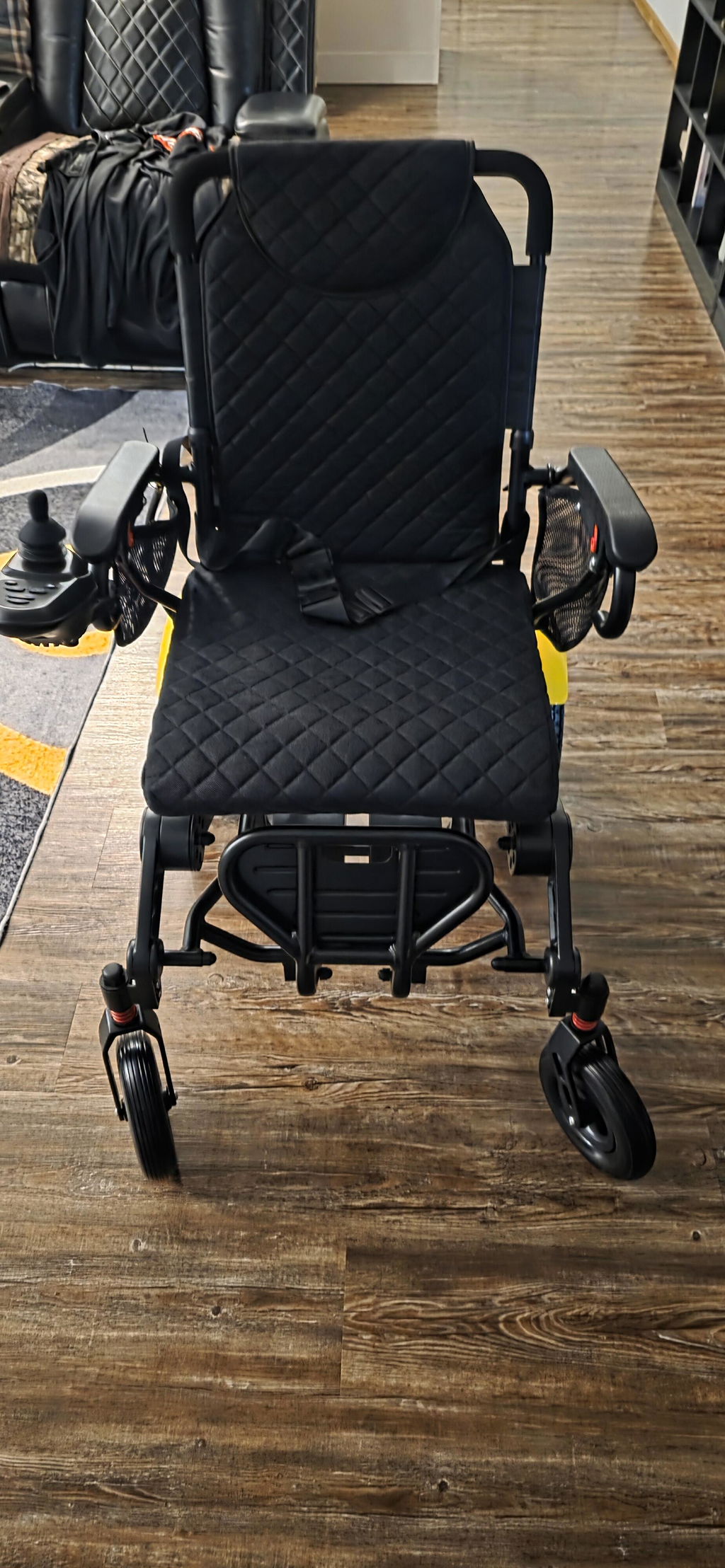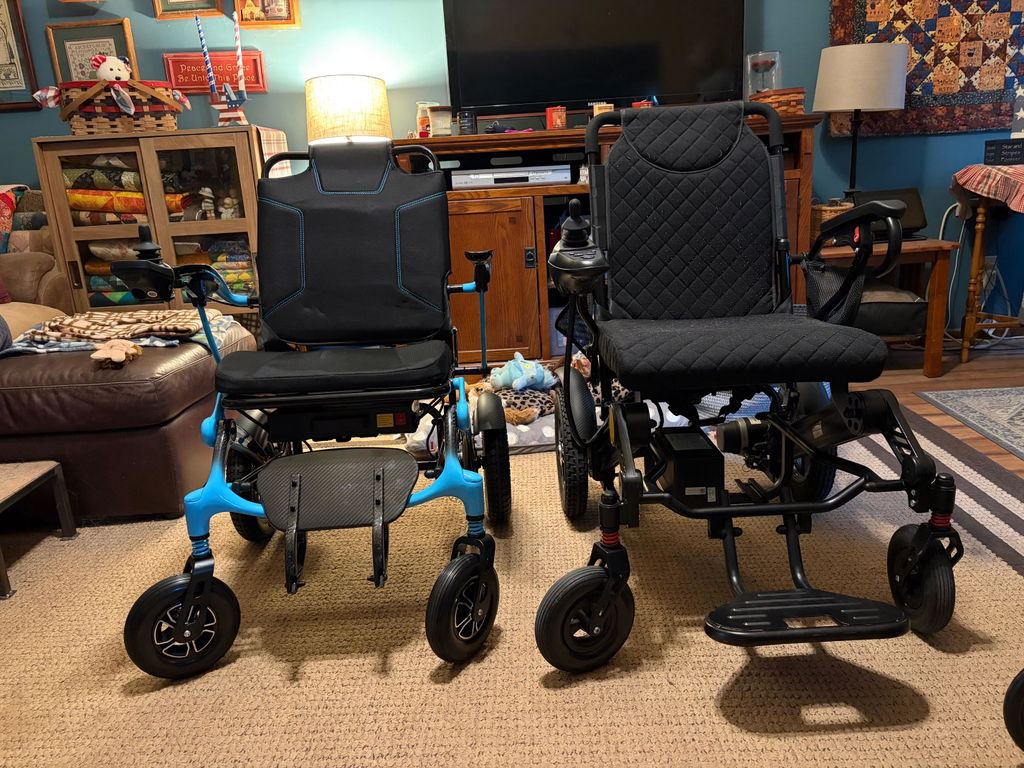
Quick Start Guide: Unboxing & Setting Up Your KERDOM DX08
Welcome to your KERDOM DX08! We are so excited for you to experience the freedom, comfort, and extended range of your new chair.
To help you get moving as quickly and safely as possible, we’ve put together this simple step-by-step guide to take you from unboxing to your very first drive. 😊
Watch: DX08 Unboxing & Setup
Watch the official Kerdom Mobility video for a visual walkthrough, then follow the setup steps below and the instructions supplied with your chair.
Video by: Kerdom Mobility
If the player does not load, watch this video on YouTube.
What’s Inside the Box?
Before we begin, let’s make sure you have everything you need. When you open the package, you will find:
- 1 × KERDOM DX08 Electric Wheelchair (95% pre-assembled for your convenience!)
- 2 × Lithium-ion Batteries
- 1 × Battery Charger Pack
- 1 × Comfortable Seat Cushion
- 1 × User Manual
8 Simple Steps to Set Up Your KERDOM DX08
Putting your chair together is quick and easy. Please follow these steps to complete the setup safely and correctly:
Step 1: Unbox & unfold
Carefully lift your wheelchair out of the box and gently unfold the frame fully.
Step 2: Adjust the footrests
Locate the footrests at the front of the chair and lower them into their flat, ready-to-use position.
Step 3: Install the seat cushion & controller
Place your comfortable seat cushion onto the seat base. Next, slide the joystick controller into its mounting bracket on the armrest, tighten it securely, and connect the control cable.
Step 4: Adjust the backrest
Raise and position the backrest into a comfortable, supportive upright position. Make sure it is securely positioned before use.
Step 5: Install the anti-tip wheels
Attach the safety anti-tip wheels to the rear of the frame to ensure maximum stability and peace of mind during your drives.
Step 6: Select your mode (Electric vs. Manual)
Familiarize yourself with how to switch between the two modes using the two red levers located on the motors:
- Electric Mode (Both levers UP): Push both levers upwards to engage the motors for powered driving.
- Manual Push Mode (Both levers DOWN): Push both levers downwards to disengage the motors if you or a loved one prefer to push the chair manually.
Step 7: Install the batteries
Slide the lithium-ion batteries into the battery compartment and lock them securely into place.
Step 8: Turn on the power switch & controller
Because your KERDOM DX08 features a dual-battery system, activating it is a simple sequence:
- Turn ON the Batteries: Turn on the battery power switch.
- Choose Your Active Battery: On the lower right side of the wheelchair, locate the Battery Selector Switch and choose which battery to draw power from:
- I = Using the Left Battery
- II = Using the Right Battery
- O = Off (Turns the power system off)
- Power Up the Joystick: Turn on your joystick controller—and your KERDOM DX08 is ready to roll!
Quick Summary for a Perfect Start
- 95% Pre-assembled: Designed for a hassle-free, tool-free setup right out of the box.
- Dual Battery Setup: Includes 2 lithium-ion batteries.
- Dual Modes: Supports both independent electric driving and manual push modes.
- Start-up Sequence: Turn on the battery power switch first ➡️ Select I or II on the selector switch ➡️ Turn on the controller.