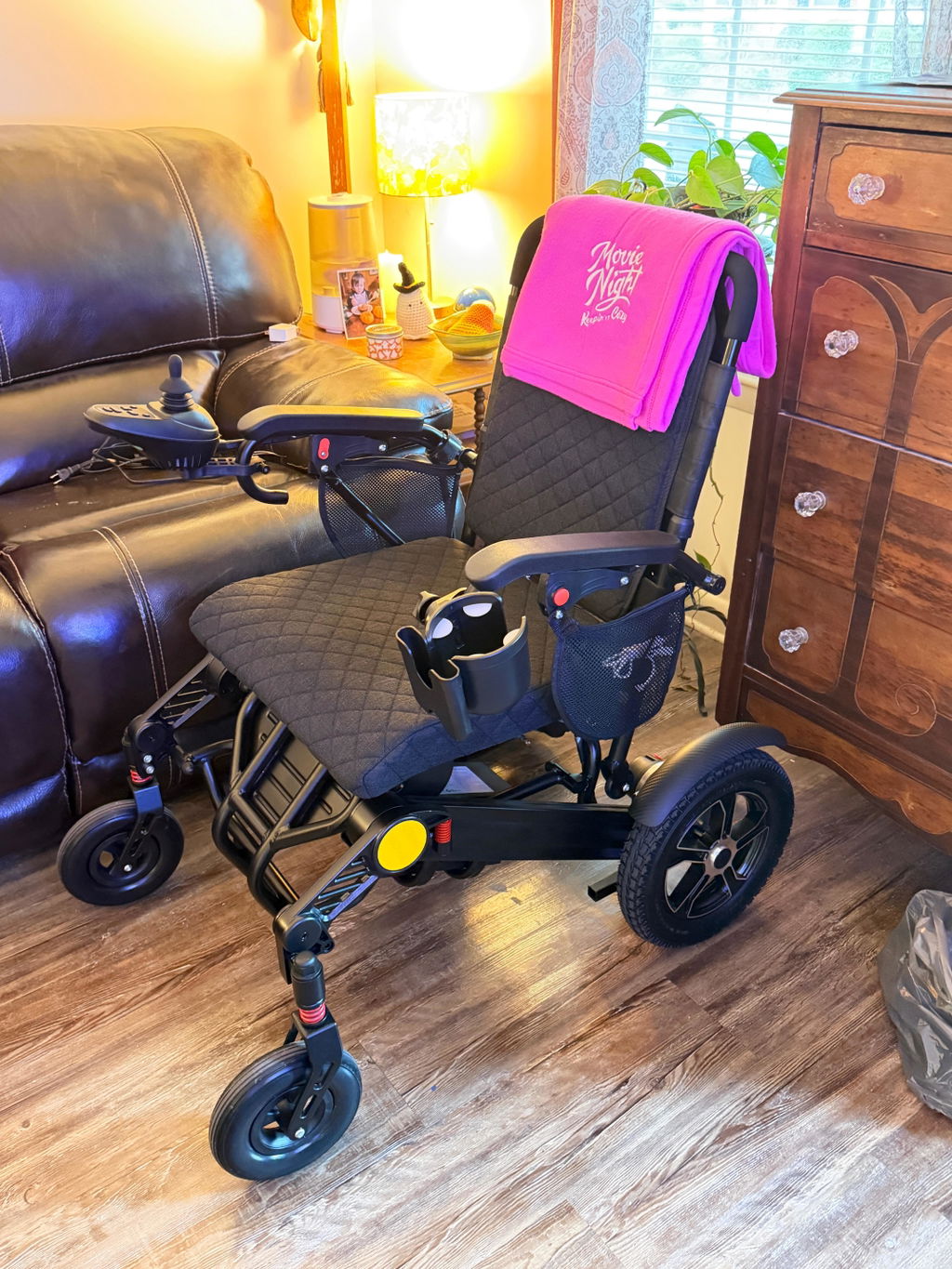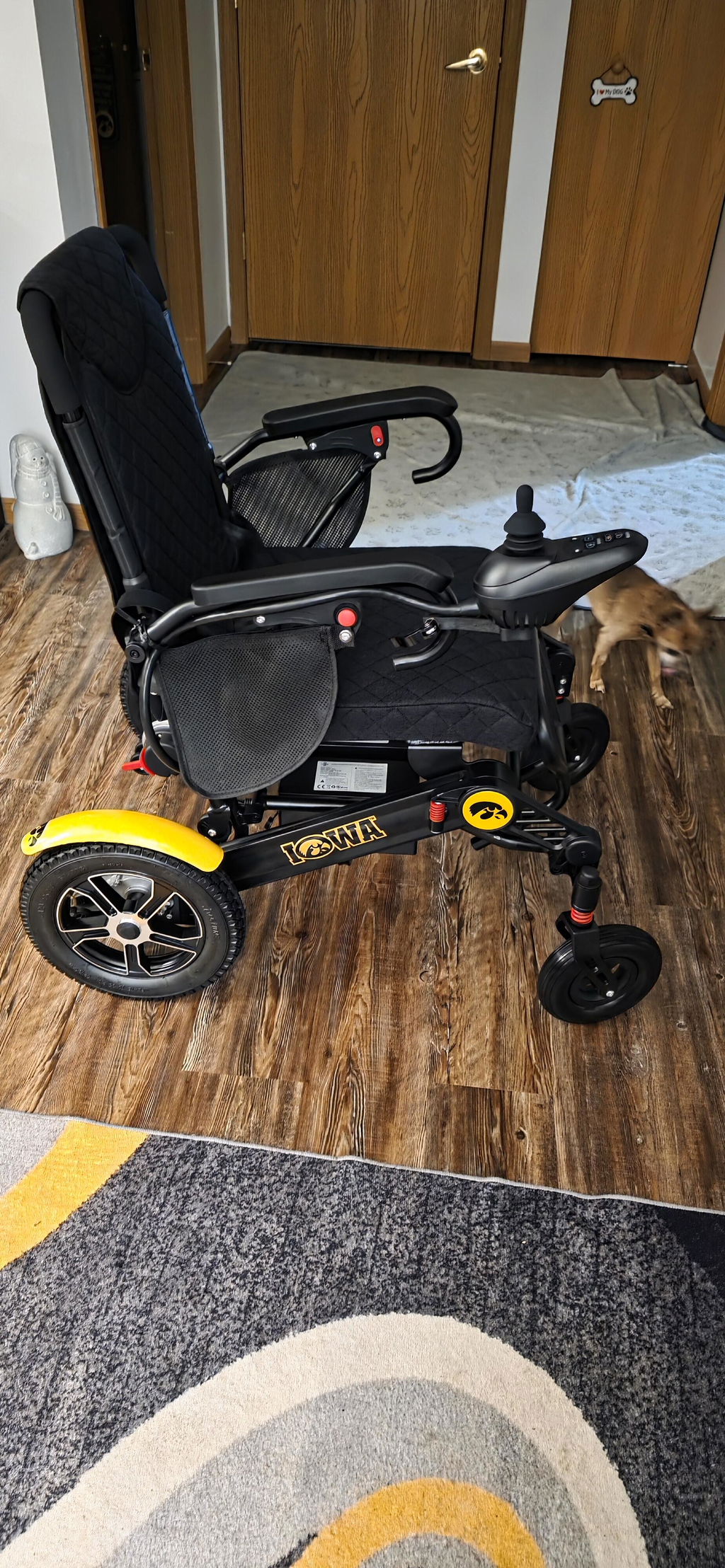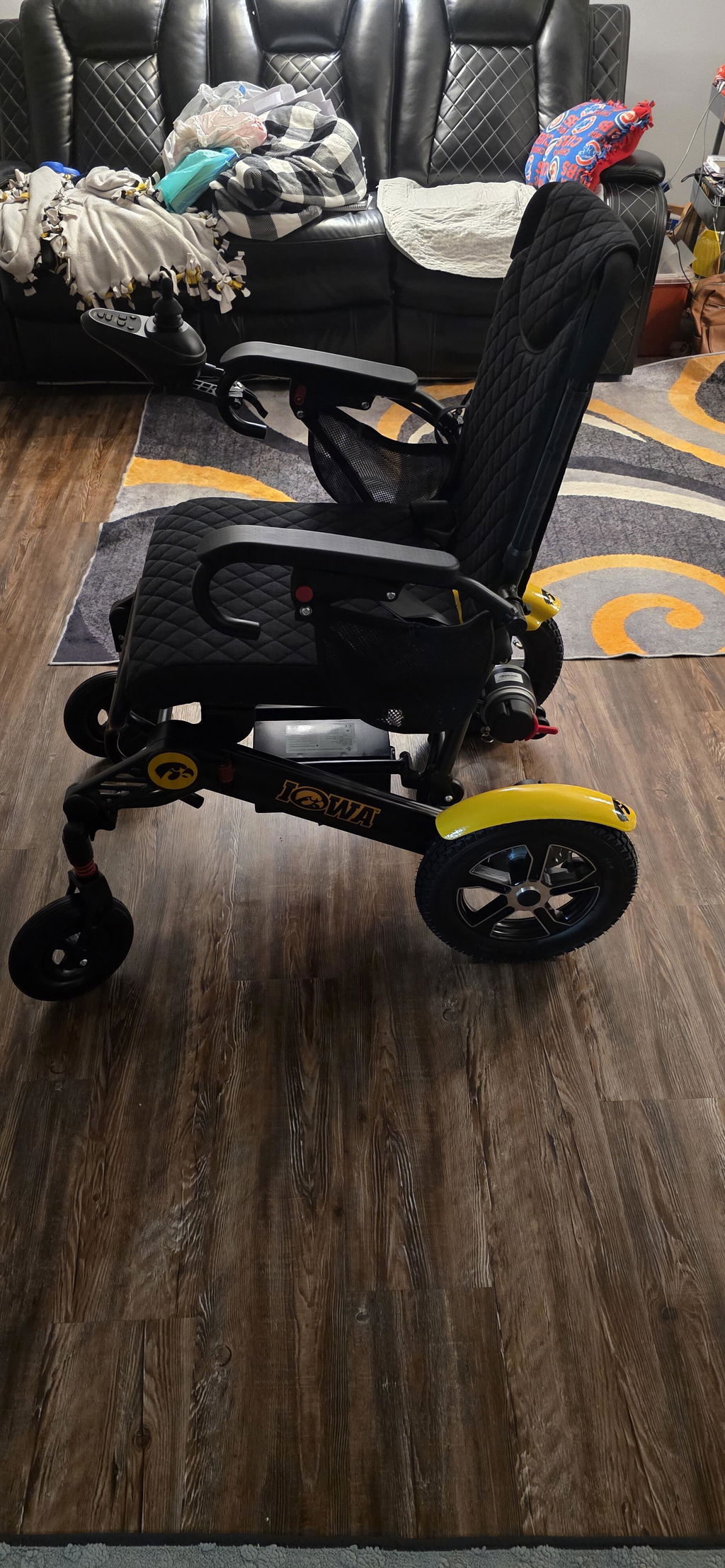
Quick Start Guide: Unboxing & Setting Up Your KERDOM DX07
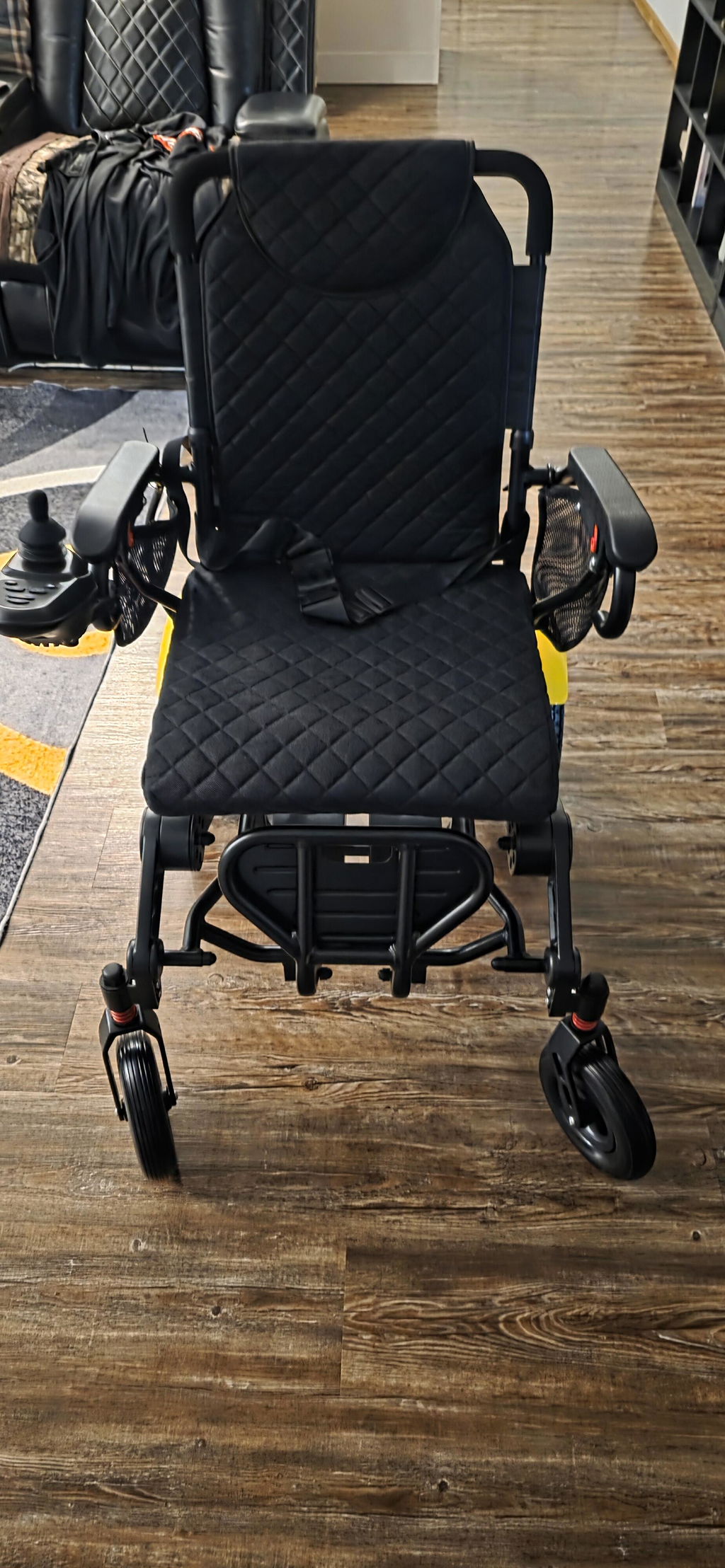
Welcome to your new KERDOM DX07! Your chair arrives with the main frame assembled. This guide walks you through unpacking, setting up the removable parts and preparing for your first ride—at your own pace.


Before you sit down: The frame must be fully unfolded and the folding lock securely engaged. Keep fingers clear of hinges, and do not use the chair if the frame or lock feels loose. Read the full user manual before operating your chair.
What’s Inside the Box?
Check your items before discarding any packaging. Your order configuration determines the battery quantity and any extra accessories.
Your Setup Essentials:
- DX07 wheelchair: The assembled main frame, supplied folded.
- Battery and charger: The lithium-ion battery configuration and charging kit included with your order.
- Seat cushion: Check that it is securely positioned before sitting down.
- Manual and toolkit: Keep them nearby during setup.
- Remote and ordered accessories: Check the caregiver remote and any accessories against your order confirmation.
Something missing or damaged? Keep the carton and packing materials, take clear photos and contact support@kerdom.com before using the chair.
7 Steps to Set Up Your DX07
Work on firm, level ground with the power switched off. Ask someone to help if lifting or positioning the chair is difficult.
Follow These Steps:
- Unbox carefully: Remove protective packaging and place the chair on the floor. Lift by the frame—not the joystick, footrest or loose accessories.
- Unfold and secure the frame: Hold the backrest grip and seat frame, open the chair fully, and confirm that the folding lock is engaged. Do not force a jammed mechanism.
- Prepare the seat and footrest: Position the cushion, lower the footrest and check that the armrests are secure. Never stand on the footrest when getting in or out.
- Fit the joystick controller: Slide its mounting tube into the armrest bracket, adjust the position, tighten the securing knob and connect the control cable. Use the mounting side described in your manual; do not force the plug.
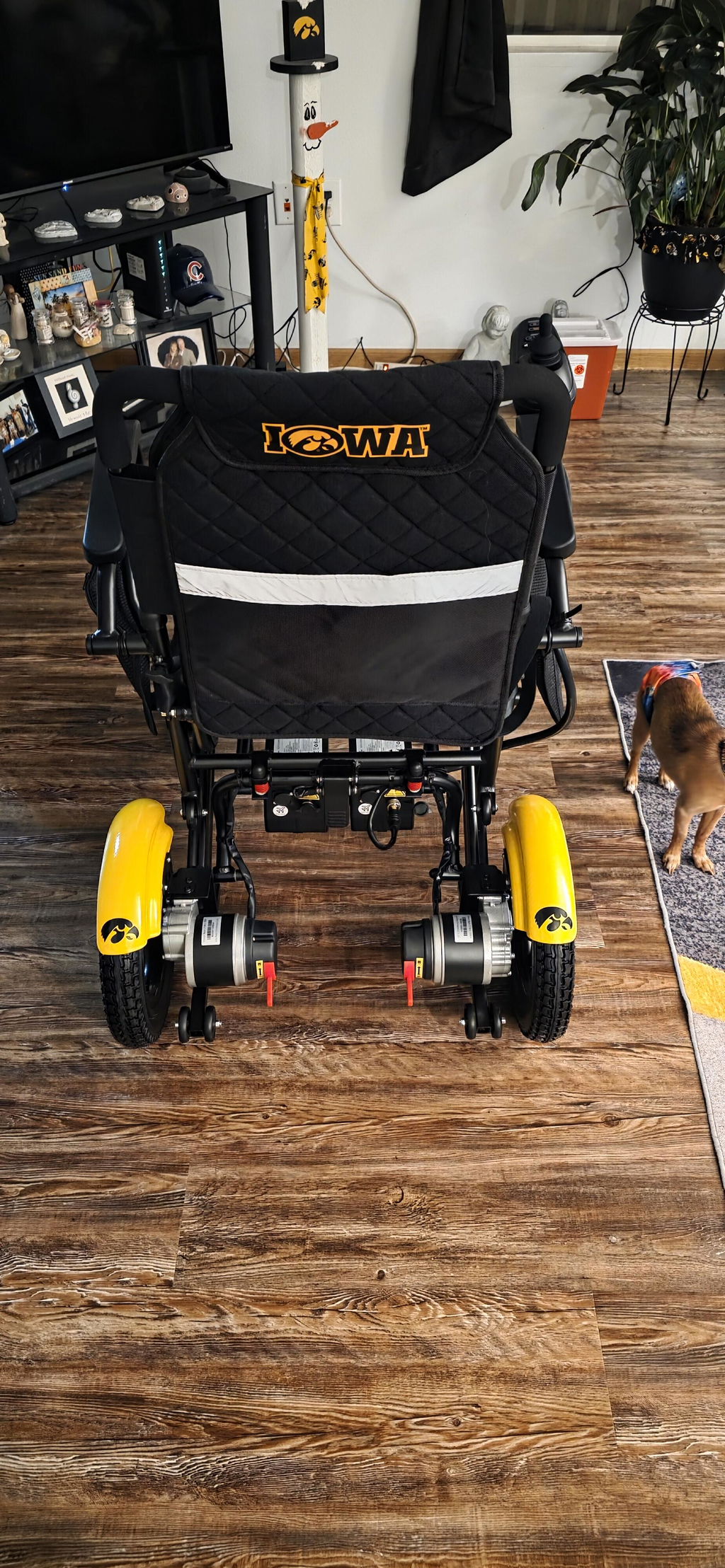
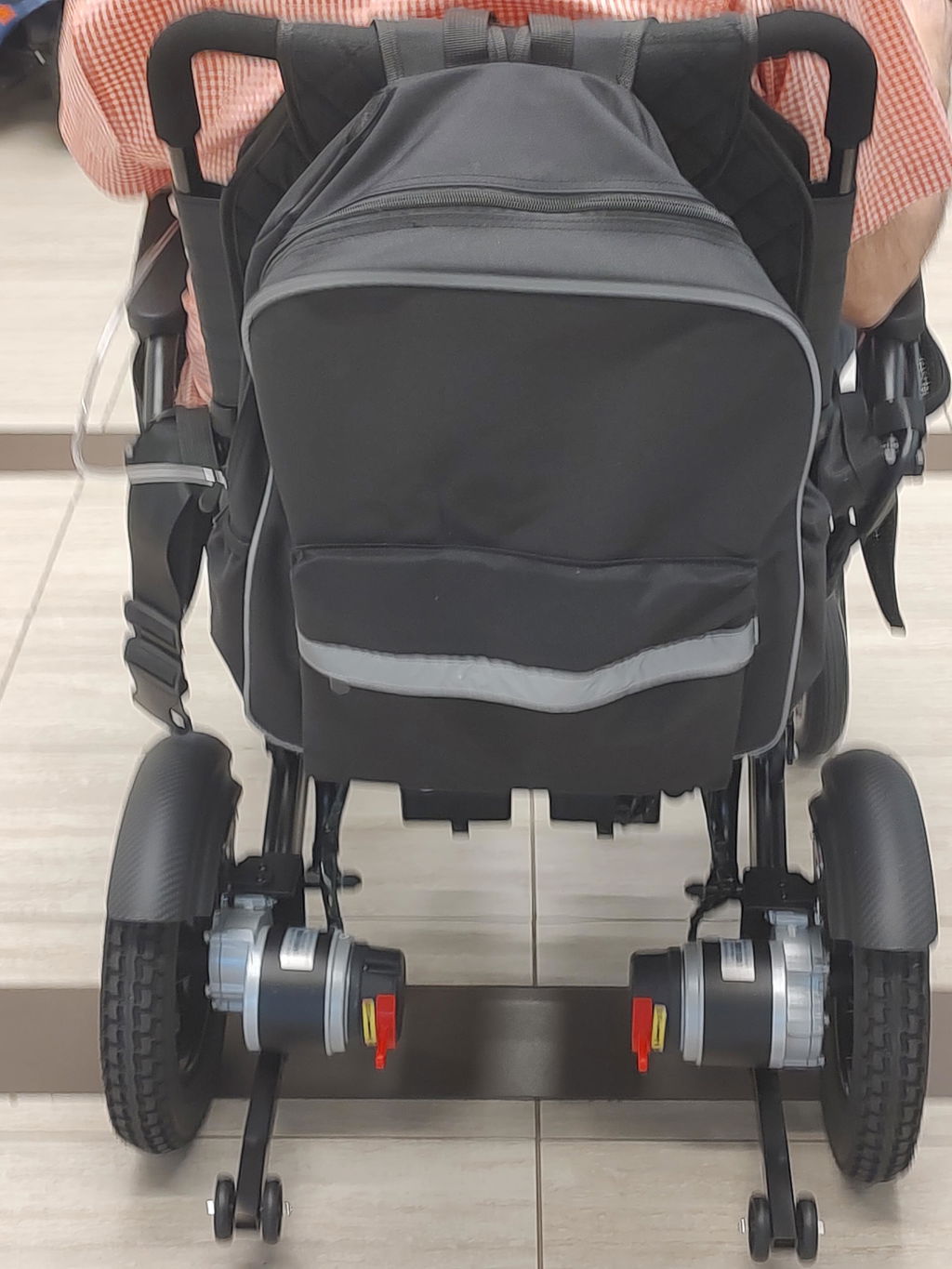
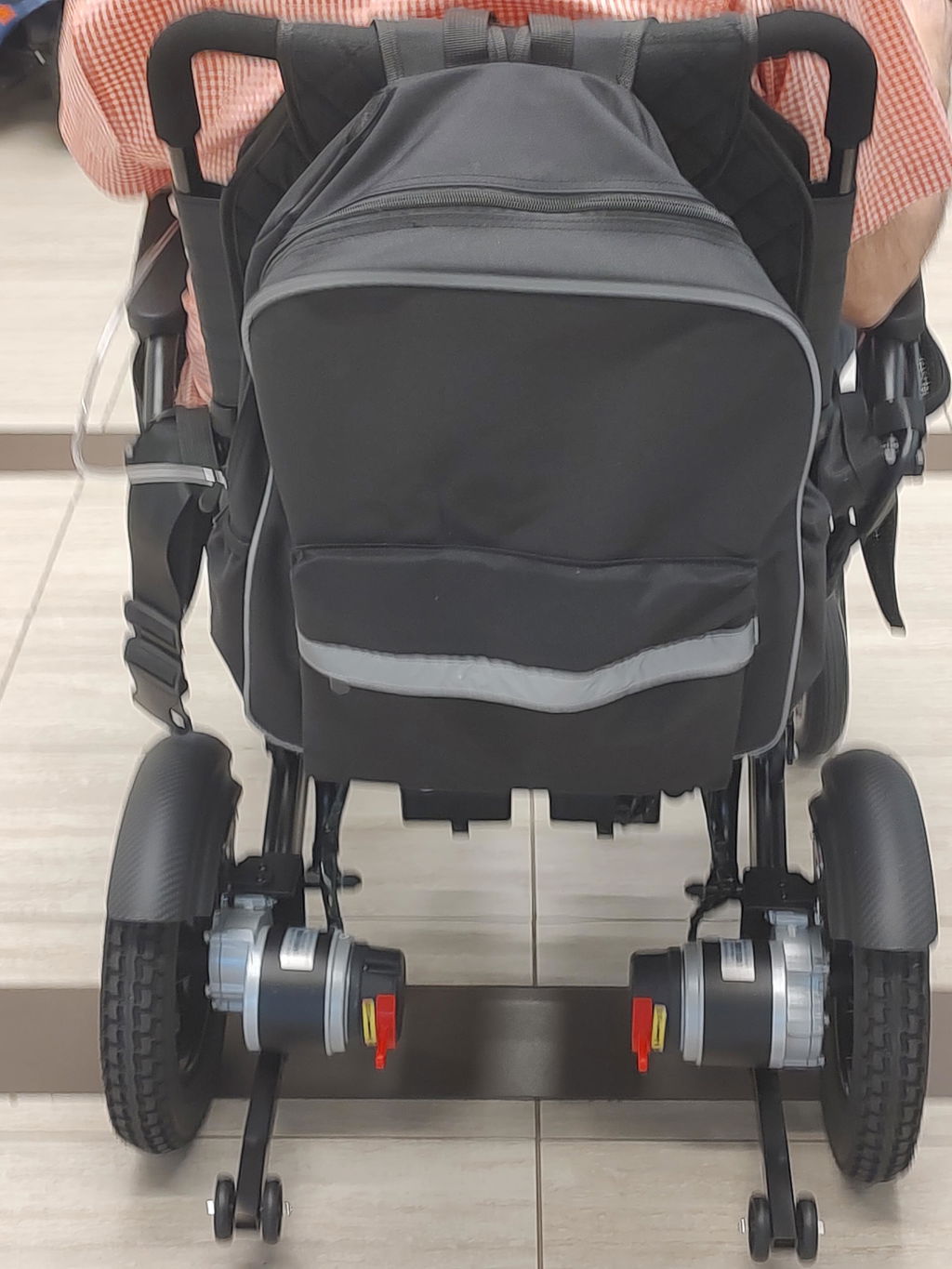
- Check the anti-tip wheels: Confirm that the rear anti-tip assembly is securely fitted. If supplied separately, install it as shown in your DX07 manual before use.
- Install the battery: Seat it securely in the under-seat mounting bracket and check the connection. If already installed, check that it is retained properly. Keep the joystick controller switched off during setup and charging.
- Select electric drive mode: Set both rear motor release levers to the drive/locked position indicated on your chair. Keep both sides in the same mode; do not use freewheel mode for powered driving.
Check your version: Lock designs, battery mounts and controller details can vary. Use the instructions supplied with your DX07; do not assume a lever’s color or direction from another model.
Watch the DX07 Unboxing & Setup Video:
Quick Charging Essentials
Your battery comes partially charged, but we recommend giving it a full charge before your first big outing. Choose the charging method that works best for you.
Two Ways to Charge:
- On-Board: Leave the battery installed and connect the charger directly to the charging port under your joystick controller.
- Off-Board: Switch the wheelchair controller off, remove the battery as described in your manual and connect the charger directly to the battery’s charging port.
Important: Whichever method you choose, the battery power switch must stay ON ("I" position) throughout charging, or the battery will not charge. Keep the joystick controller switched off—the battery switch and controller power button are separate controls.
Before and During Charging:
- Connection Check: Make sure all plugs are fully and firmly inserted before switching on the wall outlet or connecting the charger to wall power.
- Use the correct charger: Use only the charger supplied or specifically approved for your DX07. A USB outlet is not a battery-charging inlet.
- Watch the indicator: Red/orange indicates charging; green indicates a full charge on the supplied charger. Follow the charger instructions, then disconnect from wall power before unplugging it from the chair or battery.
- Keep charging safe: Use a dry, ventilated area away from water and heat. Do not drive while charging or charge a damaged, unusually hot or swollen battery.
Your First Practice Ride
Start in a clear, level area with a companion nearby. Leave ramps, outdoor obstacles and crowded spaces until you are comfortable with the controls.
Before Moving:
- Get seated with power off: Confirm the frame, cushion and armrests are secure. Fasten the safety belt and keep your feet on the footrest.
- Switch on: If your battery has a power switch, turn it on as directed in the manual. Keep the joystick centered, press the controller’s power button and select the lowest speed.
- Practice gently: Try moving forward, stopping and making wide turns. Check behind you before reversing. If steering or braking feels abnormal, stop using the chair and contact KERDOM.
- Finish safely: Stop on level ground and switch the chair off before getting out. Never switch the motor release levers to freewheel on a slope.
We’re Here to Help
You do not have to work through setup questions alone. Our team can help you identify parts, check connections and understand the instructions.
Your Support Options:
- Personal setup assistance: Email support@kerdom.com with your order number, DX07 model and clear photos or a short video of the issue.
- Manuals and tutorials: Visit the KERDOM User Manuals page for operating instructions and installation resources.
- Long-term protection: Our warranty covers manufacturing defects in the frame, motors, battery and controller/joystick for 5 years, with 2-year coverage for mechanical parts, subject to the applicable terms. Read our support and warranty information.
- Real customer experiences: Explore KERDOM customer reviews for everyday experiences beyond your first setup.