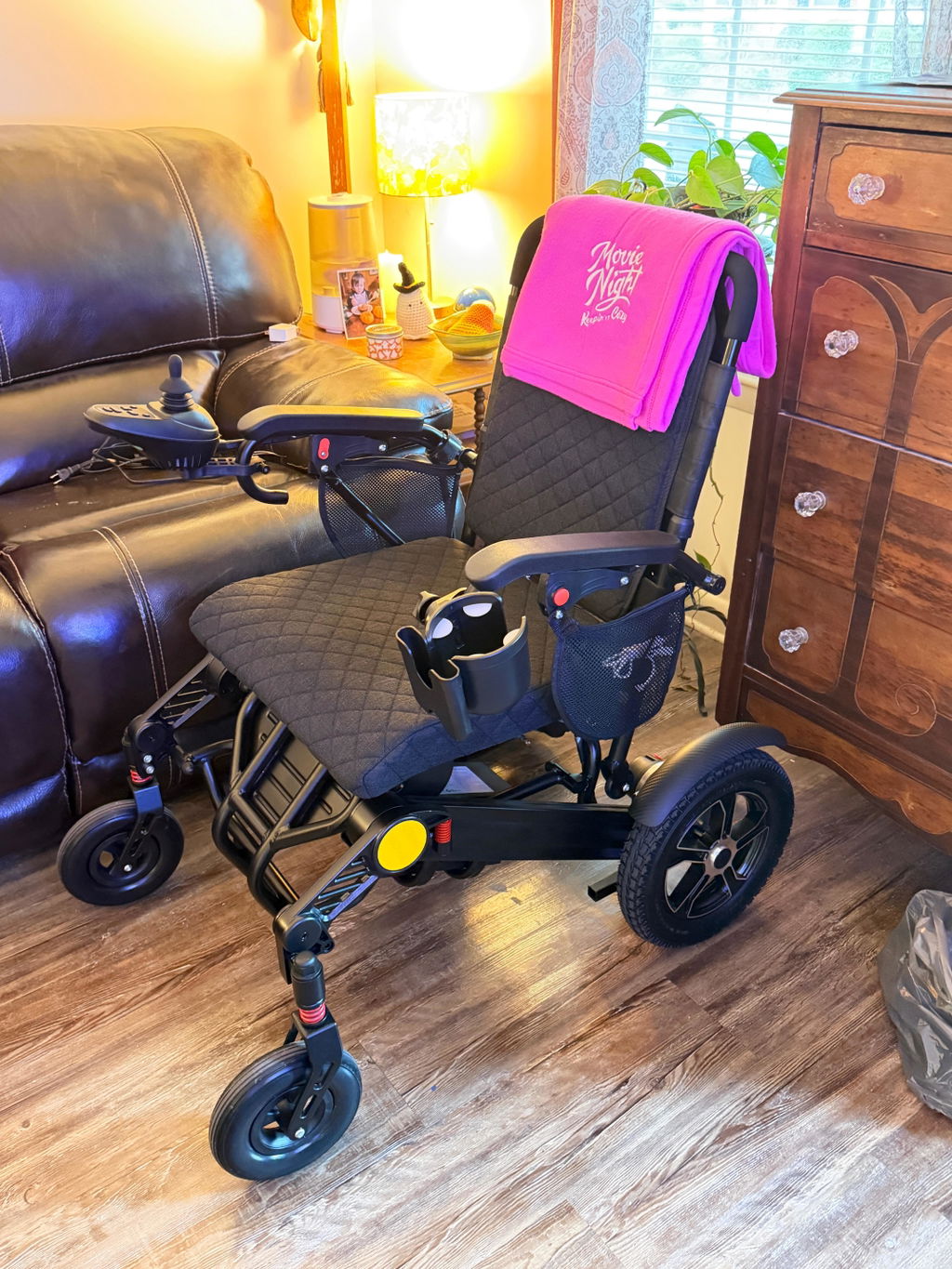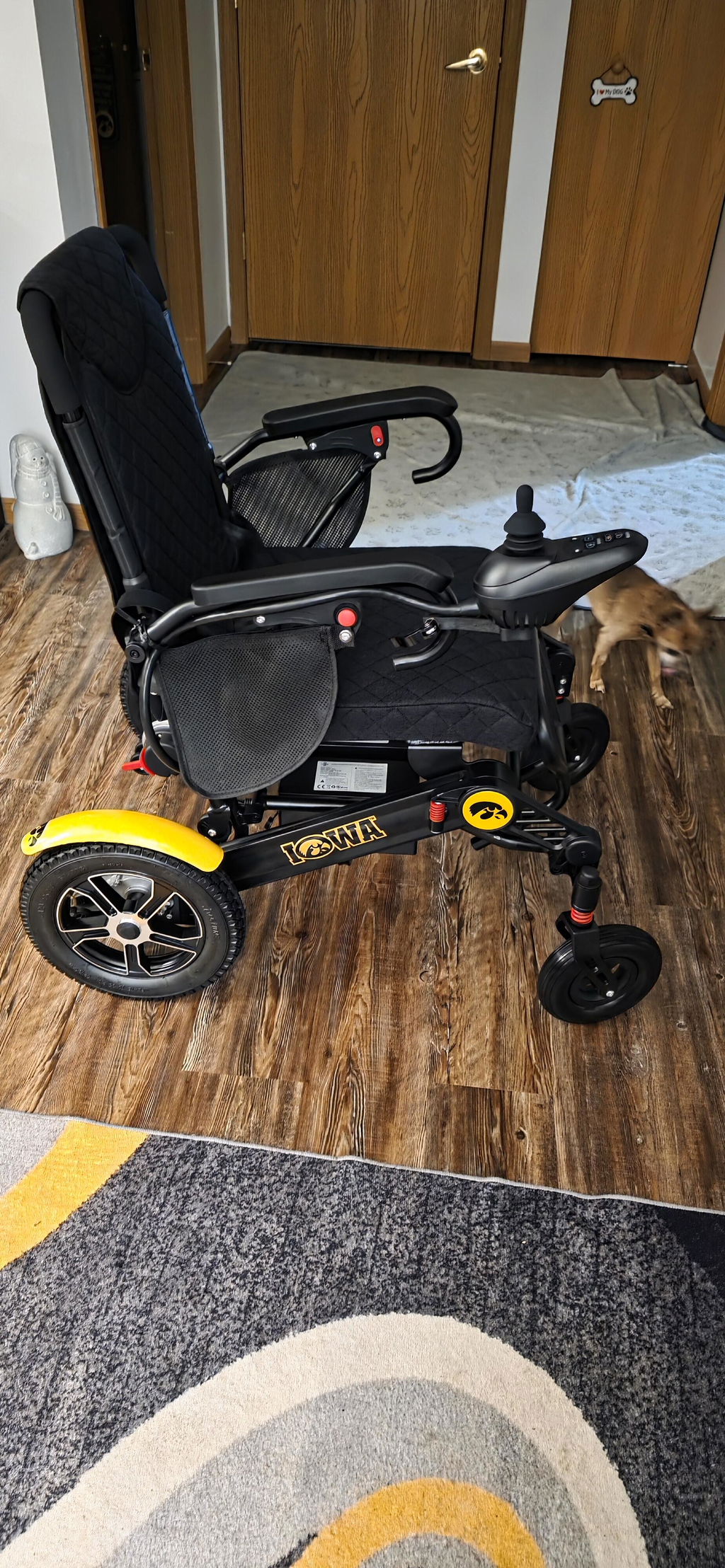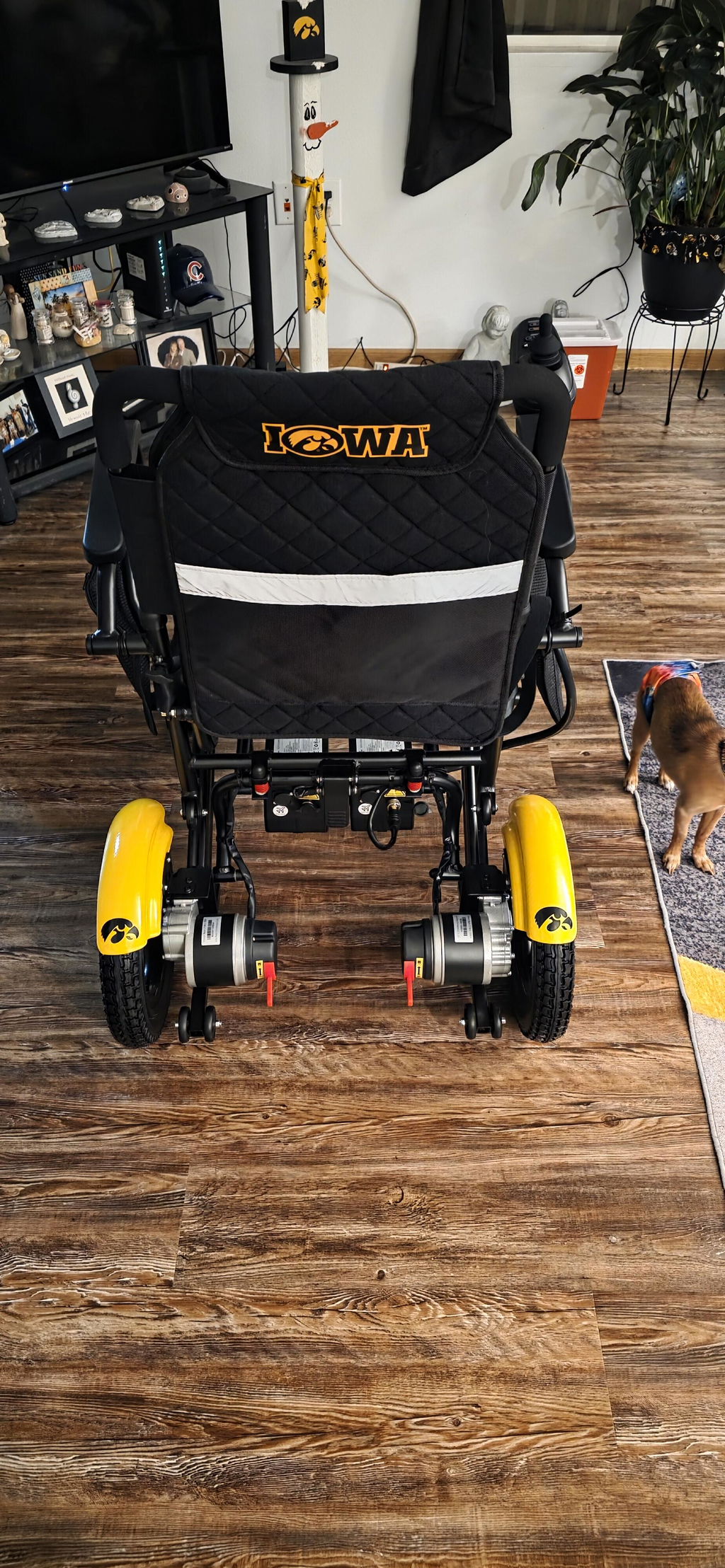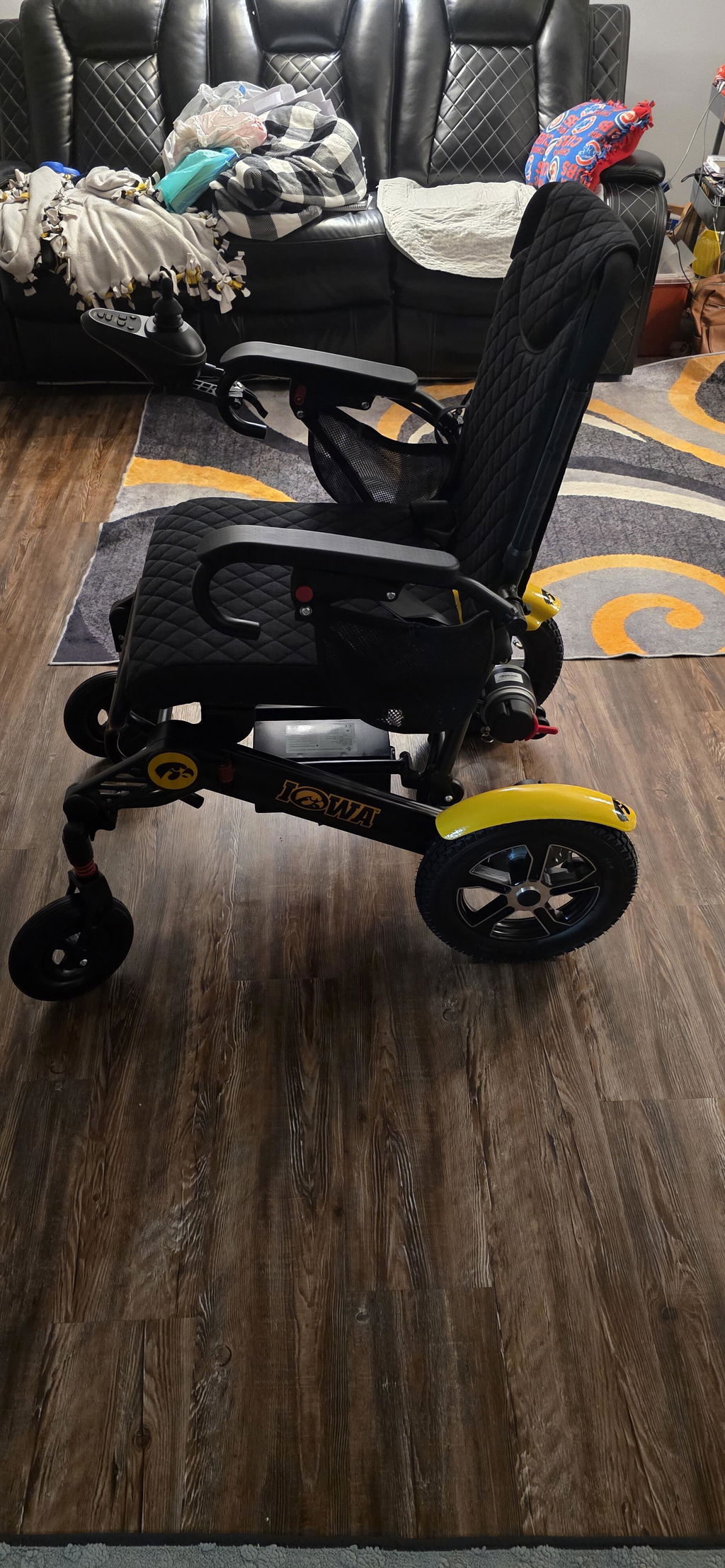
Manual Mode & Brake System
Need to move your chair without battery power? KERDOM wheelchairs equipped with motor-release levers offer electric driving and manual push modes. Knowing when to use each helps you and your companion move safely.
Electric Mode vs. Manual Mode
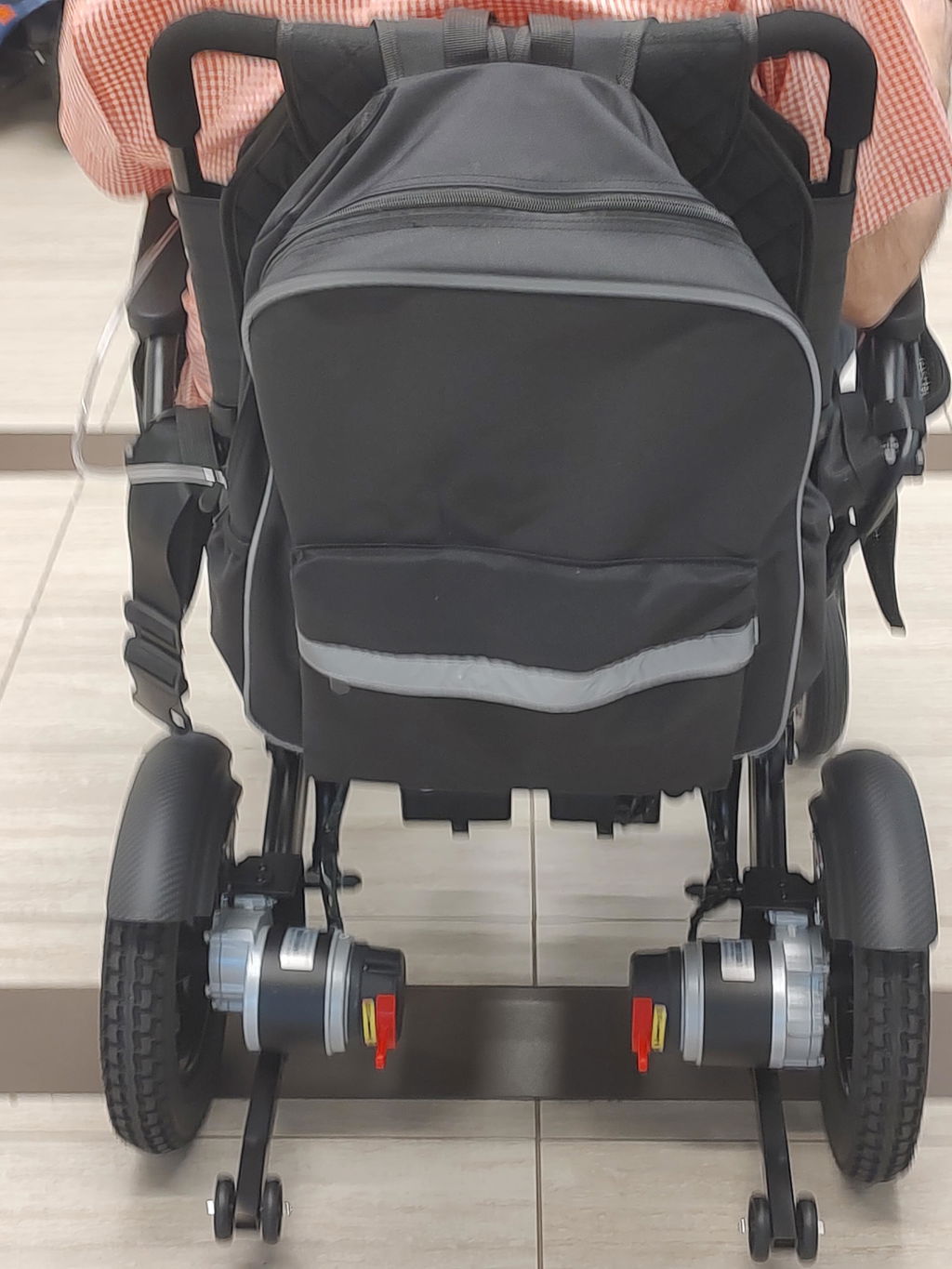
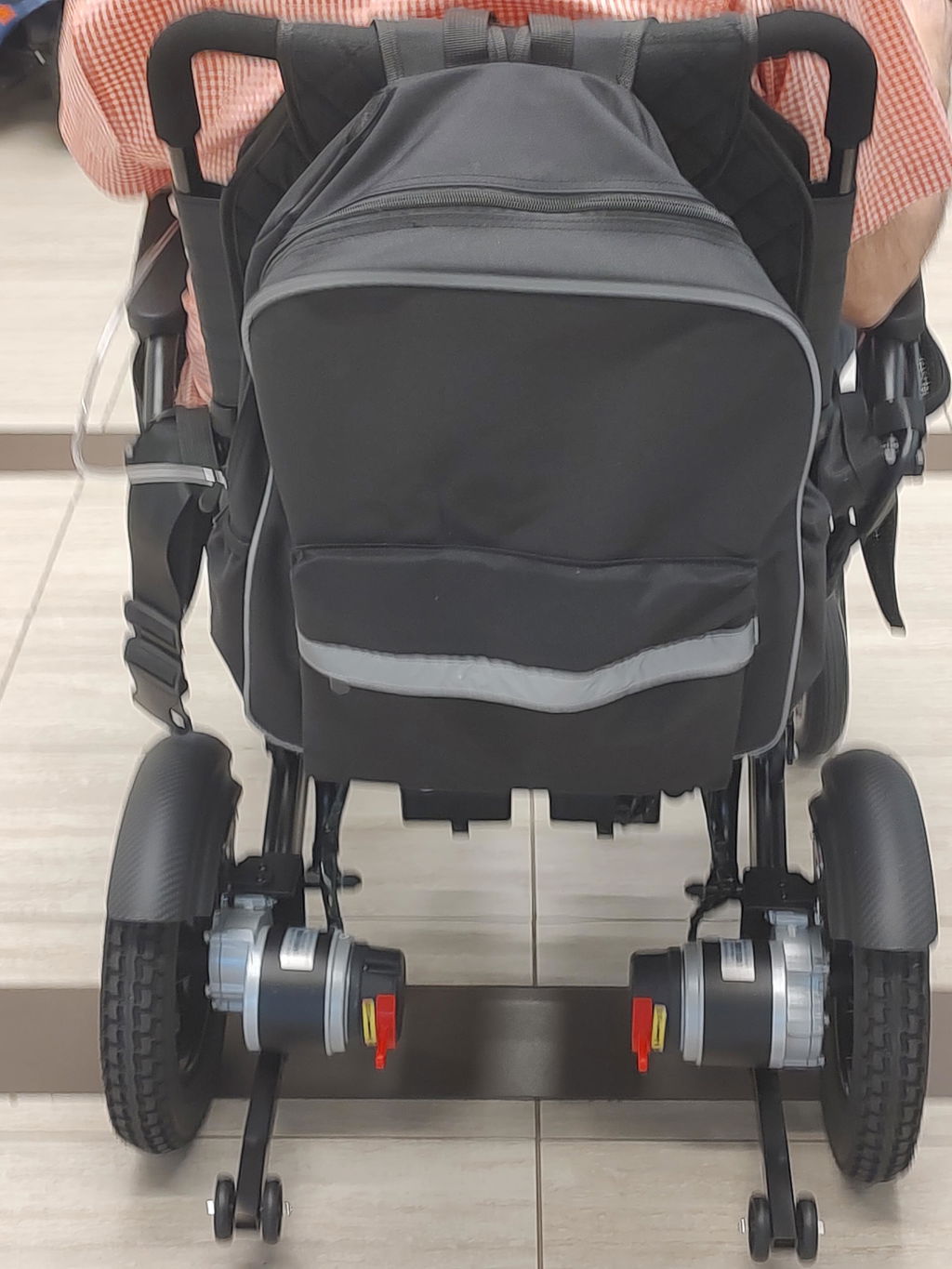
The release lever on each rear motor determines whether the chair is ready for powered driving or manual pushing.
How Each Mode Works:
- Electric / Drive Mode: Both motors are engaged. Use the joystick to drive; returning it to neutral brings the chair to a stop and applies the automatic brakes.
- Manual / Freewheel Mode: Both motors are disengaged so a companion can push the chair, even when the battery is empty. Automatic braking is released in this mode.
- Check Your Model: Lever labels, positions and movement directions can vary. Follow the markings and instructions supplied with your wheelchair.
Switching to Manual Push Mode
Use manual mode for controlled movement on level ground when powered driving is unavailable or unnecessary.
Before You Start Pushing:
- Stop & Power Off: Bring the chair to a complete stop on firm, level ground. Turn it off before changing either lever.
- Keep the Chair Controlled: Have a capable companion hold the chair securely before releasing the brakes.
- Release Both Motors: Move both levers to the manual / freewheel position shown in your manual. Keep both sides in the same mode.
- Push Gently: Your companion should remain in control throughout. If a wheel drags or the chair is difficult to push, stop and check both levers; do not force it.
Returning to Electric Mode
Re-engage both motors when manual pushing is finished, before powered driving or leaving the chair stationary.
Getting Ready to Drive Again:
- Stop on Level Ground: Keep the chair held securely and the power off while switching modes.
- Engage Both Levers: Return both motor-release levers fully to the electric / drive position.
- Check Before Moving: Confirm the brakes hold the stationary chair. Turn it on with the joystick centered, then test movement and stopping at low speed in a clear, level area.
Using the Brake System Safely
Manual mode removes the protection of automatic braking. Never rely on the chair to stop or hold itself while the motors are released.
Important Safety Reminders:
- No Freewheeling on Slopes: Do not use manual mode or release either motor on a ramp or incline. Move to level ground before switching modes.
- Never Switch While Moving: Motor-release levers are not an emergency stopping control. Do not reach for them while the chair is rolling.
- Before Transfers or Parking: Stop on level ground, engage both motors and turn the power off. Confirm the chair is held securely before getting in or out.
- Stay Within Your Manual’s Limits: Brakes do not prevent sliding on slippery surfaces. Avoid unsafe gradients and follow your model’s operating instructions.
Need Help with the Levers or Brakes?
If your chair will not drive, is hard to push or does not hold securely, we can help you check the correct setup.
What to Do:
- Check Both Sides: For powered driving, both levers must be fully in electric mode. For manual pushing, both must be in freewheel mode.
- Stop if Braking Is Abnormal: Do not use the chair if it rolls unexpectedly, fails to stop normally or shows a brake fault. Do not bypass the brake system.
- Contact KERDOM: Email support@kerdom.com with your model, order number, photos of both levers and any displayed error code.
For model-specific lever positions, refer to your wheelchair’s user manual. General control information is available in our joystick controls guide.