KERDOM E3 / E5 Controller Error Troubleshooting
Seeing a brake warning can interrupt your plans. Start with the simple checks below, and contact us if the alert remains. This guide covers DX07 and DX08 controllers using the E3 / E5 brake-alert definitions described here.


Before you begin: Do not drive while a brake alert is active or braking feels abnormal. Start on level ground, keep the chair secured and switch the controller off before changing a lever or checking a cable.
Open or close a section: Select a heading below. All sections start expanded.
What Do E3 and E5 Mean?
These codes identify a brake-system alert. A warning may be caused by a disengaged motor lever, a loose connection or a brake or controller component that needs checking.
Understand Your Code:
- E3 / E.3: Left brake-system or brake-connection alert.
- E5 / E.5: Right brake-system or brake-connection alert.
- Left and right: Directions are from the seated user’s perspective, facing forward—not from someone looking at the chair from the front.
Check your controller version: These definitions are documented for the DX07 and DX08 controllers covered by this guide. If your display or manual uses different codes, contact KERDOM with a photo before following a different model’s instructions. A code alone does not confirm which part needs replacing.
Step 1: Check Both Motor Levers
Start with the motor levers before touching any cables. A lever left in Manual or Freewheel Mode can trigger a brake alert or prevent powered driving.
Your First Checks:
- Stop and switch off: Park on firm, level ground and turn the joystick controller off. Have a caregiver keep the chair under control if either motor is in freewheel.
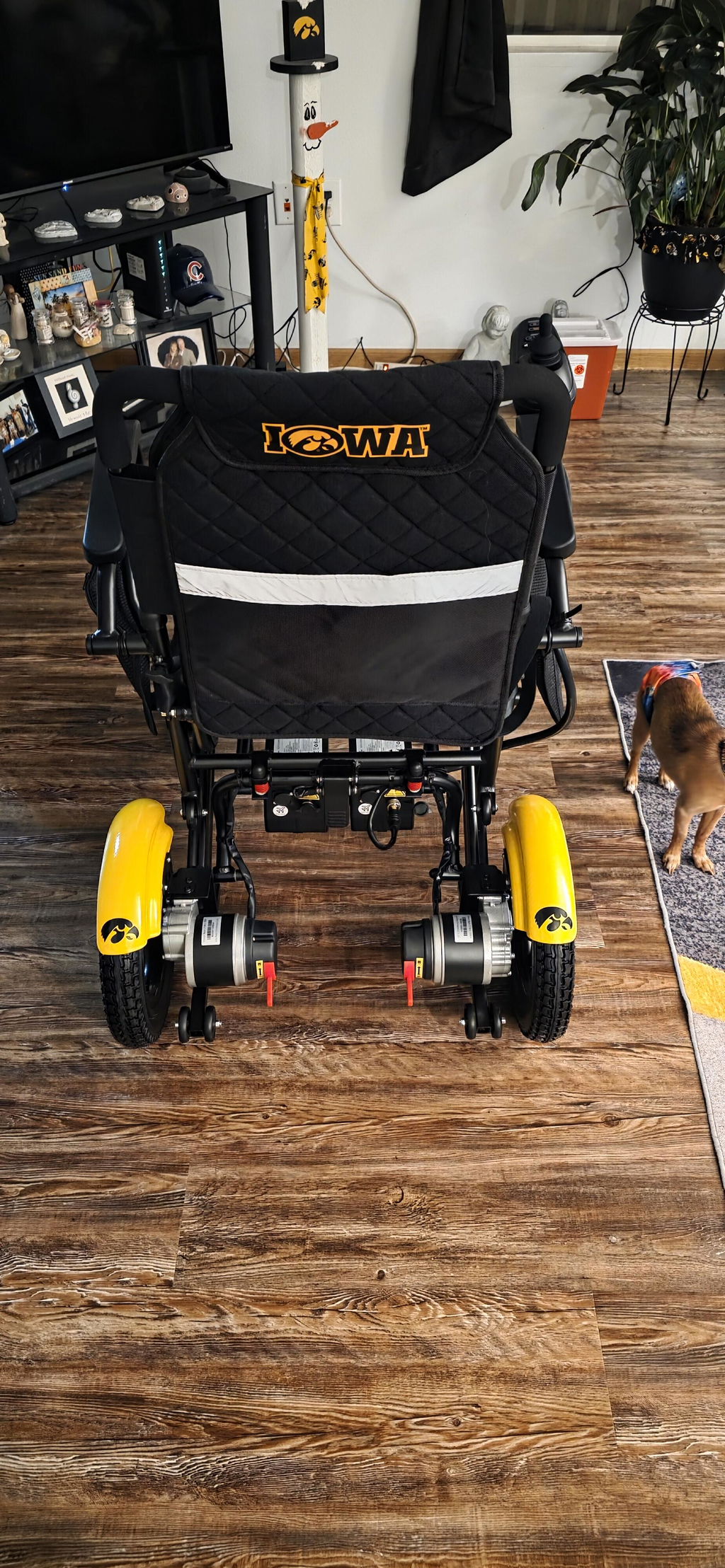
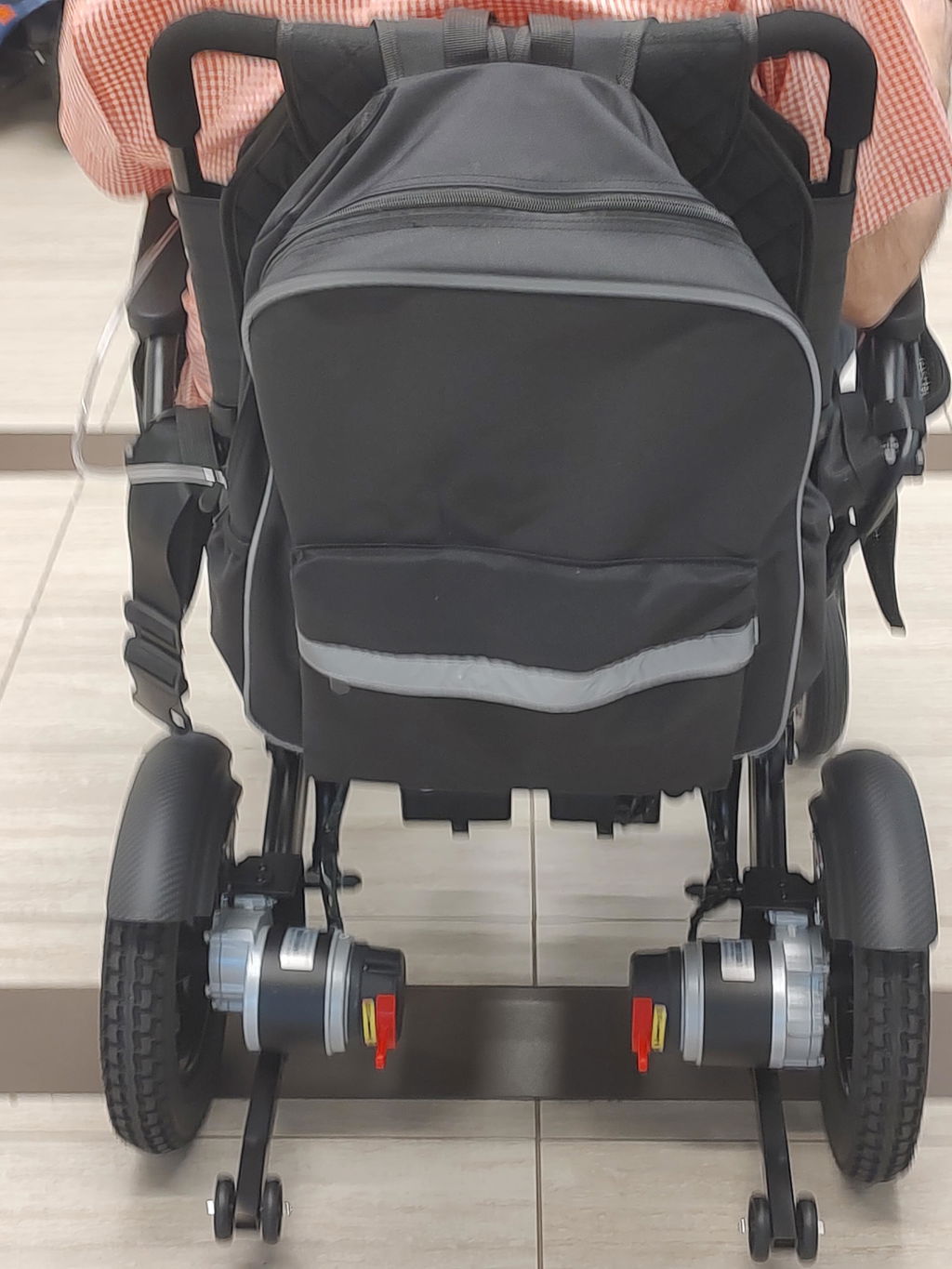
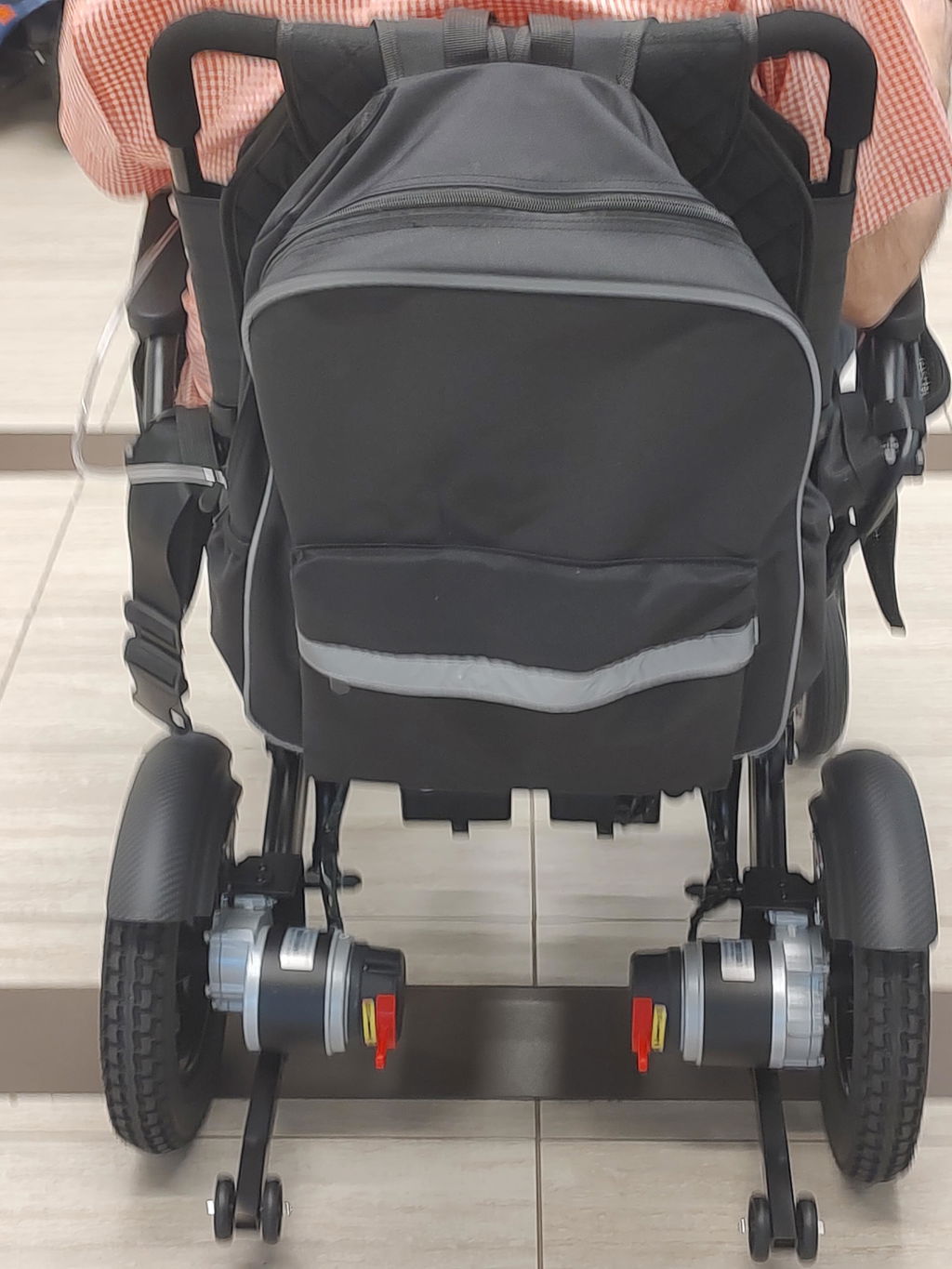
- Engage both motors: Move both rear motor levers fully into the Electric / Drive position described in your model’s manual. Both sides must be in the same mode.
- Check the positions: Make sure neither lever is left between settings. Use gentle pressure; do not force or repeatedly cycle a stiff lever.
- Restart once: With the joystick centered, turn the controller on and see whether the code clears.
Safety first: Manual Mode releases the electromagnetic brakes. Never change to freewheel on a slope or leave the chair unattended with the brakes released. Do not drive while a brake warning remains.
Step 2: Check External Cable Connections
If both motors are engaged but the code remains, look for a loose or damaged external connection. You do not need to open the motor, battery or controller housing.
Check Safely:
- Isolate power: Switch the controller off and isolate the wheelchair battery power as directed in your supplied manual before touching or unplugging a connector. Disconnect any charger.
- Locate the motor leads: Follow the visible cables from the rear motors toward the lower control module. Look for a loose connector, pinched cable, moisture or damage.
- Keep the original connections: Photograph the original positions first. If your manual permits reseating an accessible connector, reconnect one at a time to its original port. Align the matching grooves or marks and secure the locking collar, if fitted.
- Stop for damage: Do not force plugs, pull on wires, probe pins or attempt a repair if you see damaged insulation, moisture or a broken connector. Contact KERDOM instead.
Do not swap motor ports as a routine check: Leave the left and right motor leads in their original ports. A diagnostic port-swap test must be specifically guided by KERDOM Support.
Step 3: Restart and Read the Display
After checking the levers and any permitted external connection, observe the controller before returning to normal use.
What to Do Next:
- Restore power correctly: Check that the battery is secure, connections are back in their original positions and both motor levers are in Electric / Drive Mode.
- Start with a centered joystick: Keep the joystick untouched in its neutral position while switching the controller on.
- Record the result: Note whether E3 or E5 remains, disappears or changes. Take a clear photo of the display.
- If the code clears: Confirm the chair holds securely, then check movement and stopping at the lowest speed in a clear, level area. Do not return to normal use if braking or steering is abnormal.
- If the code remains: Switch off and contact KERDOM. Do not keep riding or repeatedly restart to bypass the warning.
Further Diagnosis: KERDOM-Guided Only
If the basic checks do not resolve the alert, our team may guide a controlled motor-cable port-swap test to help distinguish a brake or cable issue from a controller-channel issue.
How Support Uses the Result:
- E3 changes to E5: This may point toward the original left-side brake or cable circuit.
- E5 changes to E3: This may point toward the original right-side brake or cable circuit.
- The same code remains: The controller channel may need further checking. This is a diagnostic clue, not a confirmed replacement decision.
Only with explicit support guidance: Do not perform this test on your own. The chair must be unoccupied, and it must not be driven with swapped connections. After the test, switch off and isolate battery power, restore both leads to their original ports, and have the connections and braking checked before use. If you cannot do this safely, ask for a service alternative.
Still Seeing the Code? We’re Here to Help
Please email support@kerdom.com or use the KERDOM contact page. Clear information helps us guide the next step without unnecessary parts replacement.
Helpful Details to Share:
- Original code: Tell us whether the screen showed E3 / E.3 or E5 / E.5.
- Result after the basic checks: Tell us what happened after engaging both levers and restarting. Only report a port-swap result if our team guided that test.
- When it started: Mention recent folding, transport, cable reconnection, water exposure or any unusual movement.
- Photos or a short video: Show the controller display, both rear motor levers and the visible cable connections.
- Your chair and order: Include the model, controller version if known and your order number.
For model-specific instructions, visit the KERDOM User Manuals page. Review support and warranty information for applicable coverage and claim steps.