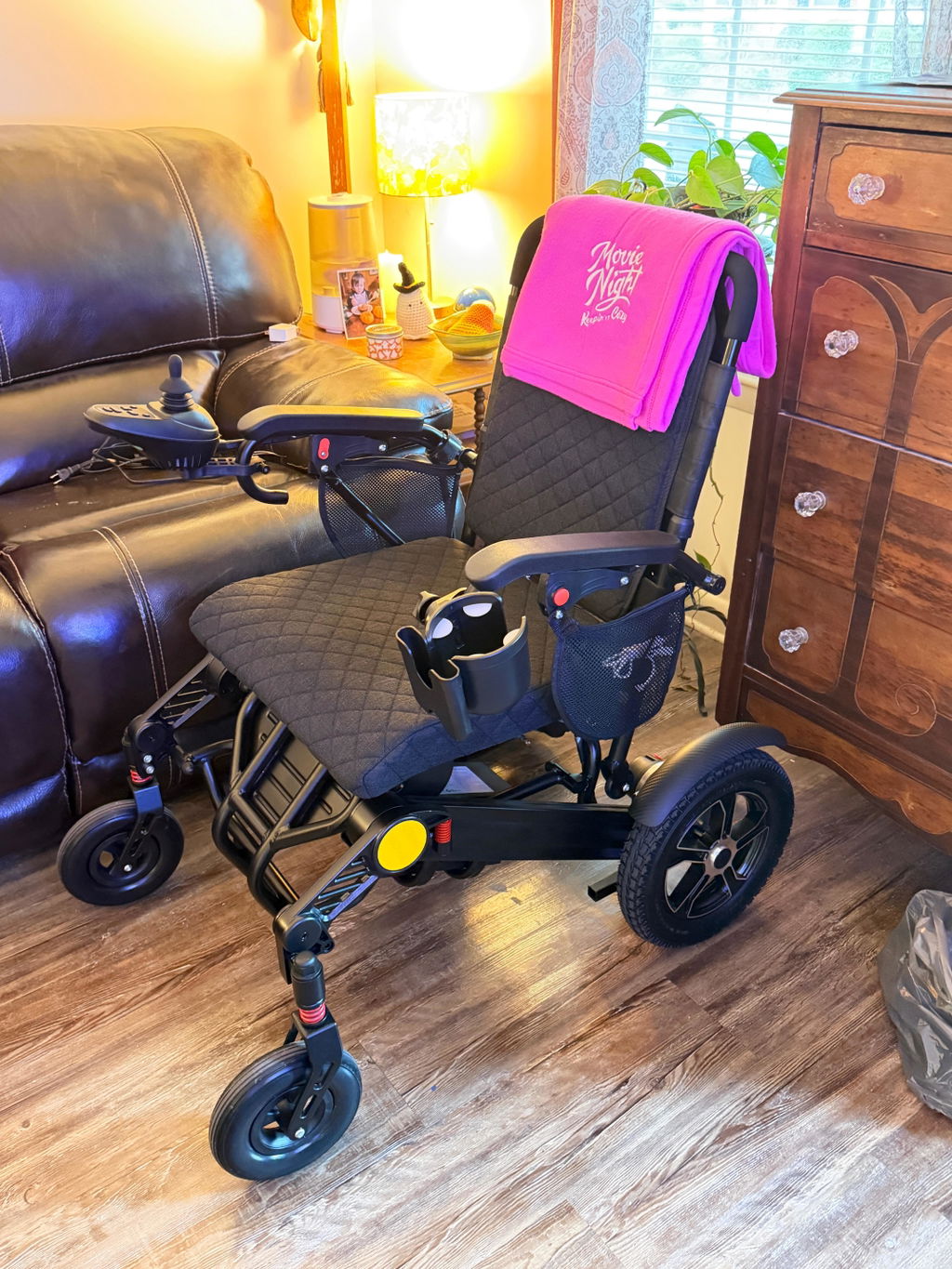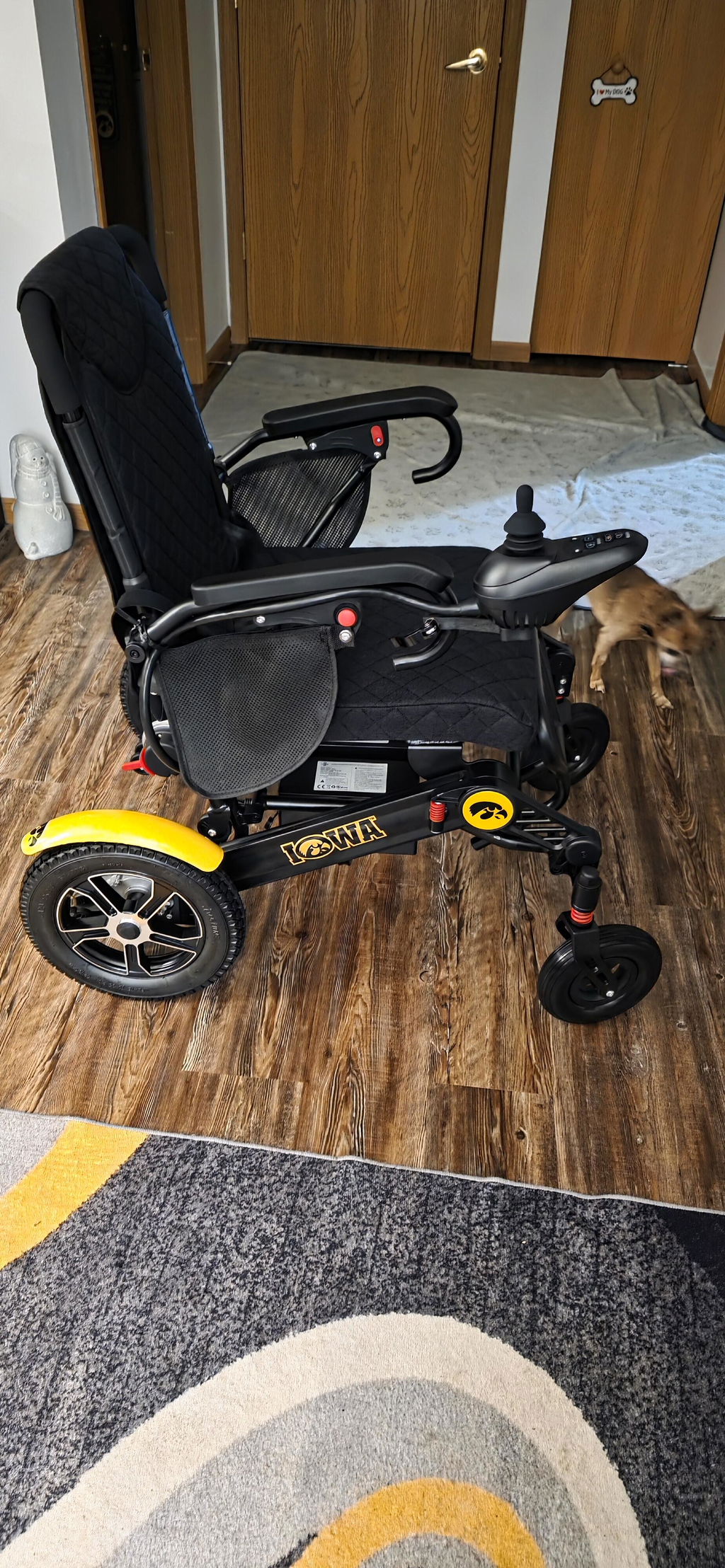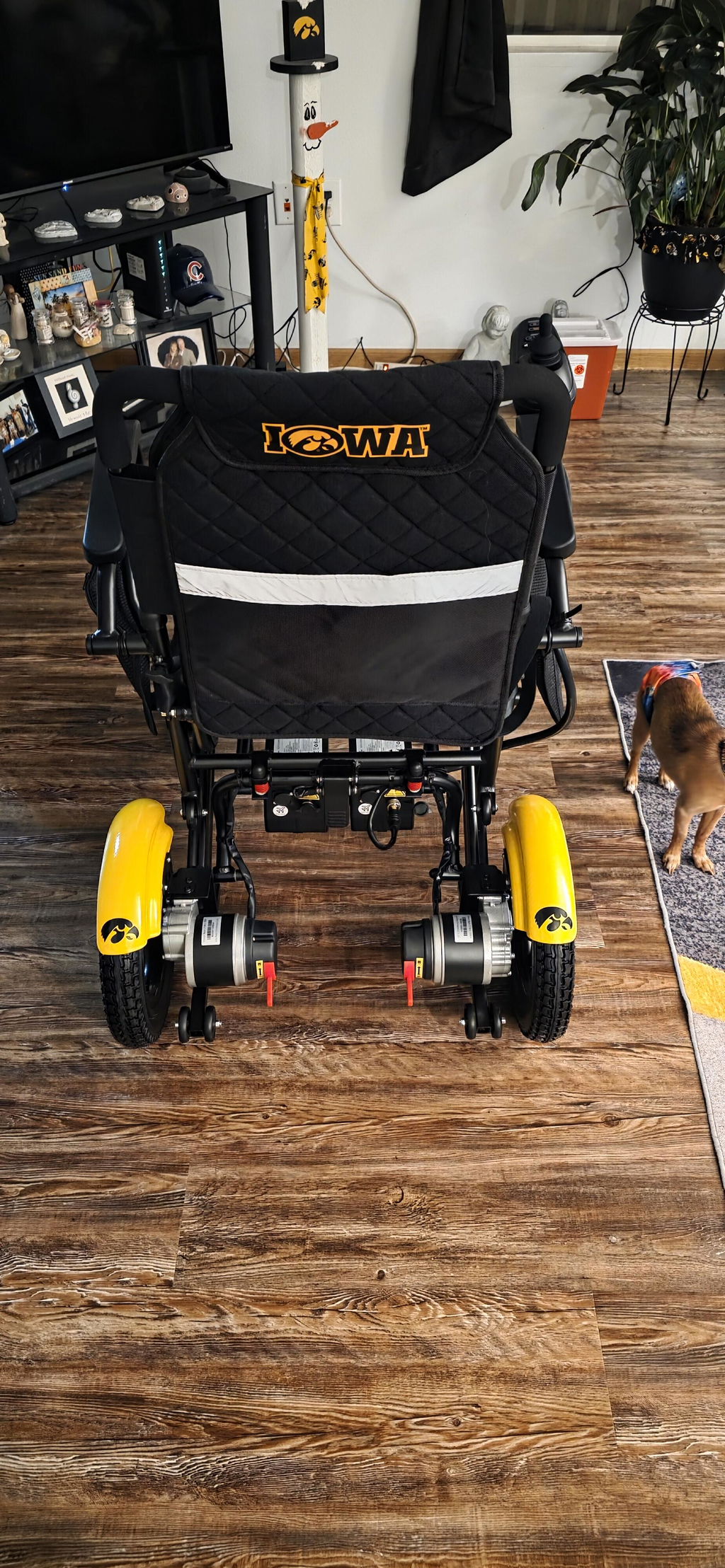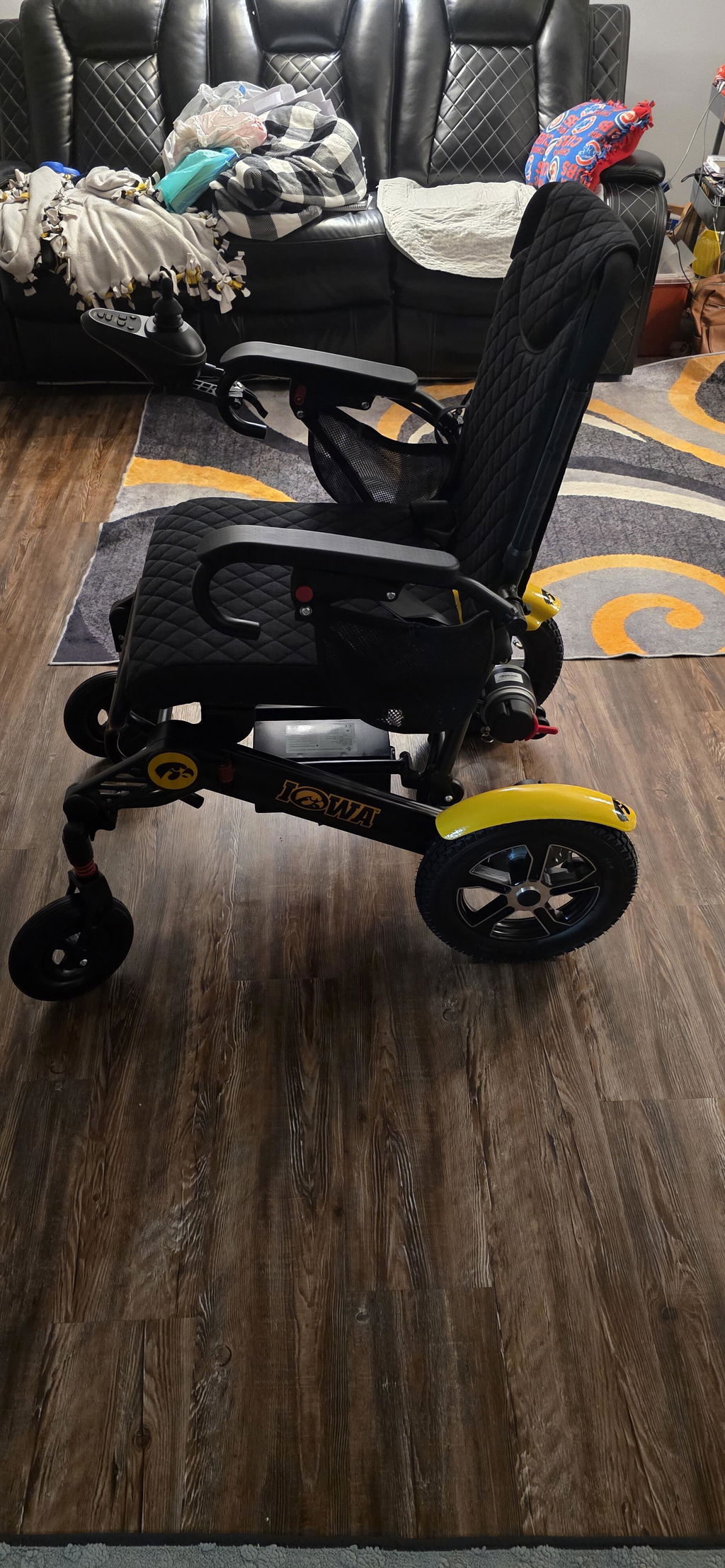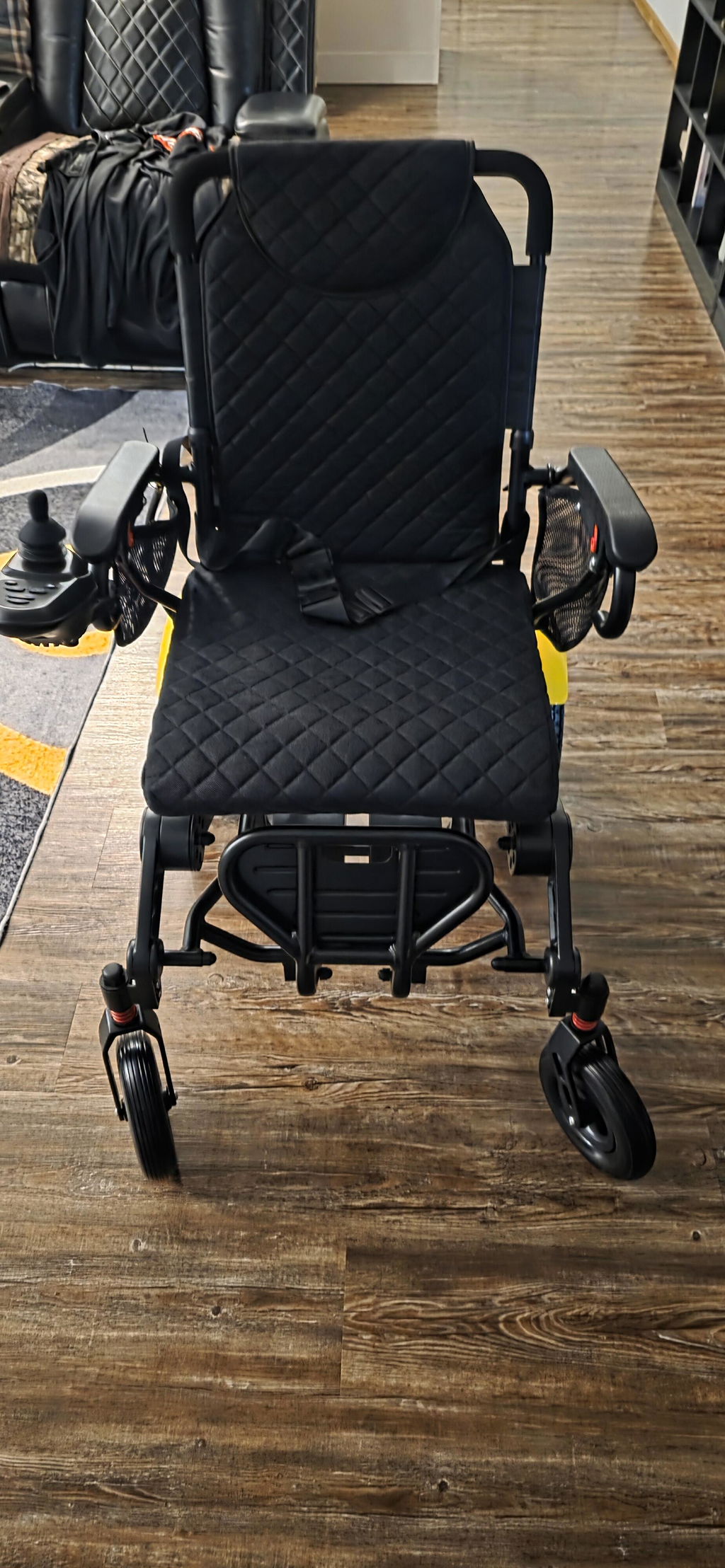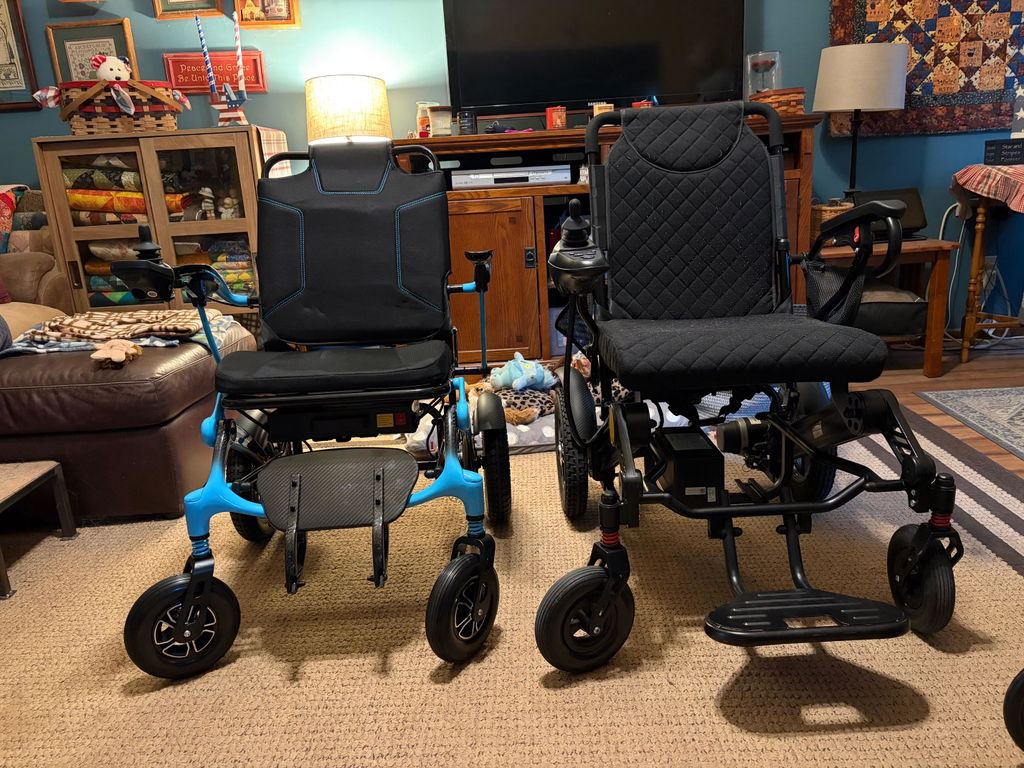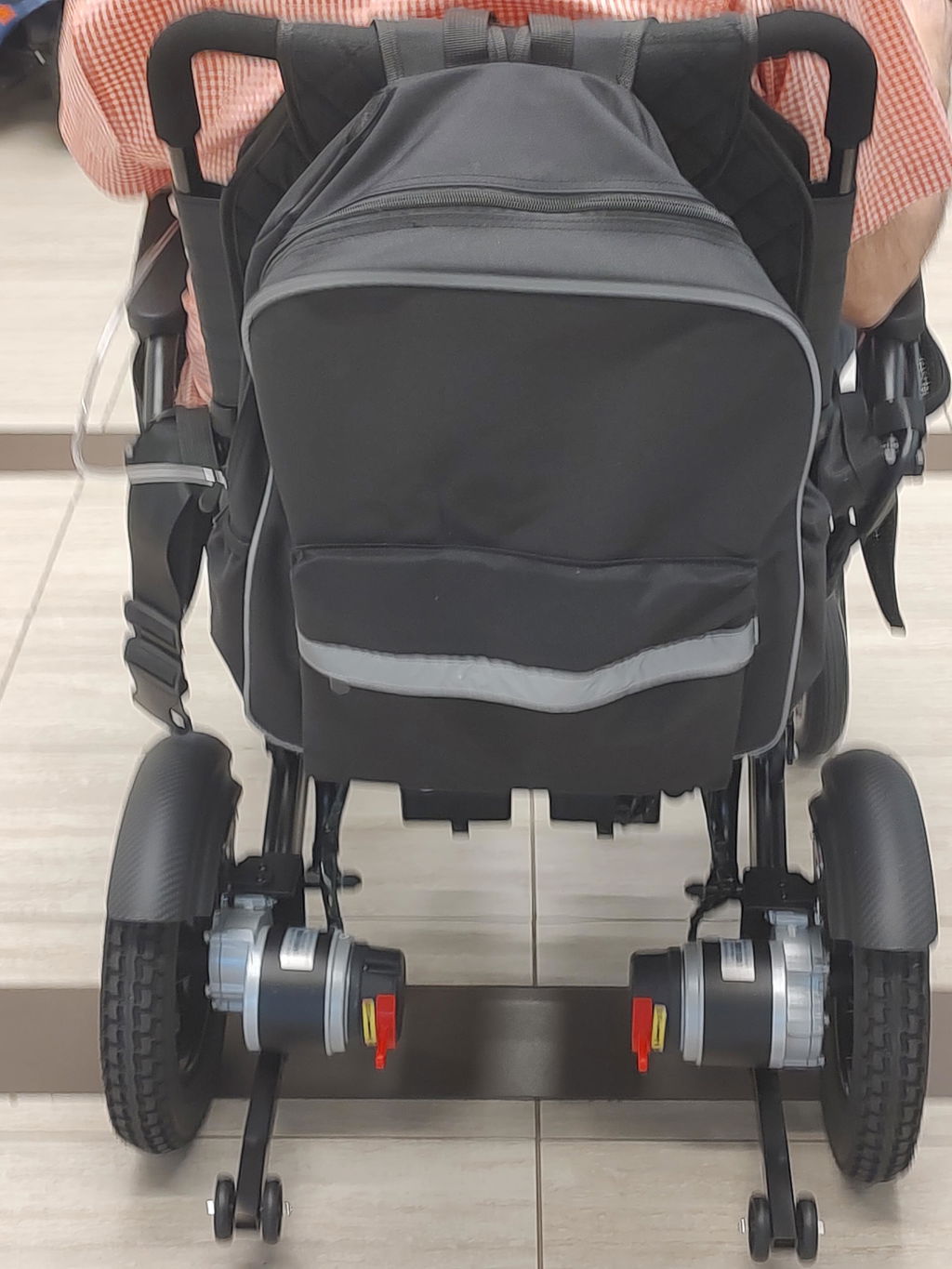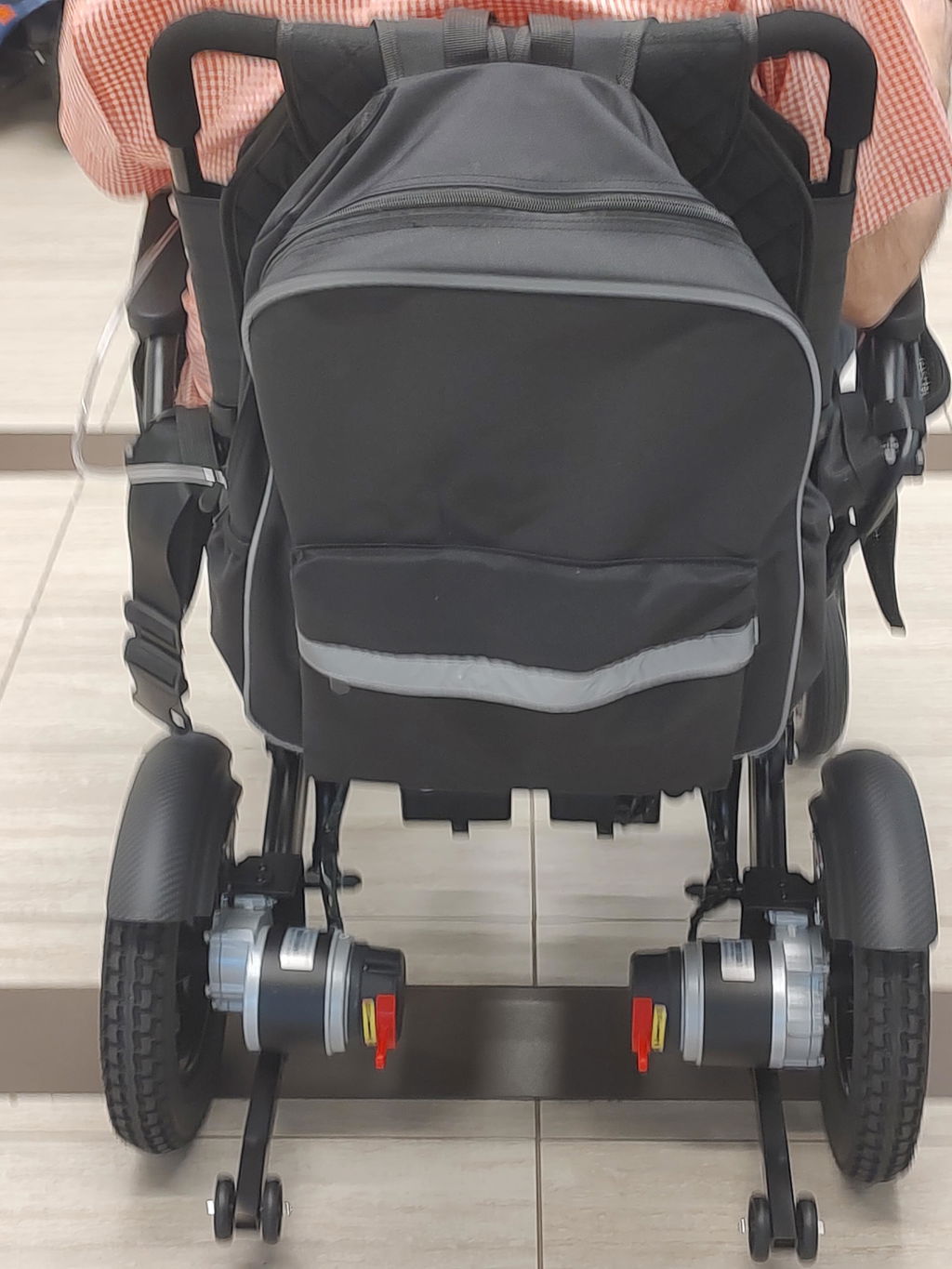
KERDOM DX08 Charging Guide
Keep your DX08 ready. This guide covers controller charging with the battery installed and direct charging through the removable battery case.
Watch: DX08 Charging Guide
Watch the official Kerdom Mobility charging video, then follow the written guidance below for your supplied battery and charger.
Video by: Kerdom Mobility
If the player does not load, watch this video on YouTube.
Two Ways to Charge
The DX08 manual supports controller charging with the battery installed or direct charging through the removable battery case.
Choose Your Method:
- On the chair: Leave the battery securely installed. Connect the supplied charger to the controller charging hole, then connect it to wall power.
- Directly on the battery: Turn the controller off. Press the battery release button, lift the battery box upward, and connect the charger to the battery case charging inlet.
- Correct inlet: Use the dedicated charging inlet; a USB phone-charging outlet is not a battery-charging inlet.
Important: DX08 documentation confirms both charging methods but does not document a separate battery ON/OFF switch. Do not rely on a battery switch unless your own battery clearly has one.
Connect, Charge & Disconnect
Charge indoors in a dry, ventilated place away from water and heat.
Follow These Steps:
- Prepare: Turn the controller off. Ensure an installed battery is fully seated, or place a removed battery on a stable surface.
- Connect: Insert the charger fully into the matching controller or battery inlet, then connect it to a working wall outlet.
- Finish: When charging is complete, disconnect wall power first, then unplug the chair or battery. Reinstall a removed battery before use.
Charger Light & Charging Time
Use the charger indicator to follow progress. The DX08 product specification lists 4–8 hours; time varies with starting charge and charger.
Read the Indicator:
- Red / Orange: Charging is in progress.
- Green: The manual identifies green as fully charged. Disconnect the charger when complete.
- Unexpected light: Check the plug and wall outlet. Do not use a timer alone to judge completion.
Battery care: Charge only between 32°F and 113°F (0°C–45°C). For an unused chair, the manual advises charging about once a month.
If You Have More Than One Battery
Some DX08 packages include more than one 24V 10Ah lithium-ion battery. Treat each as a separate unit.
Keep Batteries Matched:
- Charge individually: Charge and monitor each battery one at a time; complete one charge before starting the next.
- Use the matched charger: Do not connect batteries together or use a charger from another chair unless KERDOM confirms it is compatible with your exact DX08 battery.
- Check your order: Use the battery label and order details to identify the supplied battery and charger.
If the Battery Will Not Charge
Stop rather than attempting a repair if the battery or charger appears damaged.
Quick Checks:
- Connections: With wall power disconnected, check that every plug is fully seated and undamaged.
- Power source: Try a known-working wall outlet. Never attach the battery directly to a power plug or vehicle cigarette-lighter outlet.
- Battery condition: Stop charging for unusual heat, odor, color, or shape changes. Do not disassemble or modify the battery.
Need help? Email support@kerdom.com with your order number and a clear photo or short video, or contact KERDOM Support.