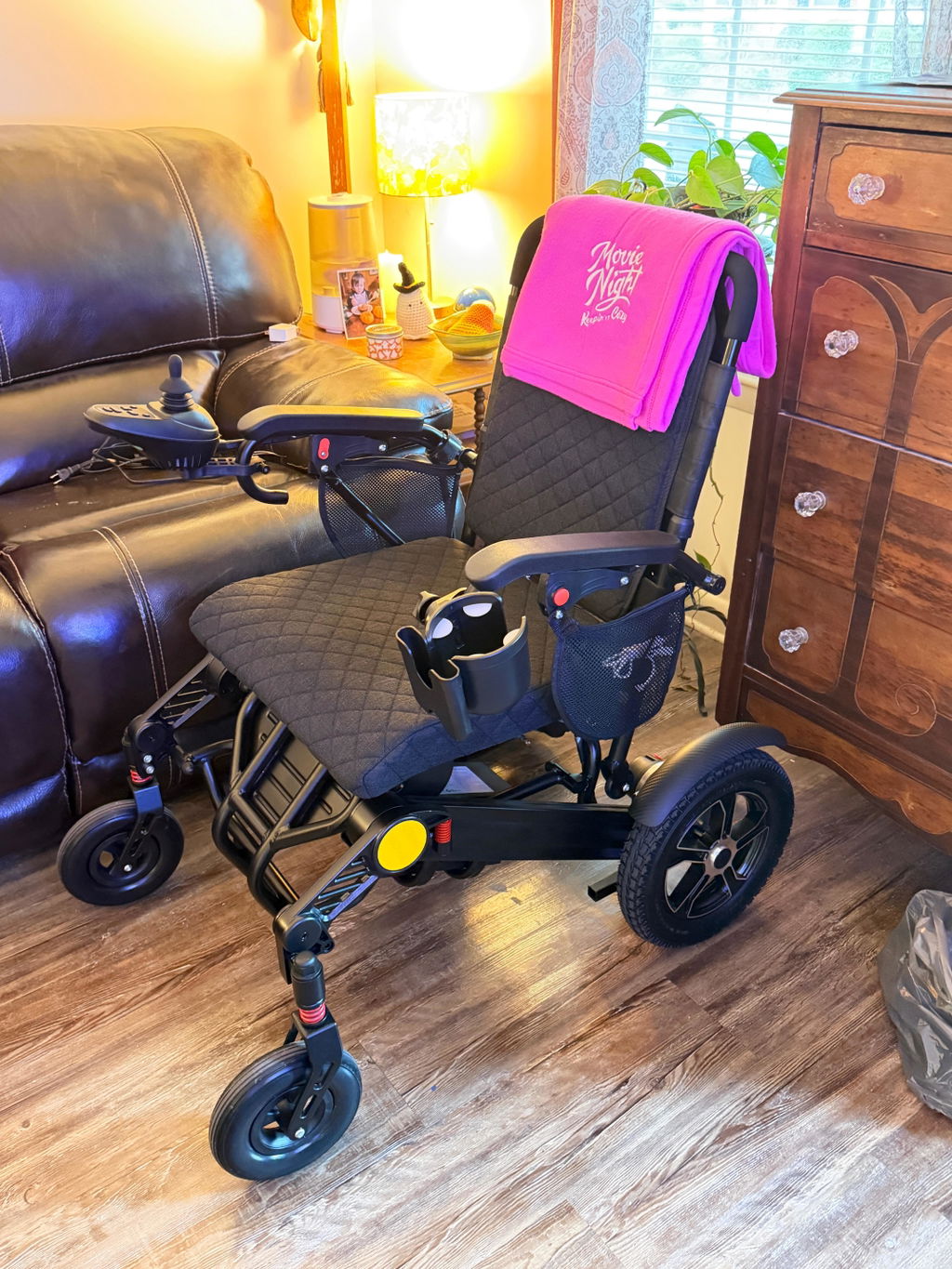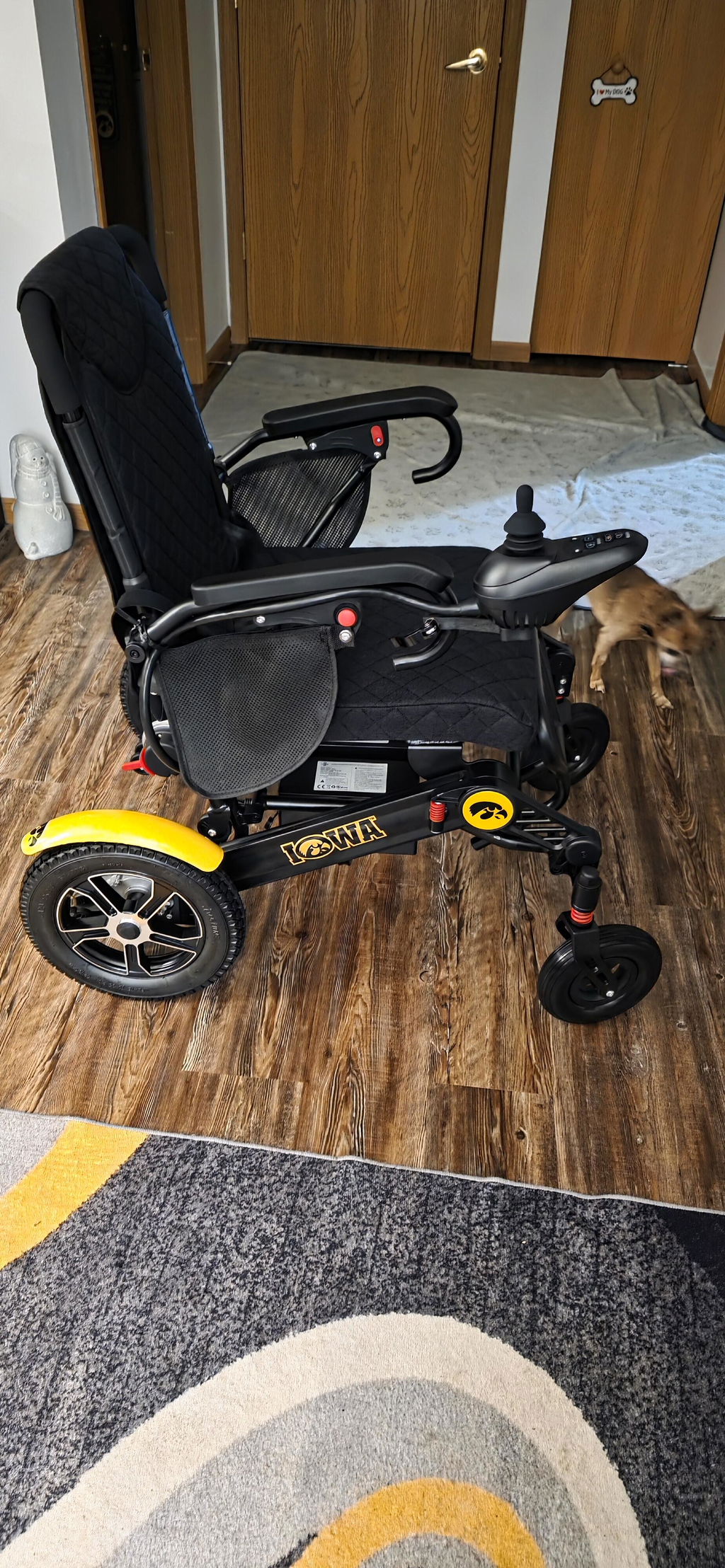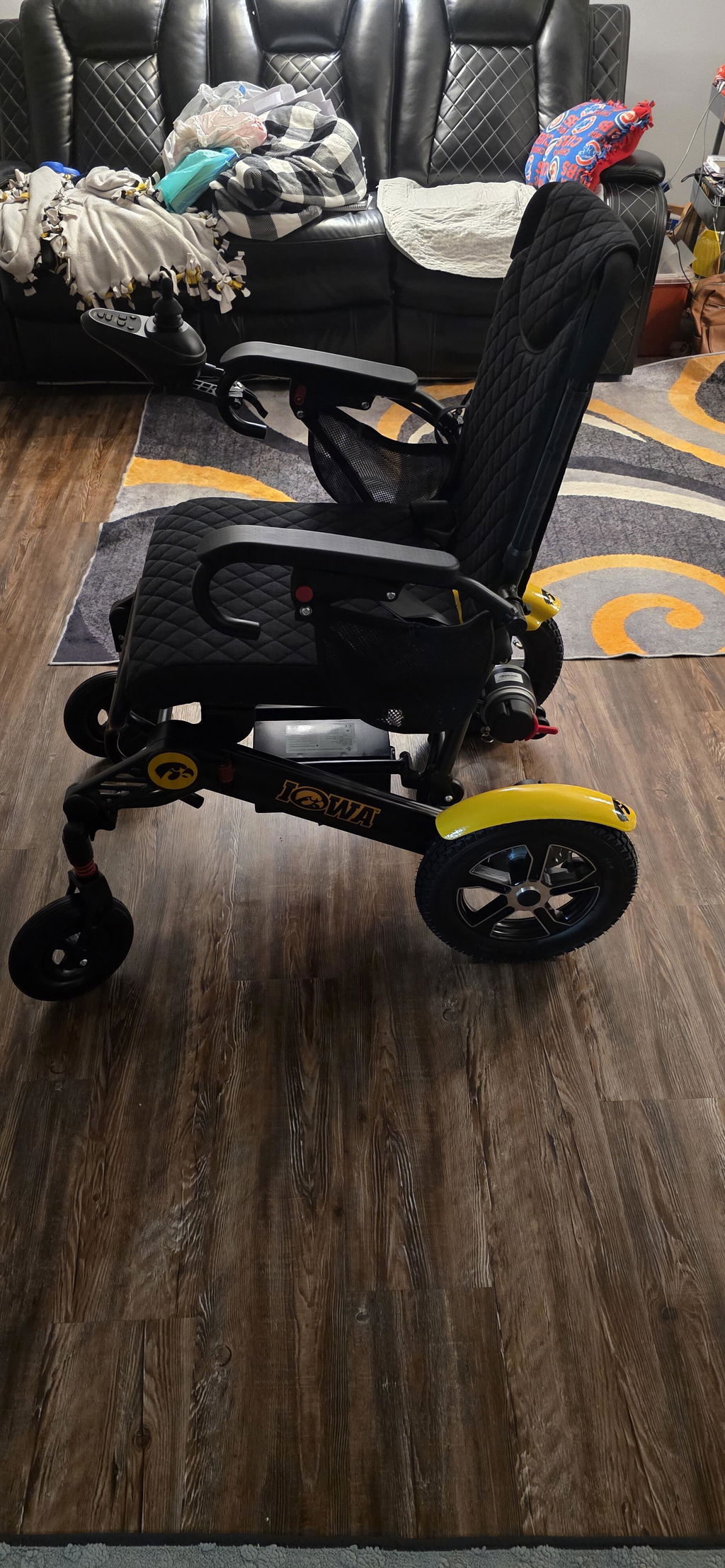
Can My KERDOM DX07 Be Pushed Manually?
Yes. The DX07 can be pushed by a companion when both motor freewheel levers are set to manual mode. This can be useful for short assisted movements or when battery power is unavailable.
Switching to Manual Mode
Prepare the chair on firm, level ground before releasing the drive system.
How to Make the Switch:
- Stop and switch off: Bring the chair to a complete stop and turn off the controller. Have a companion hold the chair securely.
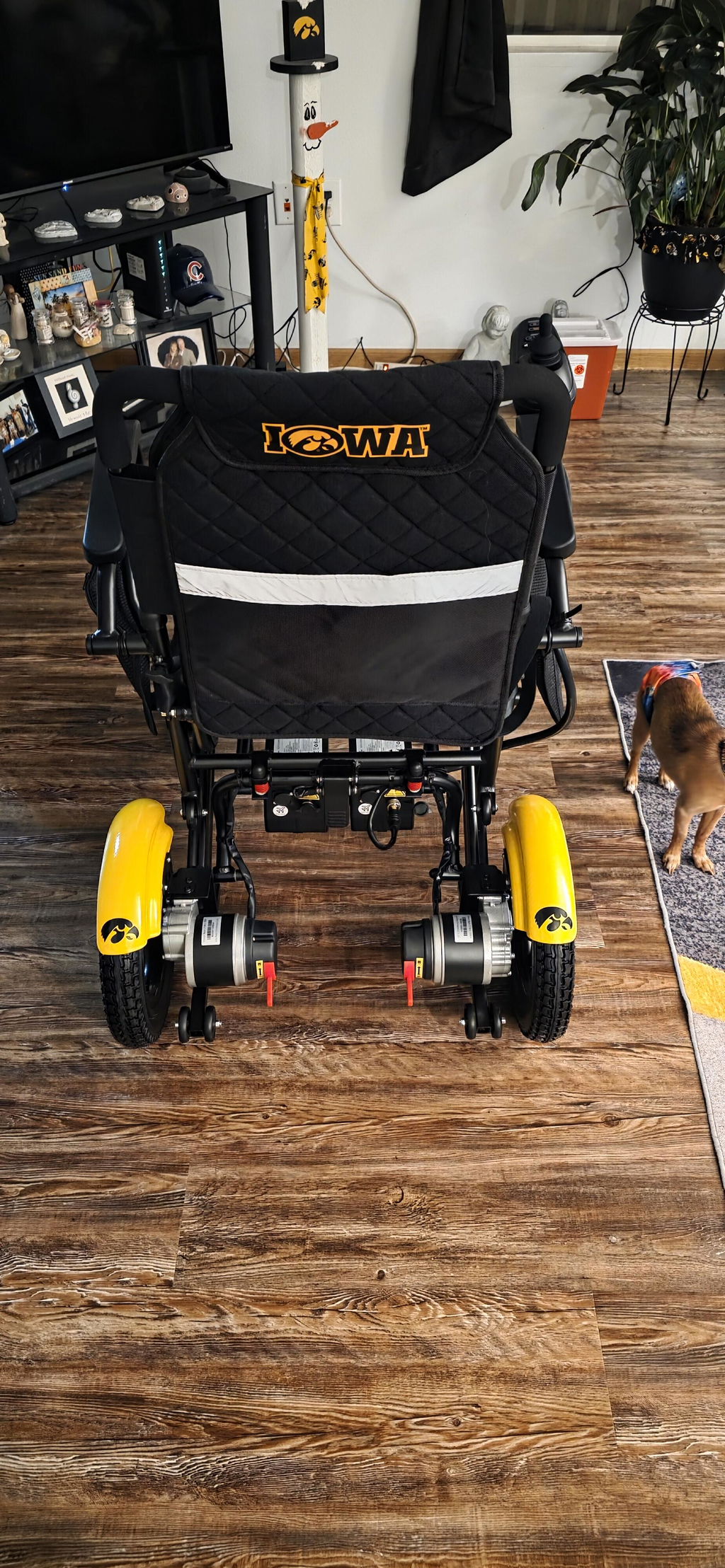
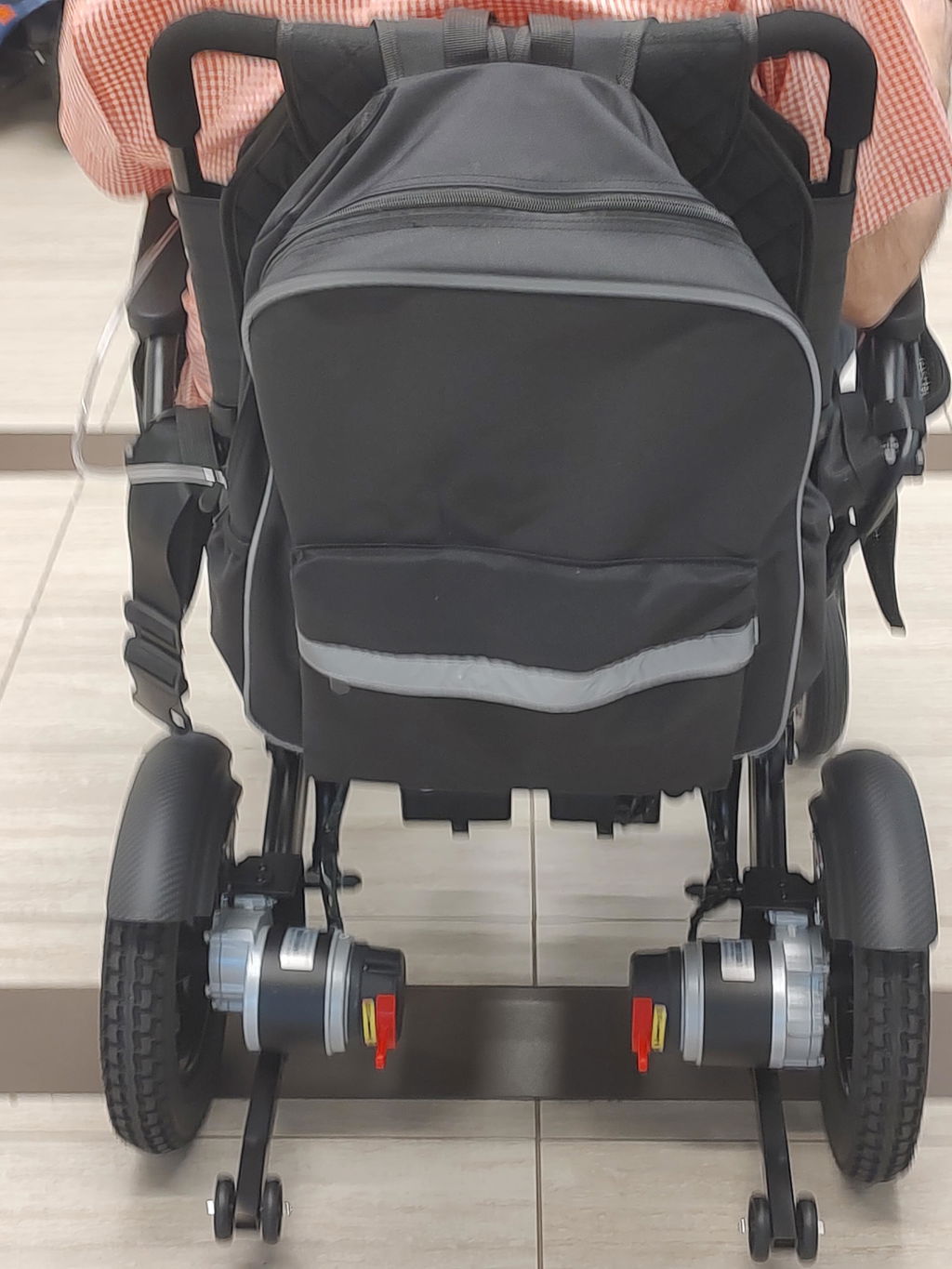
- Set both motor levers: Locate the freewheel levers by the rear-wheel motors. Move both to the manual/freewheel position shown on your chair’s labels and in the DX07 user manual.
- Push gently: Check that the chair rolls evenly, then push slowly while maintaining control. Do not force it if it resists or pulls to one side.
Important: Lever direction may vary by version. Follow your actual labels rather than assuming “up” or “down” means manual mode.
Manual Mode & Brake Safety
Freewheel mode releases the motor braking function. Your companion must keep control of the chair.
Safety Reminders:
- Use level ground: Do not switch to manual mode on a slope or ramp, or use it for uncontrolled downhill movement.
- Never leave it unattended: Do not leave an occupied chair in freewheel mode. Re-engage the drive system before parking or transferring.
- Plan for assistance: Manual mode does not make every surface easy to cross. If you lose power in an unsafe location, seek assistance rather than trying to push across difficult terrain.
Returning to Electric Mode
Reconnect both sides of the drive system before using the joystick.
Before Driving Again:
- Secure the chair: On level ground, stop, keep the controller off and return both levers to the drive/locked position.
- Check engagement: With a companion ready to assist, verify that the chair is no longer freewheeling. Turn it on and test at the lowest speed in a clear area.
- Investigate warning signals: Beeping or flashing may indicate manual mode or another issue. Check the lever positions and manual; do not assume every warning means the same fault.
Need Help Identifying the Levers?
We can help you confirm the correct setup for your DX07 version.
What to Send:
- Clear photos: Email support@kerdom.com with your order number and photos of both rear motors, lever labels and any controller error display.
- Stop if uncertain: If the chair will not roll evenly or the brakes do not engage, stop using it and ask our team for guidance.