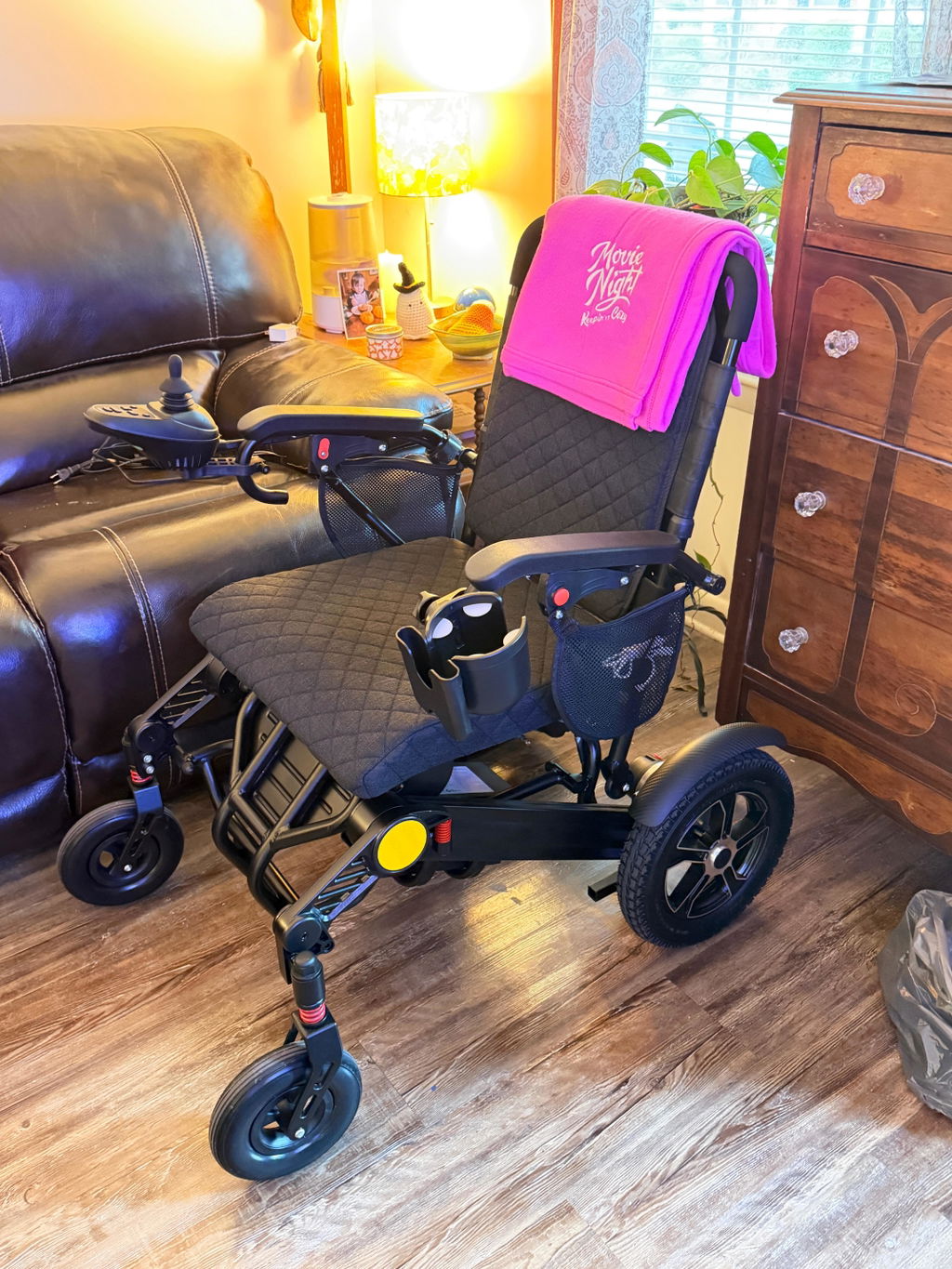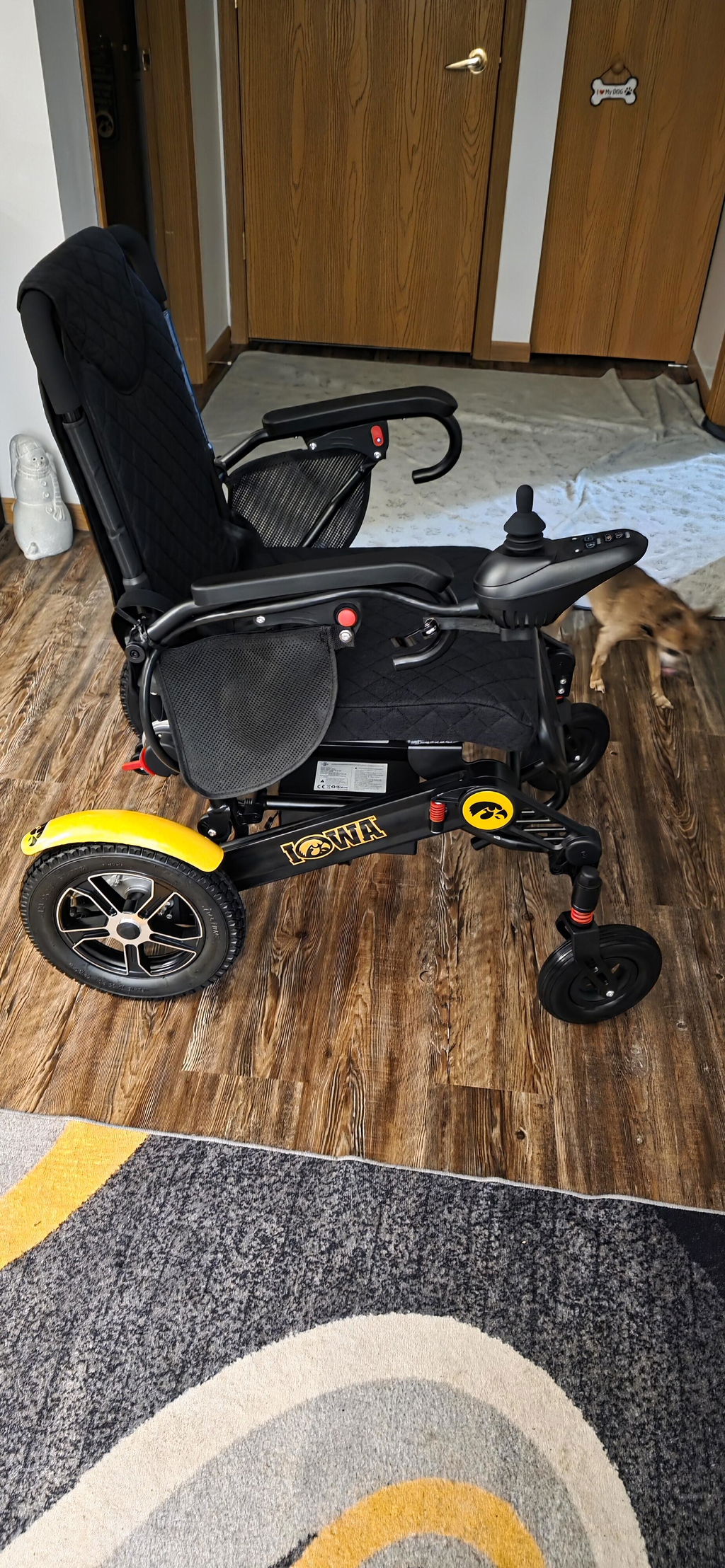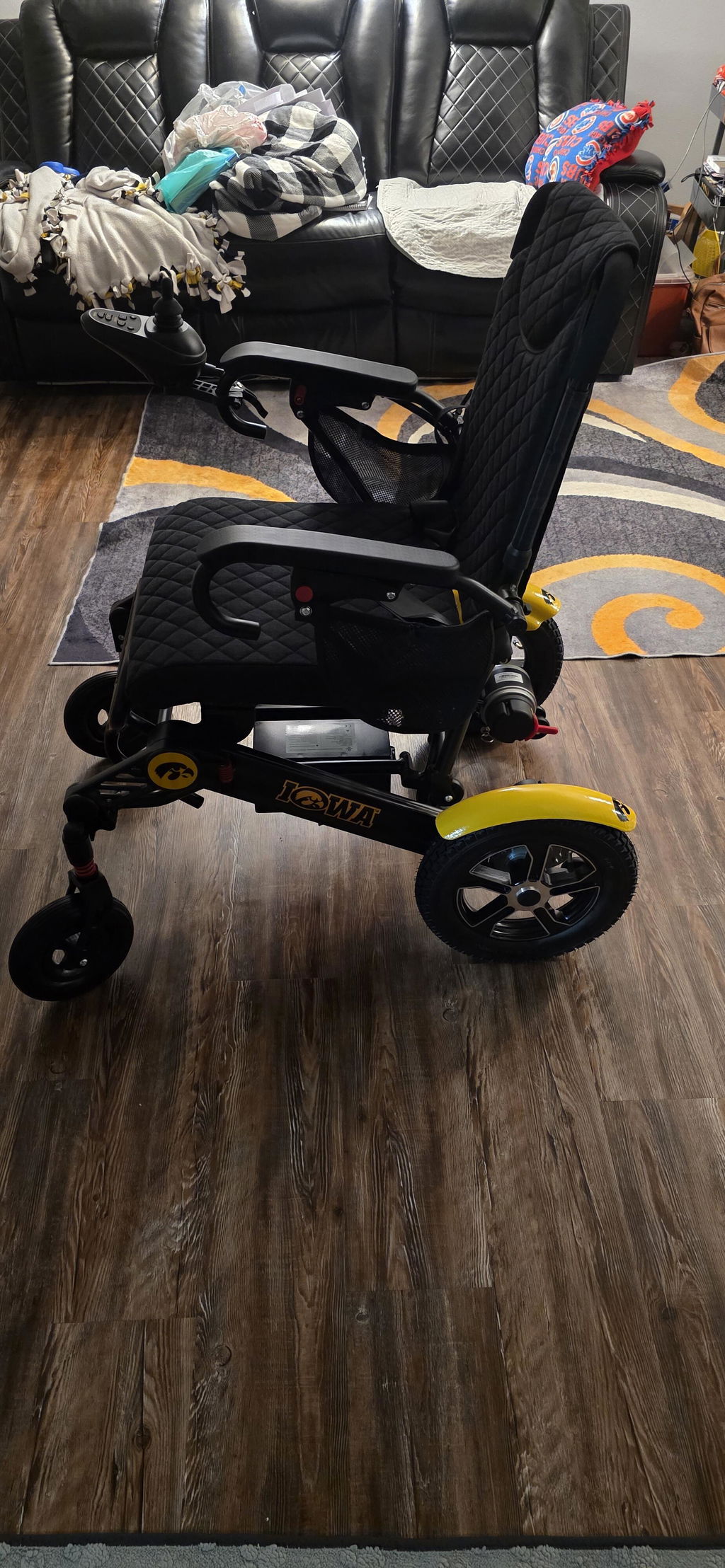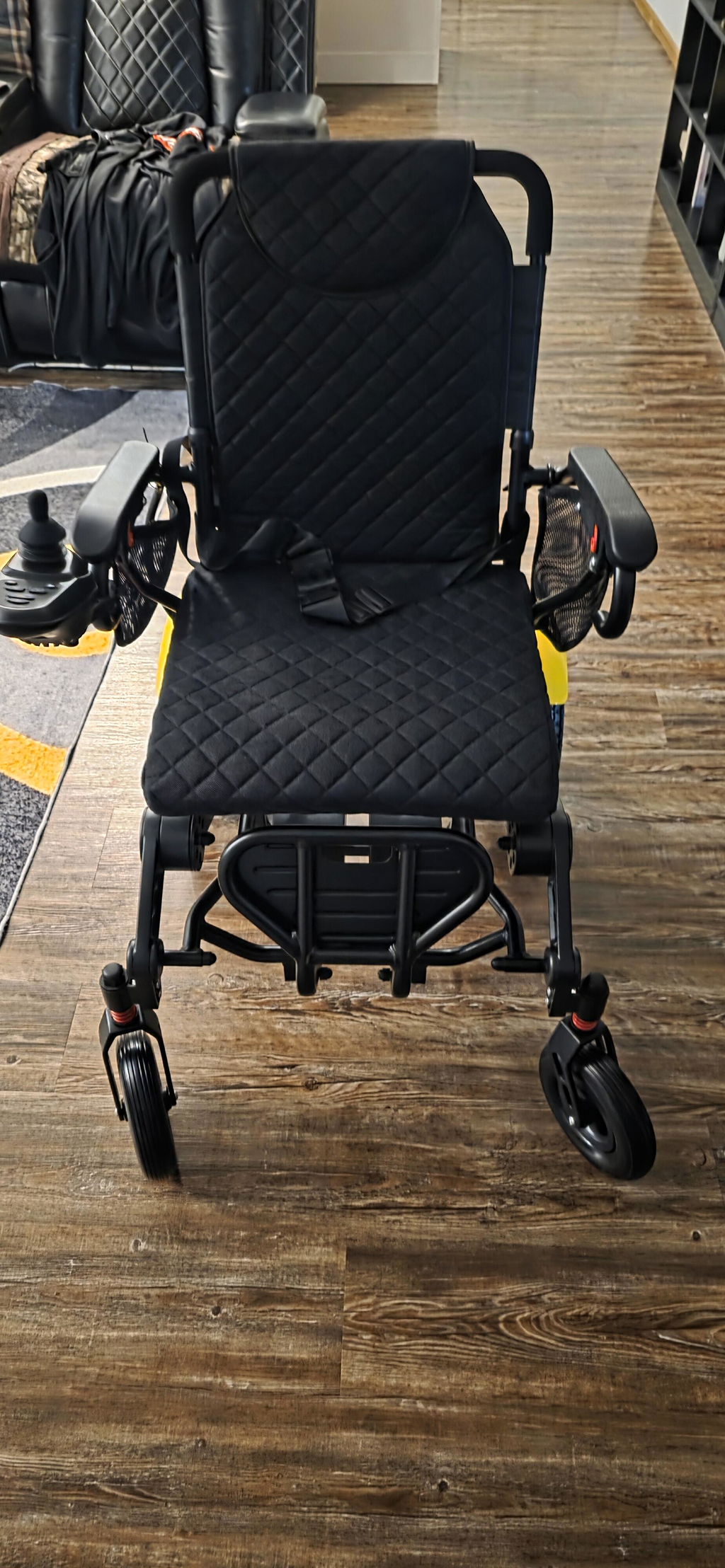
KERDOM DX08 Manual & Electric Mode Guide
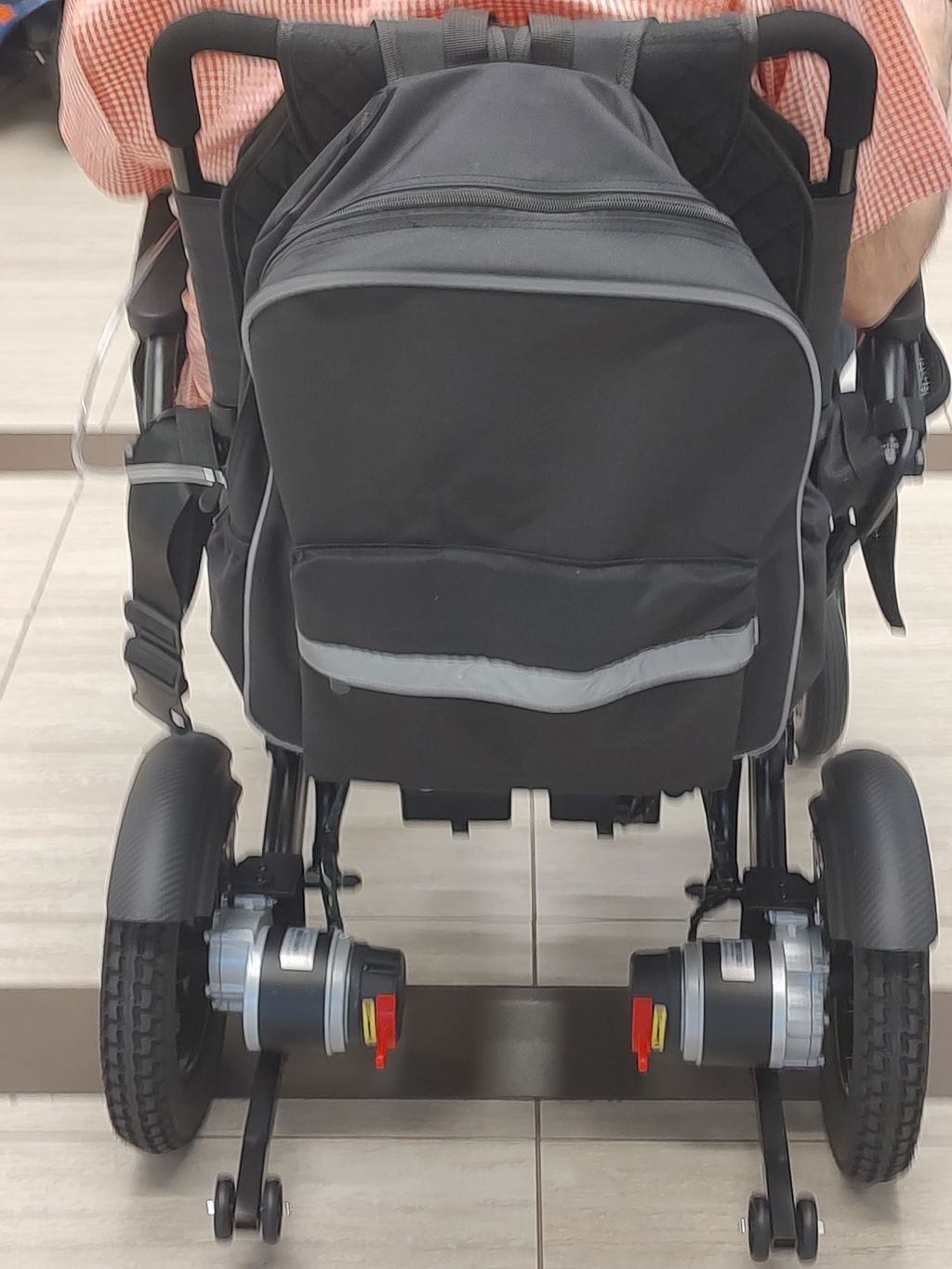
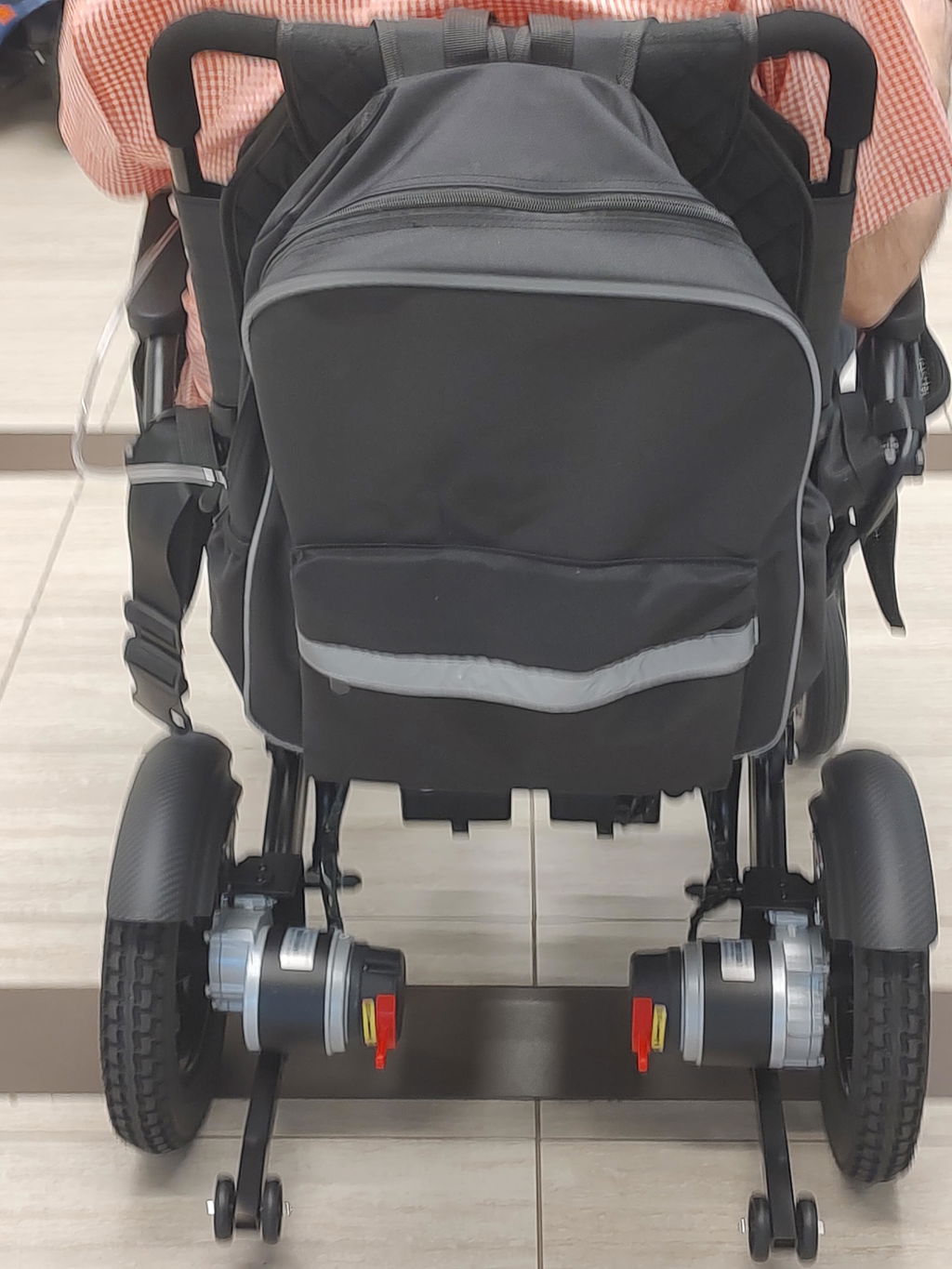
Use Electric Mode for joystick-controlled driving, or switch to Manual Mode when a caregiver needs to push your DX08. The change is made using the two red levers at the rear motors—not through a controller menu.

Watch: Switch Between Manual and Electric Modes
See the official Kerdom Mobility demonstration, then follow the safety and mode-switching steps below.

Video by:
Kerdom Mobility
If the player does not load, watch the video on YouTube.
Open or close a section: Select a heading below. All sections start expanded.
Understand the Two Modes
Choose the mode that matches what you need to do. Both motor levers must be set to the same mode.
Your Mode Options:
- Electric Mode: The motors and electromagnetic braking system are engaged for powered driving. Use the joystick after switching the controller on.
- Manual Mode / Freewheel: The drive and electromagnetic brakes are disengaged so a caregiver can push the chair. The caregiver must control its movement and stopping.
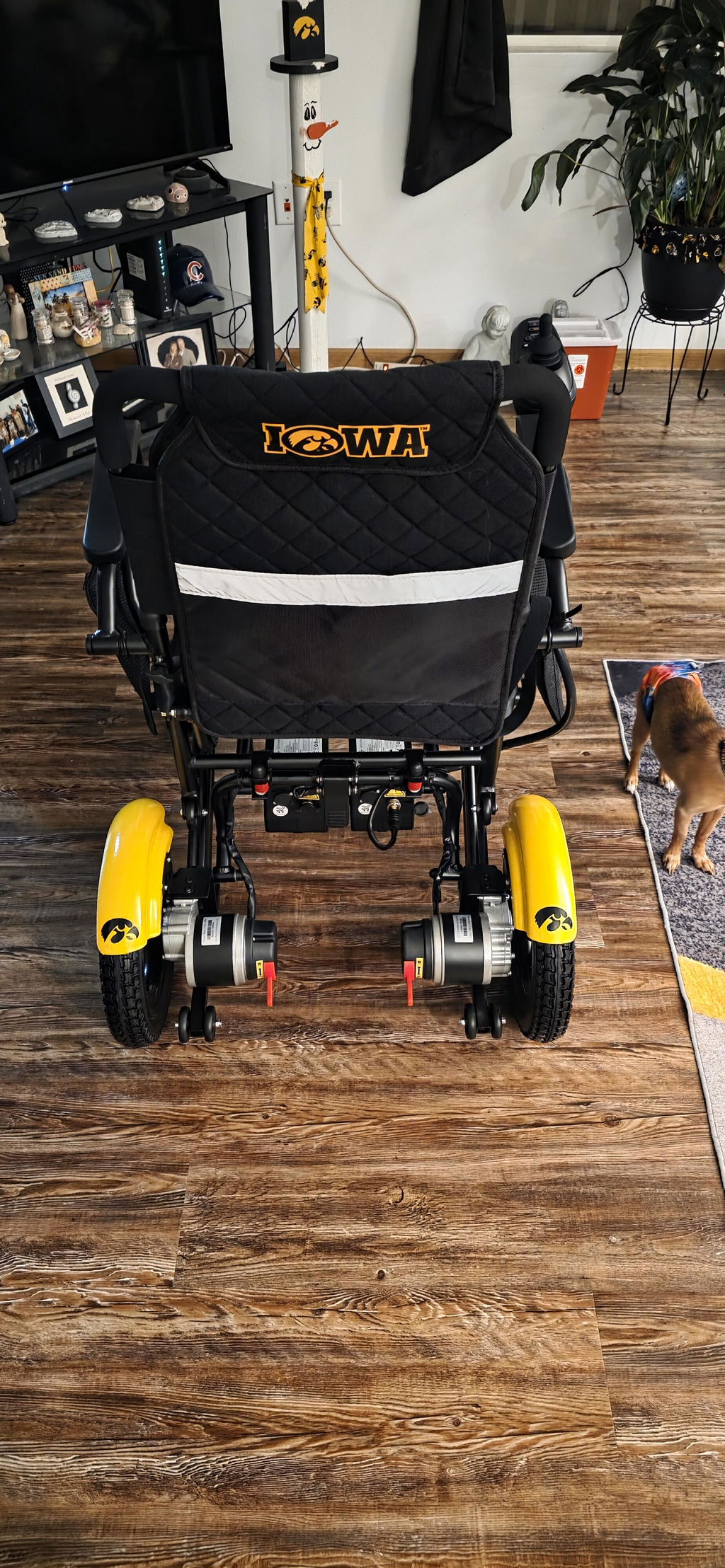
- Where to switch: Find the red lever beside each rear wheel motor. On the lever arrangement shown in the video, down selects Manual Mode and up selects Electric Mode.
Important: Turning the controller off does not, by itself, put the chair into Manual Mode. The motor levers must also be moved. If your lever arrangement differs from the video, follow your supplied manual or contact KERDOM.
Prepare Before Switching
Stop the wheelchair completely before changing modes. Choose firm, level ground and keep a caregiver in control of the chair.
Your Safety Checklist:
- Use level ground: Never switch to Manual Mode on a slope, ramp or near a drop-off.
- Switch the controller off: Wait for the display to turn off before moving either motor lever.
- Secure the chair: Have a caregiver hold the push handles before releasing the brakes. Change modes with the chair unoccupied where possible.
- Check both sides: Locate both red levers and keep your hands clear of the wheels. Do not leave one motor in Manual Mode and the other in Electric Mode.
Switch to Manual Mode for Pushing
The video shows the controller being switched off, both red levers pushed down, and the wheelchair then pushed by hand.
Follow These Steps:
- Turn off joystick power: Stop on level ground, switch the controller off and have a caregiver hold the push handles.
- Push both red levers down: Move the lever at each rear motor down into the Manual position shown in the video. Make sure both are fully in the same mode.
- Push gently: The caregiver can now move the chair using the push handles. Move slowly and keep control of the chair at all times.
Brakes are released: In Manual Mode, do not rely on the electromagnetic brakes to hold or stop the chair. Do not leave it unattended or use the joystick or Bluetooth remote for powered driving in this mode.
Return to Electric Mode for Driving
Restore Electric Mode before using the joystick, parking or getting into or out of the chair. Keep the chair stationary and under control while switching.
Follow These Steps:
- Lift both red levers up: With the controller off, move the lever at each rear motor up into the Electric position shown in the video. Check that both are fully engaged.
- Turn on joystick power: Leave the joystick centered, then switch the controller on.
- Check at low speed: Before normal use, test powered movement and stopping at the lowest speed in a clear, level area. Do not ride if the chair moves or brakes unexpectedly.
Before a transfer or parking: Check that both levers are in Electric Mode and that the chair is held securely by its brakes. Switch the controller off for transfers. Stop using the chair if it does not hold securely.
Not Moving or Hard to Push?
A lever left in the wrong position can prevent normal operation. Stop on level ground before making any adjustments.
Check These First:
- Joystick does not drive the chair: Switch the controller off and check that both red levers are fully in Electric Mode. Restart with the joystick centered.
- Chair is hard to push manually: Keep it under control with the controller off and check that both levers are fully in Manual Mode. Do not force the chair or tow it with a vehicle.
- One side feels different: Check that both levers are in the same mode. Do not continue if the chair pulls unexpectedly or remains difficult to move.
- Lever will not move or braking is abnormal: Do not force, dismantle or adjust the brake mechanism. Stop using the chair and contact KERDOM.
Safe Everyday Mode Switching
Manual Mode is for controlled pushing, not a parking mode or a way to travel down a slope.
Remember These Rules:
- No slopes in freewheel: Do not switch into or use Manual Mode on an incline. Released brakes can allow the chair to roll.
- No unattended chair in Manual Mode: A caregiver must retain control whenever the brakes are released.
- Do not change modes while moving: Stop fully, switch the controller off and secure the chair first.
- Return both levers after pushing: Restore Electric Mode and check secure braking before parking, transferring or returning to powered use.
KERDOM Support, When You Need It
If a lever will not engage or the chair does not move or stop normally, stop using it and contact our team. Photos of both motor levers and any controller warning can help us guide you.
Your Support Resources:
- Technical guidance: Email support@kerdom.com with your DX08 model, order number and a short description of the issue.
- Long-term protection: Read the support and warranty information for applicable coverage and claim steps.
- U.S. warehouse support: KERDOM’s U.S. warehouse network supports chair and replacement-part logistics, subject to approval and availability.
- Real customer experiences: Explore KERDOM customer reviews.
Visit the KERDOM User Manuals page or contact KERDOM Support for model-specific help.