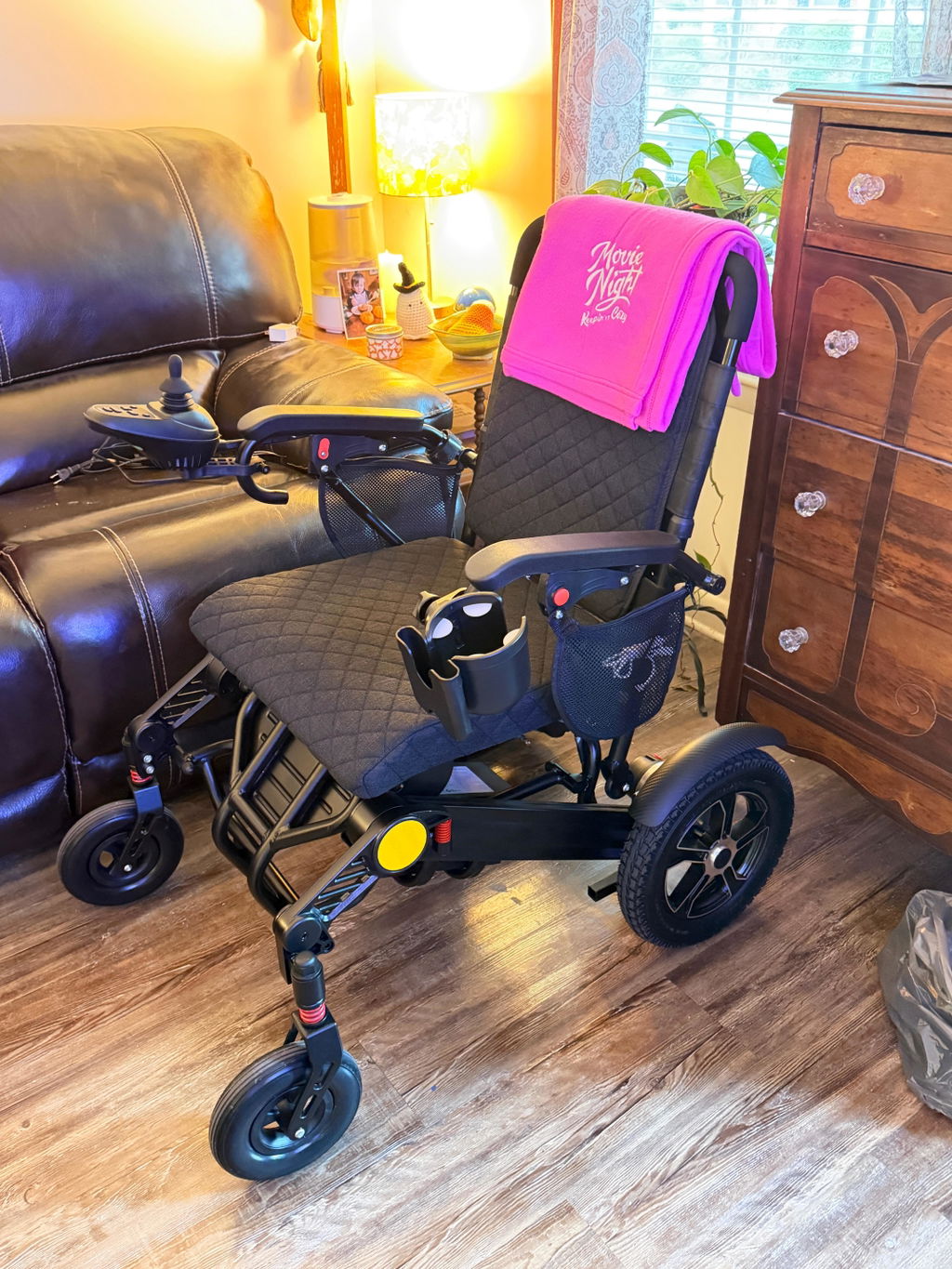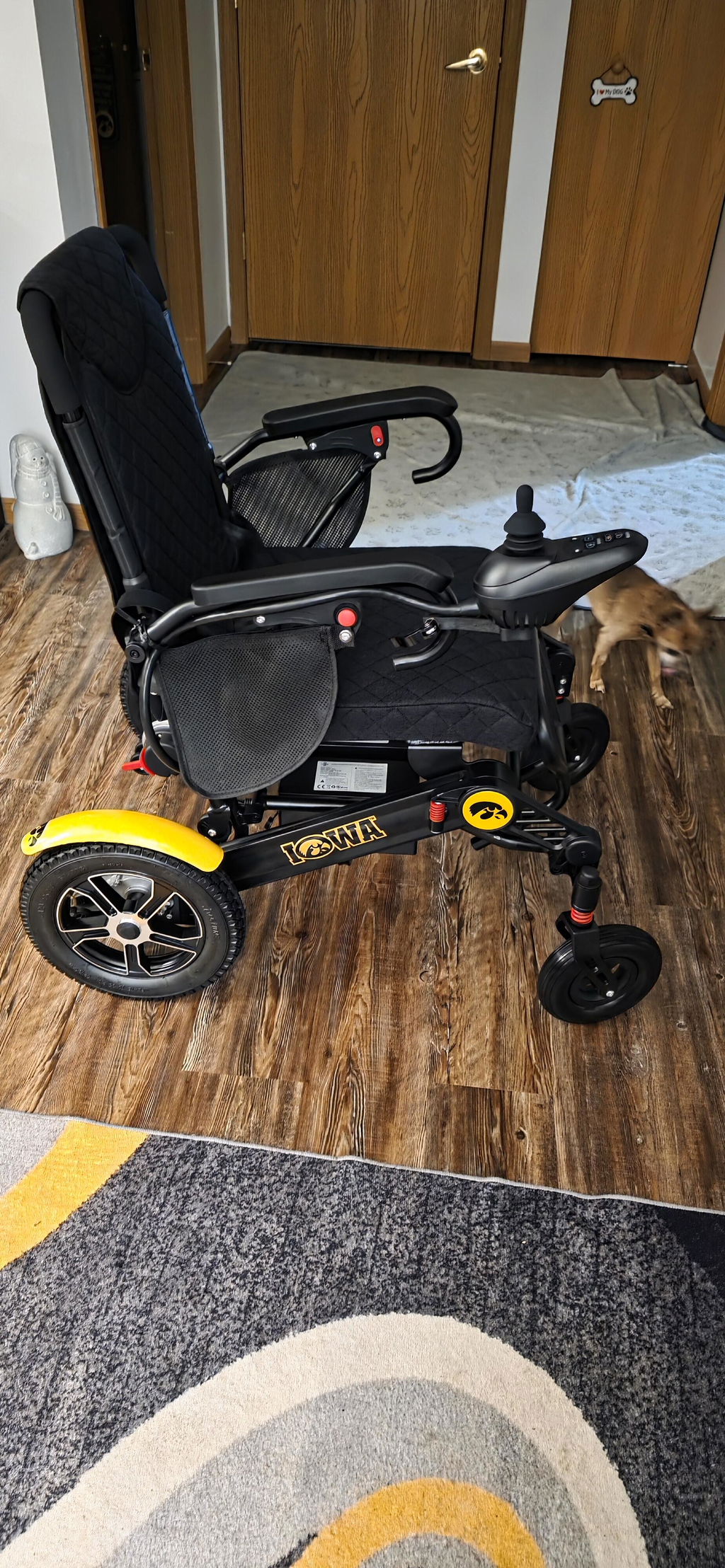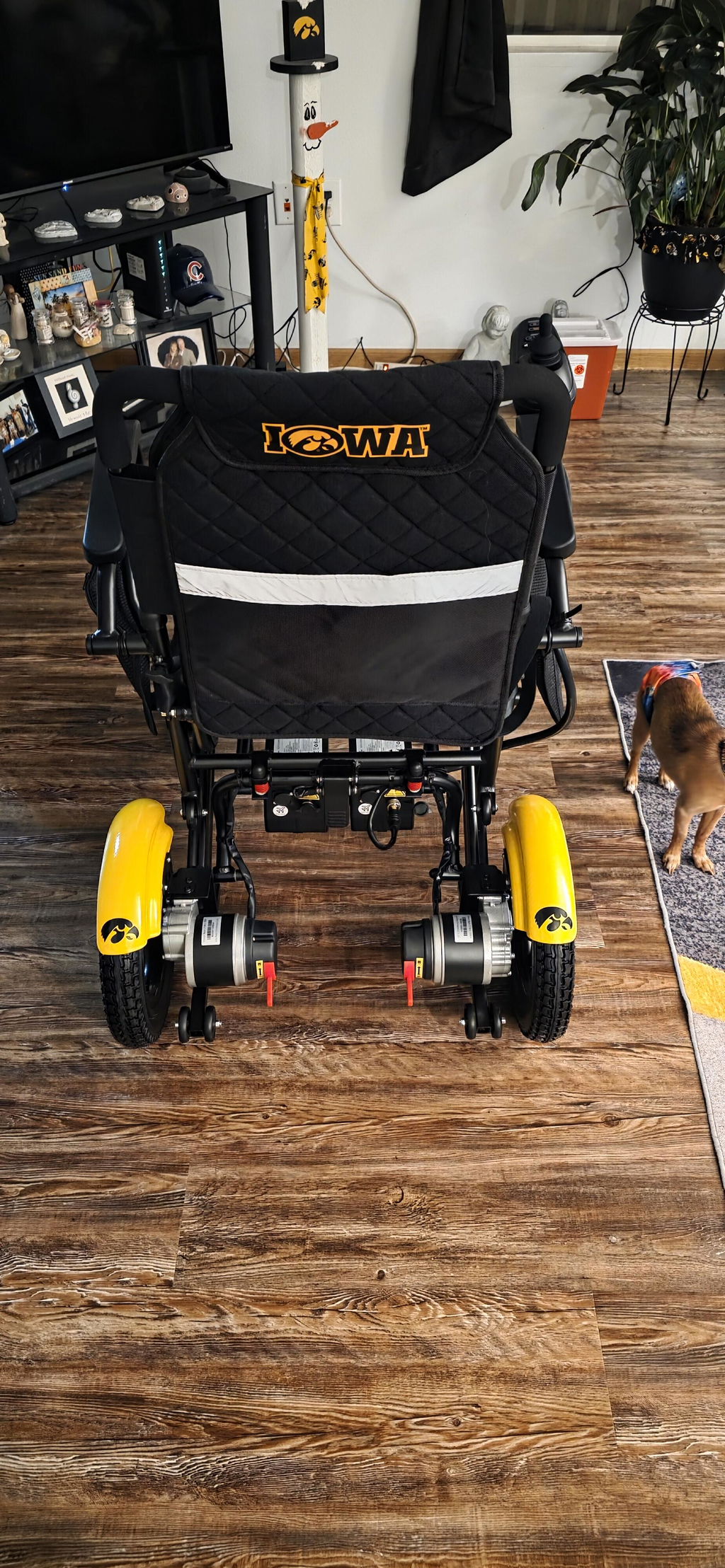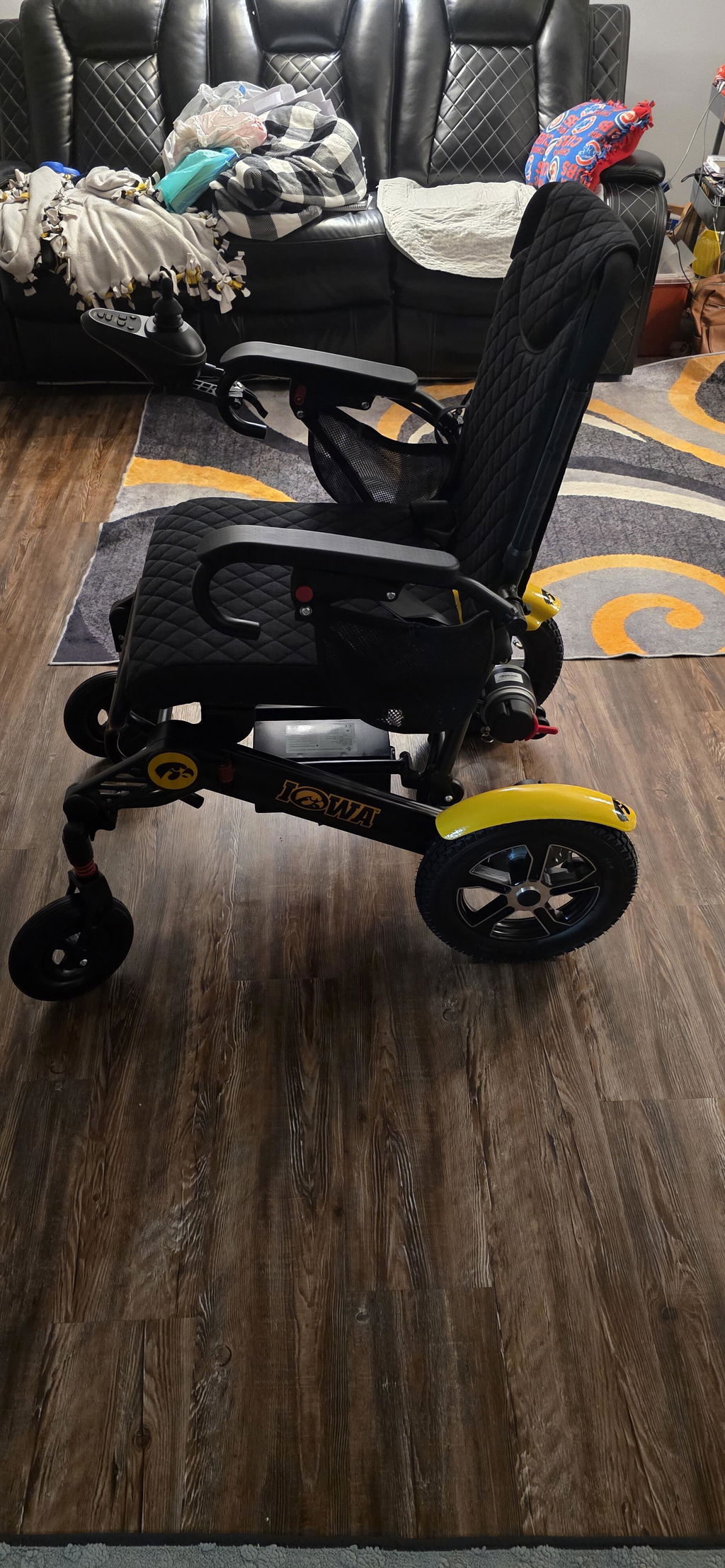
Can the Joystick Be Moved to the Left Side?
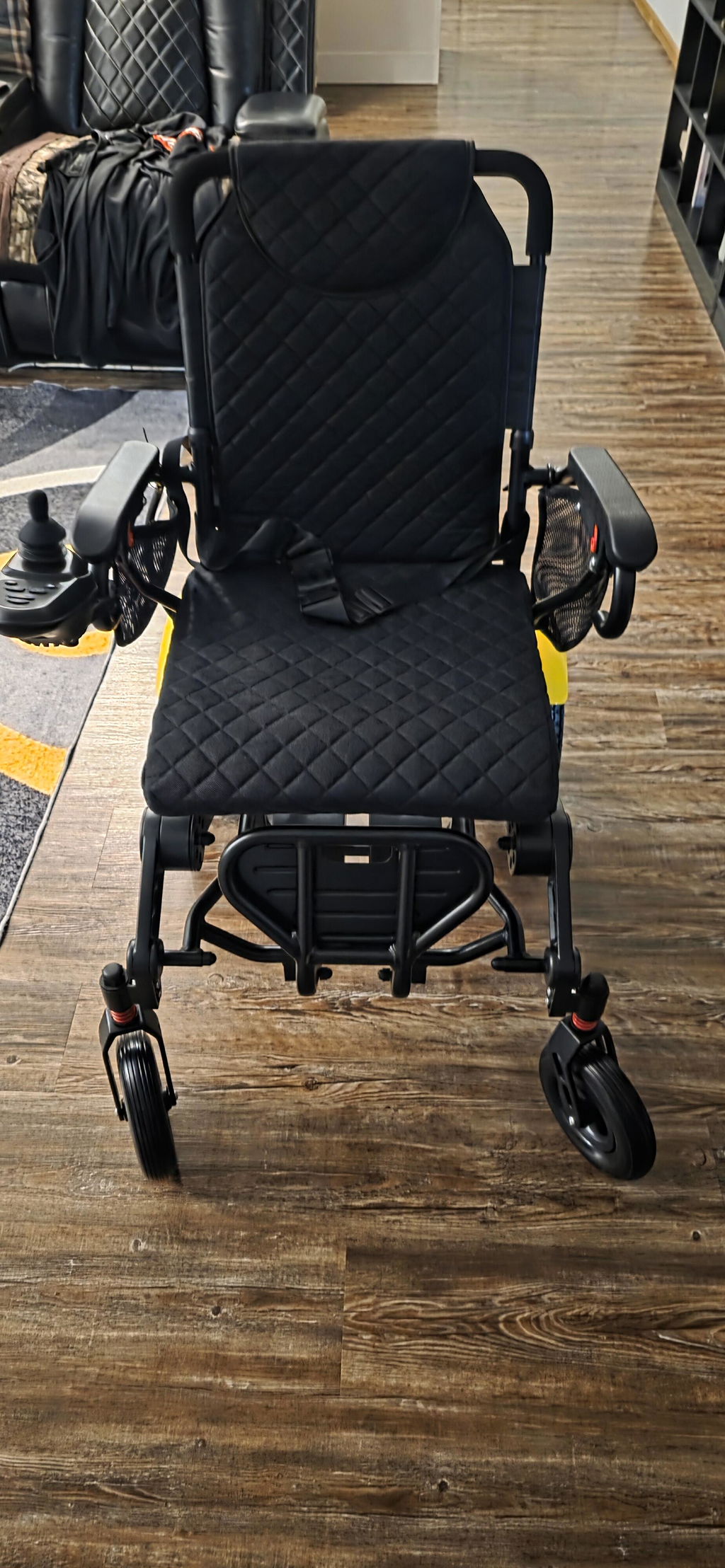
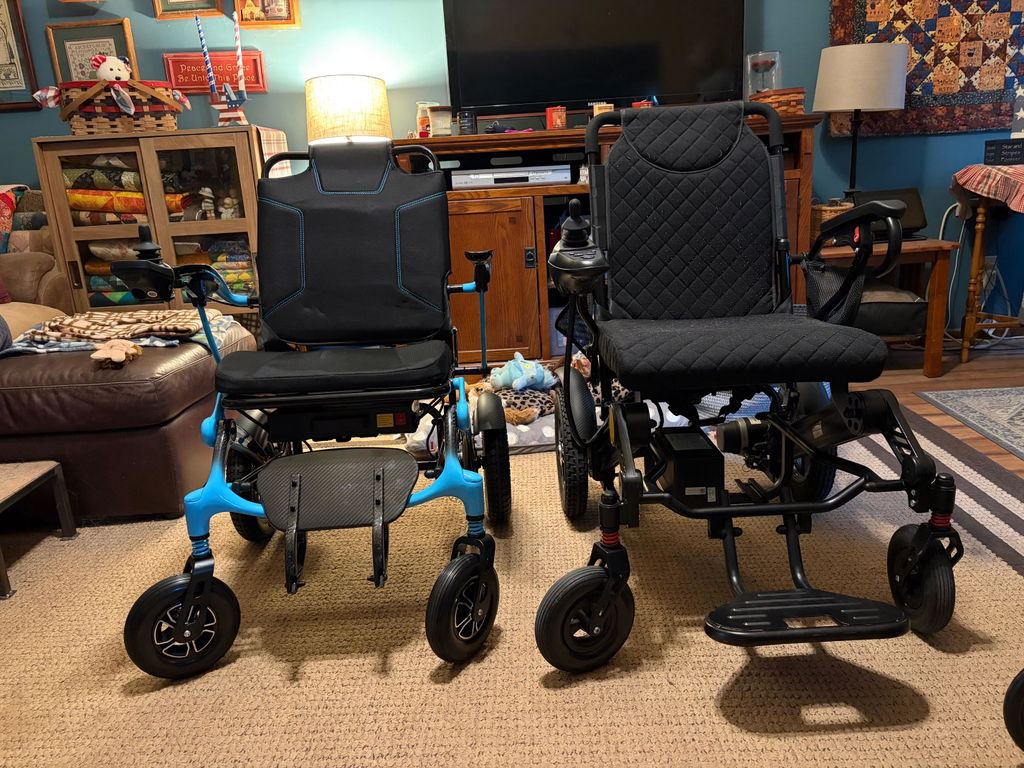
Yes—on compatible KERDOM Mobility models, the joystick can be mounted on either armrest. Choose the side that feels more comfortable and gives you better control. The DX07 and DX08 support left- or right-side mounting; check your model’s instructions for its mounting arrangement.
A Setup That Works for You
Your joystick should be within comfortable reach, whether you prefer using your left or right hand.
Your Adjustment Options:
- Left or Right Side: Install the controller on the supported armrest that suits your needs.
- Comfortable Reach: Adjust the mounting position where your model allows, so you can reach the controls without stretching.
- Model-Specific Mount: Brackets, fasteners and cable connections vary. Use the instructions and tools specified for your chair.
How to Move the Joystick
Switching sides involves moving the controller mount—not changing how you steer. Follow your model’s manual and ask us for help if a step is unclear.
Basic Setup Steps:
- Turn the Chair Off: Park on firm, level ground and secure the chair as directed in the manual.
- Move the Mount: Release the bracket and fit it to the opposite supported armrest using the specified fasteners.
- Check the Cable: Reconnect securely if required. Keep cables clear of wheels and folding joints; do not pull or force connectors.
- Check Before Riding: Confirm the mount is secure, then test steering and stopping at the lowest speed in an open, level area.
If the bracket does not fit or the cable will not reach, stop and contact KERDOM before proceeding.
We’re Here to Help
You don’t need to work out the mounting arrangement alone. Our team can help you find the instructions for your chair.
How to Get Guidance:
- Email Us: support@kerdom.com.
- Share Your Model: Include your order number and photos of both armrests and the controller mount.
- Check Your Manual: Visit our User Manuals page for model-specific instructions.