Airline Travel & Battery Guidelines
Planning a flight with your KERDOM DX07, DX08, DX05 or DX06? A little preparation helps make airport day easier. Confirm your exact wheelchair and battery configuration with every operating airline before you travel.
Know Your Battery’s Watt-Hours
Airlines use watt-hours (Wh) to assess lithium-ion battery capacity. The calculation is Voltage (V) × Amp-hours (Ah) = Watt-hours (Wh).
Common Listed Configurations:
- KERDOM DX07: 24V × 12Ah = 288Wh per battery. Single- and two-battery packages are available.
- KERDOM DX08: 24V × 10Ah = 240Wh per battery. Confirm whether you will carry one or two batteries.
- KERDOM DX05: Standard 24V × 12Ah = 288Wh. The optional 24V 20Ah battery is 480Wh and exceeds the 300Wh limit for removed or spare lithium-ion mobility batteries.
- KERDOM DX06: Listed 24V 12Ah batteries are 288Wh each. Declare both batteries if traveling with the two-battery package.
These calculations apply to the configurations above. Use the label on your actual battery and contact us if its voltage, capacity or Wh rating differs. A rating below 300Wh does not by itself guarantee airline acceptance.
Understand the Battery Rules
Battery handling depends on how the battery is protected and whether it stays installed. The following summarizes U.S. FAA mobility-device guidance; airlines and international routes may have stricter requirements.
What to Confirm:
- Installed Batteries: An adequately protected, securely attached battery may remain installed if the chair is protected against accidental activation. Ask the airline to confirm the arrangement.
- Removed Batteries: A lithium-ion mobility battery that must be removed is limited to 300Wh and must travel in the cabin, protected from damage and short circuit—not in checked baggage.
- Spare Batteries: FAA guidance permits up to one spare of 300Wh or less, or two spares of 160Wh or less each, in carry-on baggage. Confirm acceptance with your airline.
- Two-Battery Setups: Declare which batteries power the chair and which are spares. Do not assume that any two batteries below 300Wh will automatically be accepted.
Prepare Before Your Flight
Contact the airline’s accessibility team when booking, rather than waiting until check-in.
Your Pre-Trip Checklist:
- Confirm Acceptance: Provide your model, chair dimensions, weight, battery type and battery count. Check required notice periods, forms and aircraft cargo-space limits.
- Bring Documentation: Carry clear photos of each battery label, any documents requested by the airline, and your model’s folding and battery-handling instructions.
- Arrange Assistance: Request gate check, preboarding and transfer assistance as needed. Confirm arrangements for connections and your return flight.
At the Airport & During Handoff
Allow extra time and tell staff what assistance you need. Security screening and airline battery acceptance are separate processes.
On Travel Day:
- Arrive Early: For U.S. travel, DOT guidance advises arriving one hour earlier than the normal check-in time when traveling with a battery-powered wheelchair.
- At Security: Tell the officer whether you can stand or walk independently. You may request screening while seated if standing is difficult; your chair and accessories will also be screened.
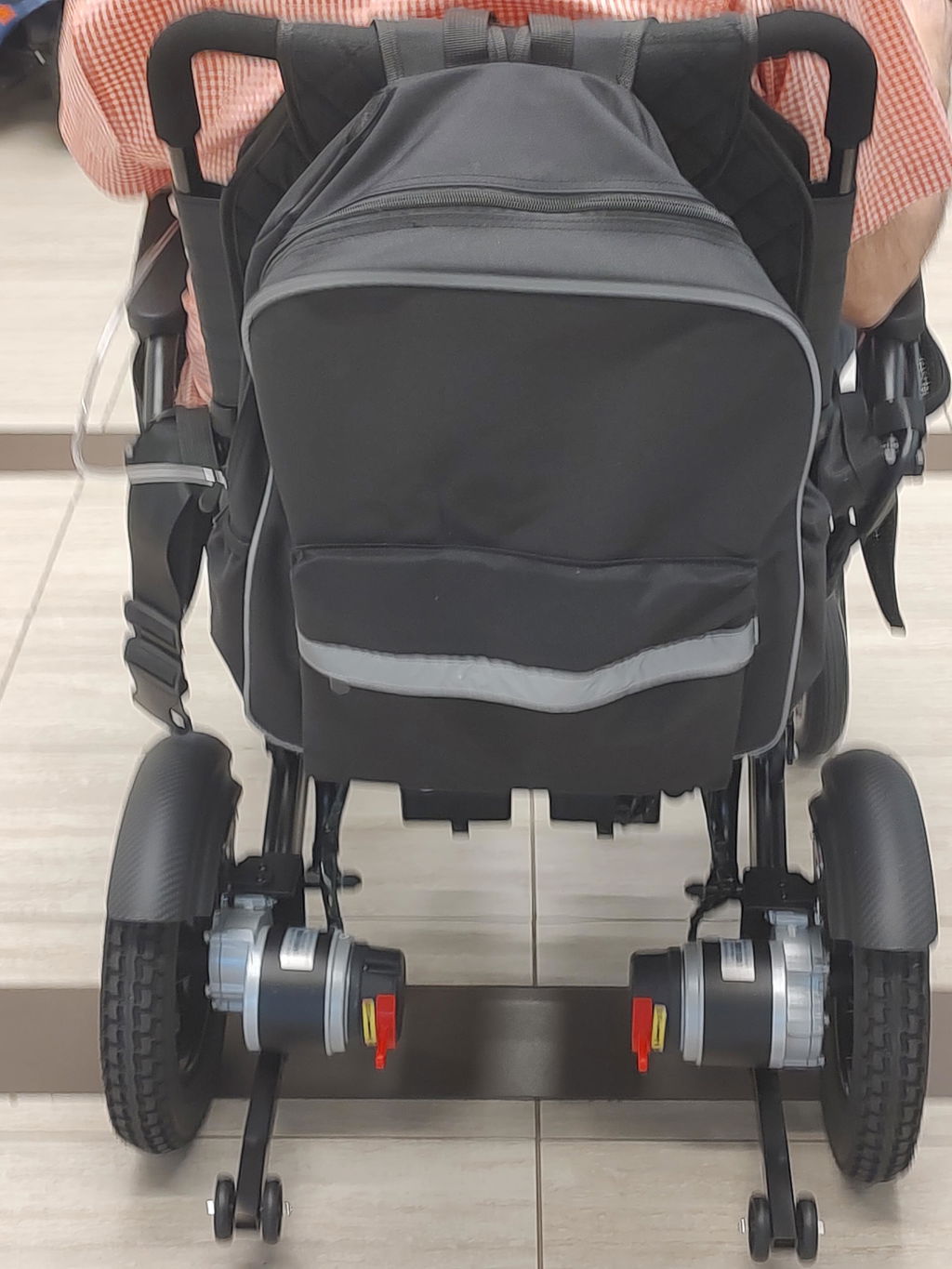
- Prepare the Chair: Turn it off and follow your manual and airline instructions for batteries, folding and motor-lever positions. Show staff the safe lifting points; protect removable controls and accessories.
- Protect Removed Batteries: Cover exposed terminals, pack each battery separately in a protective pouch, and tell airline staff where it is stored in your carry-on.
Getting Moving After Landing
Before boarding, confirm where your wheelchair will be returned. Check it before leaving the airport.
Your Arrival Checklist:
- Request Door Return: Ask staff to note your preference for return at the aircraft door or agreed gate location.
- Inspect the Chair: Check the frame, wheels, controller, battery connections and brakes. Compare with photos taken before handoff.
- Report Problems Promptly: Tell airline staff about damage or missing parts before leaving and keep a record of your report.
Watch a DX07 Airport Travel Experience
See a real-world flight experience with the KERDOM DX07 in this video from Geeked Rehab, featuring Dr. Monte.
About This Video:
- Travel Experience: “I Flew to Las Vegas With This Electric Wheelchair! Kerdom DX07 Airport Travel Test By Dr Monte.”
- Starting Point: The embedded video begins at 1 minute 54 seconds. Use the player controls to watch from the beginning if you prefer.

Watch on YouTube if the embedded player is unavailable.
This video shares one traveler’s experience, not airline approval for every configuration or flight. Follow the current battery guidance above and confirm arrangements with your airline.
We’re Here to Help You Prepare
Not sure which battery you have? We can help identify your configuration so you can share the right information with the airline.
Get Travel Support:
- Contact KERDOM: Email support@kerdom.com with your model, order number and a clear battery-label photo.
- Check Official Guidance: Review FAA battery guidance, TSA screening guidance and your operating airline’s current policy.
KERDOM can assist with product information. Final acceptance and battery-handling arrangements must be confirmed with your airline for your specific flight.